

Image to Video AI Free

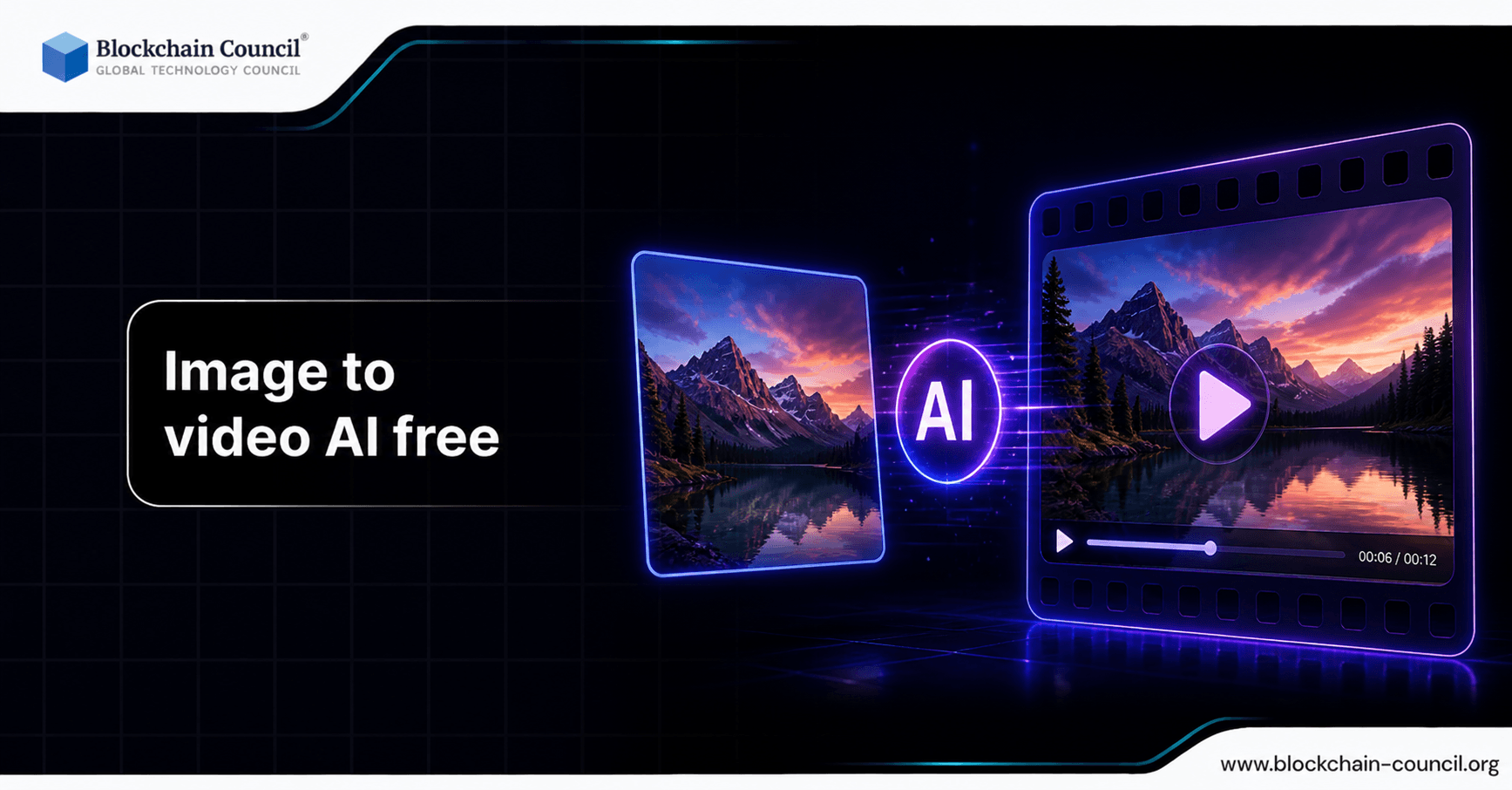
The rapid evolution of artificial intelligence has revolutionized digital content creation. One of the most exciting developments is the emergence of image-to-video AI tools, which allow users to convert static images into engaging videos. Even better, many of these tools are now available for free, making advanced video creation accessible to individuals and businesses alike.
Image-to-video AI technology is particularly valuable in marketing, social media, education, and entertainment. Instead of requiring complex video editing skills, users can now generate professional-quality videos with minimal effort.

This article explores the concept of image to video AI free tools, their features, benefits, applications, and recent advancements. It also highlights the importance of AI knowledge through certifications such as AI expert certification, Claude AI Certification, and ChatGPT Expert certification.
What is Image to Video AI?
Image to video AI refers to technology that uses artificial intelligence to transform still images into animated or video content. These tools apply machine learning algorithms to generate motion, transitions, and visual effects, creating a dynamic output from static input.
The process typically includes:
Image analysis
Motion generation
Scene enhancement
Video rendering
This technology eliminates the need for traditional video editing software and skills.
How Image to Video AI Works
Image-to-video AI tools rely on several advanced technologies:
Computer Vision
Computer vision allows the AI to understand the content of an image, including objects, backgrounds, and facial features.
Deep Learning Models
These models generate realistic motion and transitions based on learned patterns.
Generative AI
Generative models create new frames, simulating movement and enhancing visual quality.
Audio Integration
Some tools also add background music or voiceovers automatically.
Key Features of Free Image to Video AI Tools
Easy-to-Use Interface
Most tools are designed for beginners, requiring minimal technical knowledge.
Prebuilt Templates
Users can choose from templates to create videos quickly.
Animation Effects
AI adds motion effects such as zoom, pan, and transitions.
Text and Audio Integration
Users can add captions, voiceovers, and background music.
Cloud-Based Processing
Free tools often operate online, eliminating the need for installation.
Popular Use Cases
Social Media Content Creation
Influencers and marketers use image-to-video AI to create engaging posts for platforms like Instagram, TikTok, and YouTube.
Digital Marketing
Businesses use these tools to create promotional videos and advertisements. Skills can be enhanced through the AI powered digital marketing course.
Education and Training
Educators use AI-generated videos to explain concepts visually.
E-commerce
Online stores use image-to-video AI to showcase products dynamically.
Personal Projects
Individuals use these tools for storytelling, presentations, and creative projects.
Benefits of Image to Video AI Free Tools
Cost-Effective
Free tools make video creation accessible without expensive software.
Time-Saving
AI automates the entire process, reducing production time.
Accessibility
Anyone can create videos without technical expertise.
Creativity Enhancement
Users can experiment with different styles and effects بسهولة.
Limitations of Free Tools
Limited Features
Free versions may have restrictions on advanced features.
Watermarks
Some tools add watermarks to exported videos.
Quality Constraints
Output quality may be lower compared to premium tools.
Usage Limits
Free plans often have limits on video length or number of exports.
Recent Developments in Image to Video AI
Improved Motion Realism
New AI models generate more natural and realistic animations.
Integration with Generative AI
Tools now combine text-to-video and image-to-video capabilities.
AI Avatars and Facial Animation
Users can animate faces and create talking avatars.
Real-Time Video Generation
Some platforms now offer near-instant video creation.
Importance of AI Skills
Understanding how to use these tools effectively requires AI knowledge. Certifications such as:
help professionals stay competitive.
Developers can also benefit from the AI Powered coding expert Course to build similar tools.
Best Practices for Using Image to Video AI
Use high-quality images
Keep videos short and engaging
Add relevant text and audio
Optimize for target platforms
Review and edit AI-generated content
Ethical Considerations
Users should ensure:
Proper use of copyrighted images
Transparency in AI-generated content
Avoidance of misleading visuals
Future of Image to Video AI
The future includes:
More realistic animations
Better customization options
Integration with AR and VR
Increased accessibility
Conclusion
Image to video AI free tools have transformed how content is created. They make video production faster, easier, and more accessible, enabling individuals and businesses to create engaging visual content without technical expertise.
As technology continues to evolve, these tools will become even more powerful and versatile. However, combining AI capabilities with human creativity remains essential for producing meaningful and impactful content.
Related Articles
View All
AI & ML
AI Video Generator vs AI Production Platform
AI video generators create videos from prompts, scripts, images, and other inputs, while AI production platforms support broader end-to-end video workflows. Explore the key differences between AI video generators and AI production platforms, including features, use cases, automation, scalability, and video production workflows.
AI & ML
AI Video Generator: The Future of Video Production
### Excerpt AI video generators are transforming video production by enabling creators and businesses to generate high-quality videos from text, images, scripts, and prompts. Explore how AI video generation is shaping the future of content creation, filmmaking, marketing, and automated video production.

AI & ML
Built to Catch AI Cheating: Rethinking Pre-Employment Assessments with HireValid
Explore how HireValid is rethinking pre-employment assessments with AI-resistant test design, integrity signals, candidate evidence, and human review to address AI-assisted cheating.
Trending Articles
The Role of Blockchain in Ethical AI Development
How blockchain technology is being used to promote transparency and accountability in artificial intelligence systems.

Top 5 DeFi Platforms
Explore the leading decentralized finance platforms and what makes each one unique in the evolving DeFi landscape.
What is AWS? A Beginner's Guide to Cloud Computing
Everything you need to know about Amazon Web Services, cloud computing fundamentals, and career opportunities.