

Edge AI Hardware Explained: Chips, Sensors, GPUs, NPUs, and Edge Devices
 Suyash Raizada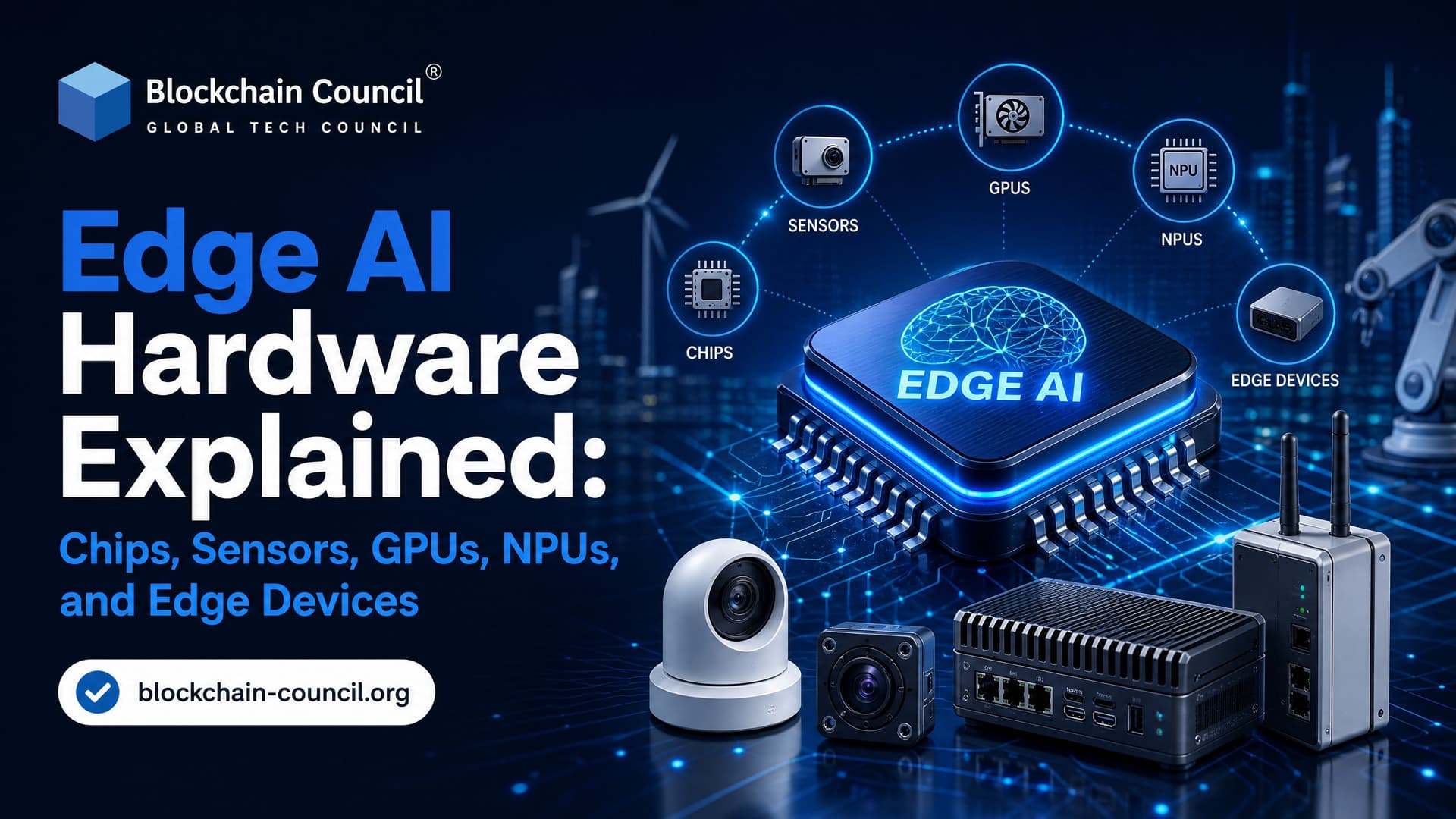
Edge AI hardware is the physical stack that lets AI models run where data is created: inside cameras, phones, drones, robots, industrial sensors, and IoT gateways. The short version is simple. Sensors capture the world, local chips process the data, and edge devices make decisions without waiting for a cloud server.
That local decision-making is the point. If a smart camera must detect a person, a robot must avoid a pallet, or a wearable must classify motion, sending every raw signal to the cloud adds latency, bandwidth cost, and privacy risk. Edge AI hardware cuts that dependency by placing CPUs, microcontrollers, GPUs, NPUs, FPGAs, ASICs, memory, connectivity, and power control close to the sensor.

As organizations continue deploying AI across industrial equipment, autonomous systems, and connected devices, professionals with a Certified Edge AI Expert background are increasingly helping bridge hardware selection, model optimization, and real-world deployment requirements for reliable edge intelligence.
What Edge AI Hardware Includes
Edge AI hardware is not one chip. It is a system. In most deployments, you will find four layers working together:
Sensors: Cameras, microphones, accelerometers, gyroscopes, temperature sensors, vibration sensors, radar, lidar, and other devices that convert physical signals into digital data.
General compute: CPUs and microcontrollers that run operating systems, device logic, networking, and small machine learning workloads.
AI accelerators: GPUs, NPUs, TPUs, FPGAs, and ASICs designed to speed up neural network inference.
Edge devices: Complete systems such as smartphones, smart cameras, drones, robots, industrial controllers, and IoT nodes.
Embedded AI practitioners consistently point out that most current edge AI workloads are still vision and audio. Think object detection, quality inspection, wake word detection, speech commands, machine sound classification, and traffic monitoring. That will not hold forever, but it is the practical reality today.
Sensors: The Starting Point of Edge AI
Bad sensor data produces bad inference. Simple as that.
Sensors capture raw signals from the environment. A camera measures light. A microphone captures air pressure changes. An accelerometer measures movement. Environmental sensors track temperature, humidity, gas concentration, or light intensity. Edge AI hardware then filters, compresses, normalizes, or extracts features before running an AI model.
Common sensor types in edge AI
Cameras: Used for object detection, face recognition, driver monitoring, retail analytics, defect detection, and scene understanding.
Microphones: Used for wake words, speech recognition, acoustic anomaly detection, and noise classification.
Motion sensors: Accelerometers and gyroscopes support wearables, robotics, drones, and activity recognition.
Environmental sensors: Temperature, humidity, gas, vibration, and light sensors support smart buildings, factories, farms, and energy systems.
On small devices, preprocessing matters. A microcontroller might not have enough RAM for a full spectrogram or image buffer. If you have worked with TensorFlow Lite Micro, you have probably hit the painful message: Failed to allocate tensors. Often the fix is not a smarter model. It is reducing input resolution, trimming the feature window, or increasing the tensor arena if the MCU has memory left.
Building reliable edge AI systems also requires disciplined lifecycle management beyond hardware selection. As fleets of intelligent devices grow, many engineers strengthen their expertise through a Certified MLOps Expert program to better understand model versioning, deployment automation, monitoring, and continuous updates across distributed edge environments.
CPUs and Microcontrollers in Edge AI
CPUs are still everywhere in edge AI hardware. They run Linux, Android, RTOS workloads, networking stacks, business logic, and lightweight inference. For simple classical ML, rule-based logic, or small neural networks, a CPU-only design can be perfectly fine.
Microcontrollers, or MCUs, go further down the power and cost curve. They combine a CPU core, memory, timers, ADCs, communication interfaces, and peripherals on one chip. You will find them in thermostats, fitness bands, smart lights, appliance controllers, and low-cost industrial sensors.
The trade-off is clear. MCUs are cheap and power efficient, but memory is tight. A model that looks tiny on your laptop can still be too large once buffers, runtime overhead, and sensor data are included. For battery devices, an MCU with an efficient feature pipeline often beats a bigger chip that burns power while idle.
GPUs: Parallel Compute for Heavy Edge Workloads
GPUs were built for graphics, but their parallel architecture made them central to deep learning. They handle matrix-heavy workloads well, especially when dimensions and batch sizes are large.
At the edge, GPUs are common in robots, autonomous machines, industrial vision systems, and advanced cameras. NVIDIA Jetson modules are a familiar example. NVIDIA states that Jetson AGX Orin can deliver up to 275 TOPS, which puts it in the high-performance edge AI category for robotics, SLAM, sensor fusion, and multi-camera perception.
Benchmark comparisons are useful here. In large matrix multiplication, GPUs can show lower latency and roughly double the throughput of NPUs, and they hold a clear edge on LSTM-style models. That does not mean GPUs always win. It means they are strong when the workload is compute-bound and large enough to keep the hardware busy.
Use a GPU when you need throughput, high-resolution vision, multiple video streams, or model flexibility. Do not reach for one by default on a tiny battery sensor. Power draw and thermal design will punish you.
NPUs: The Chip Category Defining Modern Edge AI
Neural Processing Units, or NPUs, are specialized processors built for neural network inference. IBM and major semiconductor vendors describe NPUs as a core part of modern AI hardware because they can run deep learning tasks with lower latency and lower power than general-purpose processors in many edge scenarios.
NPUs are optimized for parallel operations, low-precision math such as INT8, and the data movement patterns common in inference. They are now built into smartphones, tablets, smart TVs, AI PCs, IoT gateways, cameras, and industrial systems.
Where NPUs are strongest
Small-batch inference: Real-time edge AI usually processes one frame, one sound window, or one user request at a time.
Vision and audio: Object detection, segmentation, computational photography, voice control, and noise reduction fit well.
Memory-bound workloads: On matrix-vector operations, NPUs often show lower latency than GPUs because they are less dependent on keeping large batches busy.
Local LLM inference: On efficient runtimes, NPUs can outpace GPUs for small on-device language model workloads.
One practical warning: model conversion can quietly change performance. If an operator is not supported by the NPU runtime, it may fall back to CPU. Your demo still runs, but latency jumps. Check the execution provider logs. Also watch tensor layout. A model exported in NCHW may need conversion for runtimes that expect NHWC, and that transpose can cost more than you expect on small devices.
TPUs, FPGAs, and ASICs
Tensor Processing Units, or TPUs, are domain-specific chips focused on tensor operations. Google made TPUs well known in data centers, while edge devices often use similar tensor accelerator ideas in mobile and embedded SoCs.
FPGAs are different. They can be reprogrammed after manufacturing, which makes them useful when you need custom acceleration but cannot commit to a fixed chip design. They are common in industrial, telecom, automotive, and defense settings where data pipelines may be specialized.
ASICs are fixed-function chips built for a narrow workload. A vision ASIC inside a smart camera can be fast and efficient, but flexibility is limited. If your model architecture changes often, an ASIC can become a constraint. If your workload is stable and volume is high, an ASIC can be the best answer.
Edge AI Devices and Modules
Edge AI devices bring the pieces together: sensor input, compute, memory, storage, connectivity, and power management. The best choice depends on workload, latency target, budget, and deployment environment.
NVIDIA Jetson AGX Orin: Up to 275 TOPS, aimed at robotics and autonomous systems with demanding local AI workloads.
Qualcomm Robotics RB5: Around 15 TOPS through the Qualcomm AI Engine, plus 5G connectivity for robotics, drones, and IoT systems.
MediaTek AI platforms: Mobile and smart TV SoCs with NPUs for image processing, voice interfaces, content recognition, and AI plus IoT devices.
MCU-based boards: Useful for wake words, vibration analysis, anomaly detection, and low-power sensing when models are small.
TOPS is useful, but do not buy hardware on TOPS alone. Memory bandwidth, supported operators, compiler quality, camera interfaces, thermal limits, and software tooling matter just as much. A 15 TOPS device with a good runtime can beat a higher-rated board if your model maps cleanly to its accelerator.
How to Choose Edge AI Hardware
Start with the workload. Then pick the chip.
Start with the sensor: Define resolution, sampling rate, noise level, and preprocessing requirements.
Set latency and power limits: A factory camera on mains power has very different constraints from a coin-cell wearable.
Profile the model: Measure RAM, flash, operator support, quantization accuracy, and inference time.
Match compute to workload: Use MCUs for tiny models, CPUs for control and light inference, GPUs for heavy parallel workloads, and NPUs for efficient real-time inference.
Validate on hardware early: Desktop benchmarks lie. Thermal throttling, camera driver overhead, and runtime fallbacks show up only on the target device.
Structured AI training helps when you are moving from experiments to production. If you want to connect edge AI concepts with model design, deployment, and governance, the Certified Artificial Intelligence (AI) Expert™ and Certified Generative AI Expert™ programs from Blockchain Council are a good fit. If your work touches device identity, IoT security, or trusted data flows, pair the AI track with blockchain and cybersecurity certifications.
Where Edge AI Hardware Is Heading
The direction is clear: more NPUs, more heterogeneous chips, and more AI inside ordinary devices. AI PCs now combine CPU, GPU, and NPU. Phones already use NPUs for camera pipelines and voice features. Industrial systems are shifting from sending raw data to the cloud toward local inference plus selective cloud sync.
Expect three practical shifts:
More local multimodal AI: Devices will combine camera, audio, motion, and text signals for richer context.
Better energy efficiency: Low-precision inference, sparsity, and domain-specific accelerators will keep pushing performance per watt.
Split inference architectures: Some tasks will run on-device, some on a nearby gateway, and some in the cloud, especially where 5G or private networks are available.
To be blunt, edge AI hardware is not about replacing the cloud. It is about putting the right computation in the right place. Start with one real workload: a camera detection model, a wake word model, or a vibration anomaly detector. Run it on an MCU, an NPU device, and a GPU module if you can. The performance differences will teach you more than any spec sheet.
As edge AI hardware increasingly powers smart products, connected customer experiences, and AI-enabled business solutions, professionals who complement their technical expertise with a Marketing Certification are better equipped to align innovation with customer needs, product positioning, and long-term business growth.
FAQs
1. What is Edge AI hardware?
Edge AI hardware refers to physical devices that run artificial intelligence models locally instead of relying on cloud servers. These devices include processors, AI accelerators, microcontrollers, GPUs, NPUs, TPUs, and embedded systems that enable real-time AI inference close to where data is generated.
2. Why is Edge AI hardware important?
Edge AI hardware enables AI applications to process data with low latency, reduced bandwidth usage, and improved privacy. By performing computations directly on devices, organizations can deliver faster responses and continue operating even when internet connectivity is limited or unavailable.
3. What are the main components of Edge AI hardware?
Edge AI hardware typically includes processors (CPUs), graphics processing units (GPUs), neural processing units (NPUs), memory, storage, sensors, connectivity modules, and AI accelerators. Together, these components support efficient machine learning inference on edge devices.
4. What is an AI accelerator in Edge AI?
An AI accelerator is specialized hardware designed to speed up AI and machine learning workloads. Unlike general-purpose CPUs, AI accelerators optimize neural network computations, resulting in faster inference, lower power consumption, and improved performance for AI applications.
5. What is the difference between CPUs, GPUs, and NPUs?
CPUs are versatile processors suitable for general computing tasks. GPUs excel at handling parallel computations required for AI and graphics workloads. NPUs are purpose-built chips optimized specifically for neural network inference, providing high efficiency with lower power consumption.
6. What types of devices use Edge AI hardware?
Edge AI hardware is found in smartphones, IoT devices, industrial robots, autonomous vehicles, drones, surveillance cameras, wearable devices, medical equipment, retail kiosks, smart appliances, and manufacturing systems.
7. What is the role of microcontrollers in Edge AI?
Microcontrollers power lightweight Edge AI applications using TinyML models. They are commonly used in battery-powered sensors, wearable devices, environmental monitoring systems, and smart home products where low energy consumption is essential.
8. What is an NPU (Neural Processing Unit)?
A Neural Processing Unit (NPU) is a dedicated processor designed specifically for artificial intelligence tasks. NPUs accelerate neural network inference while consuming less power than CPUs or GPUs, making them ideal for smartphones, laptops, and embedded devices.
9. What is Google's Edge TPU?
Google's Edge TPU is a purpose-built AI accelerator designed to execute TensorFlow Lite models efficiently on edge devices. It enables high-speed machine learning inference while maintaining low power consumption for embedded and IoT applications.
10. What is NVIDIA Jetson?
NVIDIA Jetson is a family of Edge AI computing platforms designed for robotics, autonomous machines, industrial automation, healthcare, and computer vision applications. Jetson devices combine GPUs with AI software tools to deliver powerful edge computing capabilities.
11. What is Intel OpenVINO-compatible hardware?
Intel OpenVINO supports Intel CPUs, integrated GPUs, VPUs, and AI accelerators. It optimizes AI models for Intel hardware, helping developers achieve faster inference and improved performance across edge deployments.
12. How do Edge AI chips reduce latency?
Edge AI chips process AI workloads directly on the device instead of sending data to remote cloud servers. Local processing eliminates network delays, enabling real-time responses for applications such as autonomous driving, industrial inspection, and video analytics.
13. Which industries rely on Edge AI hardware?
Industries including healthcare, manufacturing, retail, agriculture, automotive, logistics, telecommunications, energy, defense, and smart cities rely on Edge AI hardware to enable intelligent automation and real-time decision-making.
14. What factors should businesses consider when choosing Edge AI hardware?
Organizations should evaluate processing performance, memory capacity, energy efficiency, hardware compatibility, AI framework support, scalability, environmental durability, security features, connectivity options, and total cost of ownership before selecting Edge AI hardware.
15. Can Edge AI hardware work without cloud connectivity?
Yes. One of the major advantages of Edge AI hardware is its ability to perform inference locally without requiring continuous internet access. Devices can continue making intelligent decisions offline and synchronize with cloud services when connectivity becomes available.
16. What are the biggest challenges of Edge AI hardware?
Common challenges include limited processing resources, power constraints, thermal management, hardware compatibility, software optimization, security vulnerabilities, lifecycle management, and balancing performance with energy efficiency.
17. How does Edge AI hardware improve data privacy?
Because data is processed locally on the device, sensitive information often does not need to be continuously transmitted to cloud servers. This reduces exposure to cyber threats and helps organizations meet privacy and data protection requirements.
18. What are the latest trends in Edge AI hardware?
Current trends include AI-specific processors, integrated NPUs in consumer devices, TinyML-enabled microcontrollers, energy-efficient AI chips, heterogeneous computing architectures, AI-enabled robotics, and dedicated edge accelerators for generative AI workloads.
19. How do developers optimize AI models for Edge AI hardware?
Developers use techniques such as quantization, pruning, model compression, hardware-aware optimization, operator fusion, and framework-specific acceleration to improve inference speed, reduce memory usage, and maximize hardware efficiency.
20. Why is Edge AI hardware important for the future of artificial intelligence?
Edge AI hardware is the foundation of intelligent, real-time computing outside the cloud. As connected devices, autonomous systems, industrial automation, healthcare technologies, and smart infrastructure continue to expand, powerful and energy-efficient Edge AI hardware will play a critical role in enabling scalable, secure, and responsive AI applications across virtually every industry.
Related Articles
View All
Edge Ai
Edge AI for IoT Devices: How Intelligent Sensors Enable Smarter Automation
Edge AI for IoT devices turns sensors into local decision-makers, enabling faster automation, predictive maintenance, privacy, and offline operation.

Edge Ai
Edge AI Architecture Explained: Devices, Gateways, Models, and Edge Servers
Edge AI architecture explained across devices, gateways, models, edge servers, and cloud, with real deployment patterns, trade-offs, and use cases.

Edge Ai
Edge AI Security Best Practices for Devices, Data, Models, and Networks
Learn Edge AI security best practices for protecting devices, data, models, and networks with zero trust, encryption, attestation, and monitoring.
Trending Articles
How Blockchain Secures AI Data
Understand how blockchain technology is being applied to protect the integrity and security of AI training data.
Claude AI Tools for Productivity
Discover Claude AI tools for productivity to streamline tasks, manage workflows, and improve efficiency.
How to Install Claude Code
Learn how to install Claude Code on macOS, Linux, and Windows using the native installer, plus verification, authentication, and troubleshooting tips.