

Fun Blockchain Activities for Kids: Games, Projects, and Learning Ideas
 Suyash Raizada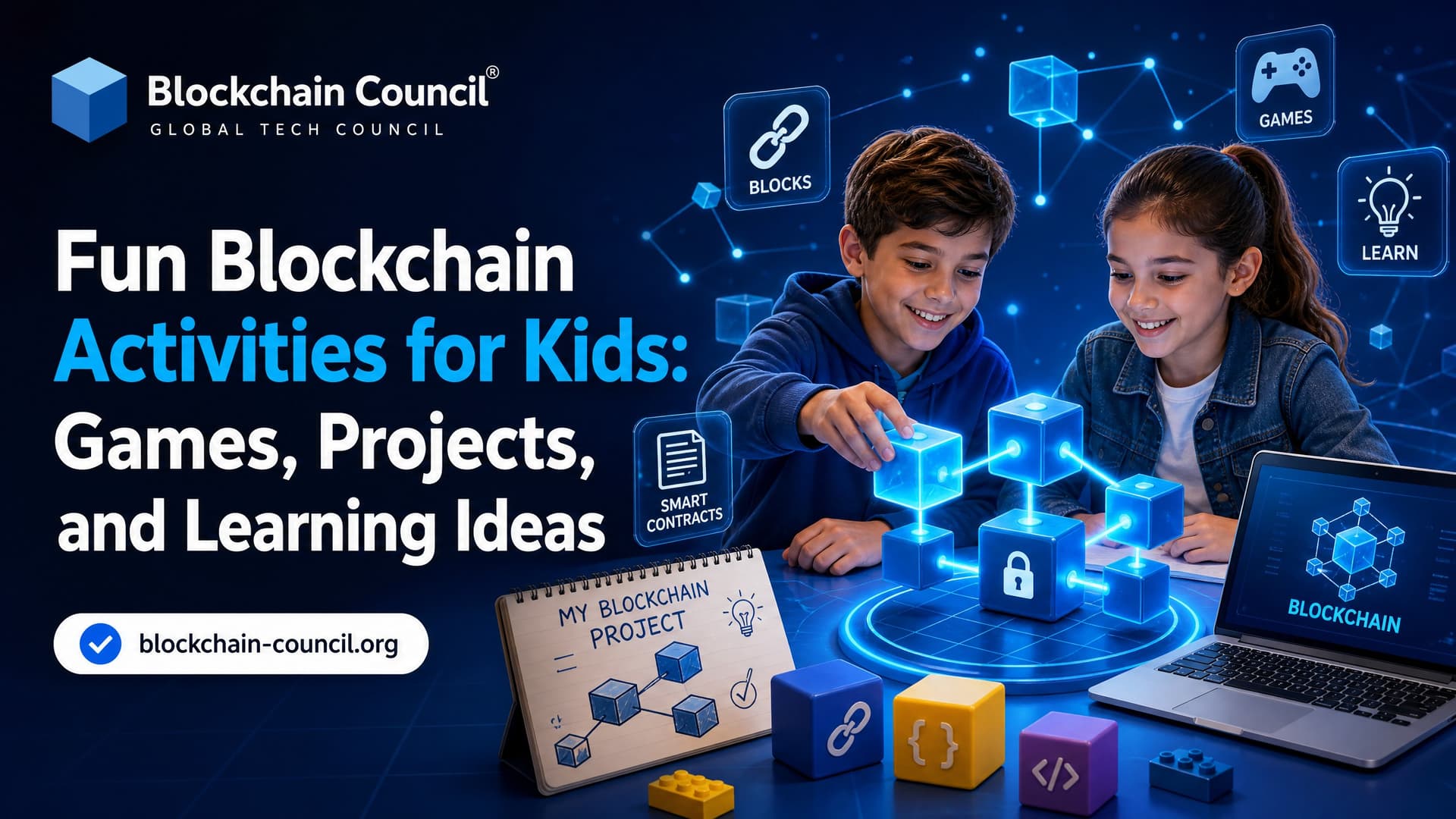
Blockchain activities for kids can make an abstract technology feel simple, creative, and safe. Instead of starting with cryptocurrency prices or trading, educators can use games, paper ledgers, role play, puzzles, and beginner coding projects to explain how blocks, hashes, mining, consensus, and digital ownership work.
This matters because blockchain is no longer limited to finance. Researchers and enterprises now connect blockchain concepts to healthcare data sharing, supply chains, Internet of Things systems, credentials, and digital identity. For children and teens, the best approach is to focus on concepts, ethics, and problem solving rather than real assets or speculation.

Why Teach Blockchain to Kids Through Activities?
Blockchain can be difficult to explain through definitions alone. A distributed ledger, for example, becomes much easier to understand when a class keeps multiple copies of the same notebook and checks whether each copy matches. A hash becomes less mysterious when students create simple fingerprints for blocks of information.
Educational practice shows that kids blockchain games work best when they are:
Hands-on: Learners build blocks, update ledgers, and test rules themselves.
Low-risk: Activities use points, paper tokens, or test networks instead of real money.
Age-appropriate: Younger children use stories and cards, while teens can explore code and smart contracts.
Ethics-aware: Students discuss privacy, transparency, digital citizenship, and when blockchain is or is not useful.
University and industry examples support this approach. Tabletop strategy games can help learners understand how miners add blocks and earn rewards. Classroom simulations let students act as nodes and miners maintaining a shared ledger. Several learning platforms have also introduced kid-friendly blockchain activities as part of their Web3 content. Creating enjoyable educational experiences requires creativity, communication, and audience engagement. A Marketing Certification helps educators improve storytelling, digital content creation, classroom engagement, and educational branding. These skills enable teachers and parents to design fun blockchain games, activities, and learning experiences that keep children motivated while simplifying complex concepts.
Activity 1: Build a Human Blockchain
This unplugged activity is ideal for ages 8 to 11 and requires only paper, markers, and a group of students.
How It Works
Give each child a card labeled as a block.
Ask them to write simple transactions, such as Ava gives Ben 2 points.
Each block must include a short code from the previous block, such as the last two letters or a simple checksum.
Students stand in a line to form the blockchain.
Ask one student in the middle to change a transaction and observe what happens to the later blocks.
The lesson is simple: changing old data breaks the chain unless every later block is changed too. This introduces immutability, one of blockchain's most important features, without requiring any computers.
Activity 2: Play a Mining-Style Card Game
A mining-themed card game is a useful model for teaching blockchain without exposing children to cryptocurrency markets. In a classroom version, students draw transaction cards and block cards, then compete to create valid blocks that satisfy a simple rule.
Materials
Transaction cards with fictional transfers
Block cards with limited space
Reward tokens or points
A rule sheet for what counts as a valid block
Learning Outcomes
How transactions are grouped into blocks
Why miners need incentives
Why rules are necessary in a shared network
How competition can help secure a ledger
Keep the reward system symbolic. Stickers, classroom points, or paper coins are enough. The goal is to teach network behavior, not financial speculation.
Activity 3: Run a Classroom Blockchain Simulation
For ages 12 to 15, a classroom simulation can introduce more detailed ideas. One effective format has students become nodes and miners who maintain a fictional university grade ledger.
Steps for Teachers
Assign each student a role, such as node, miner, or transaction sender.
Create simple identities using student IDs and key pairs.
Start with a genesis block that contains the first set of records.
Ask students to calculate a simple hash using a classroom-friendly rule.
Let miners search for a nonce that makes the block meet a difficulty requirement.
When a valid block is found, every node updates their copy of the ledger.
This activity introduces hashes, nonces, mining, consensus, genesis blocks, private keys, and ledger replication. It also supports discussion about when blockchain makes sense. For example, a shared ledger may be useful when many parties need to verify the same records, but it may not be the best choice for every database problem.
Activity 4: Use a Block Explorer Role Play
A block explorer helps users inspect blockchain transactions. Children can simulate this with a paper ledger.
After building several blocks, ask students to investigate the chain:
Which block contains a specific transaction?
Does every block point to the previous one correctly?
Can students detect a changed or invalid block?
What information is public, and what should remain private?
This is a valuable digital citizenship activity. It helps learners understand that transparency can be useful, but public data also creates privacy concerns.
Activity 5: Try a Kid-Friendly Web3 Quiz or Interactive Module
Digital platforms are beginning to introduce Web3 for kids through short interactive lessons. These modules present Web3 and cryptocurrency concepts in a simplified format for young learners.
Use these modules as warm-ups rather than complete lessons. A short quiz can introduce vocabulary such as blockchain, wallet, token, miner, and smart contract. Then, students can reinforce the ideas through a paper activity or group project.
Activity 6: Design a Blockchain Use Case Poster
This project works well after a game or simulation. Ask students to choose a real-world problem and decide whether a blockchain could help.
Example Themes
Tracking food from farm to store
Verifying school certificates
Recording donations for transparency
Sharing medical records securely
Logging events from IoT devices
Students should answer four questions:
Who needs to share the data?
Why do they need to trust the records?
What information should be public or private?
Is blockchain truly needed, or would a normal database work?
This encourages critical thinking and prevents the common mistake of treating blockchain as a solution for every problem.
Activity 7: Build a Simple Blockchain in Code
For ages 15 to 18, blockchain projects for students can move from paper to programming. A beginner coding project can define blocks as data structures containing an index, timestamp, data, previous hash, and current hash.
Students can then test what happens when they change the data in an old block. If the hash changes, the next block no longer matches. This connects directly to the earlier human blockchain or classroom ledger activity.
Advanced teens may also experiment with smart contracts on test networks. Developer tutorials now make it easier to build simple blockchain games, token systems, or digital collectibles using templates and front-end buttons that call smart contract functions. Educators should use test networks only and avoid real-value assets.
Safety Guidelines for Parents and Teachers
Because blockchain is often associated with crypto assets, safety must come first. Follow these principles:
Avoid real money: Use paper tokens, points, or test networks.
Do not ask children to create real wallets: If wallets are needed for teen projects, use supervised test environments.
Teach privacy: Explain that blockchain data can be permanent and visible.
Separate learning from investing: Focus on computing concepts, not price charts.
Discuss ethics: Include questions about energy use, regulation, scams, and responsible design.
Parents and teachers can make blockchain activities even more effective by combining them with guided online learning. Platforms such as Intellect Council provide interactive lessons that introduce blockchain alongside AI, coding, robotics, and digital literacy, helping children connect classroom activities with real-world technology skills.
How Blockchain Activities Connect to Future Skills
Blockchain learning supports broader STEAM education. It introduces cryptography, networks, game theory, economics, cybersecurity, and software development. It also helps students ask deeper questions about trust in digital systems.
For older learners who want to continue, Blockchain Council offers structured learning paths, including Blockchain for Beginners, Certified Blockchain Expert, Certified Smart Contract Developer, and related Web3 and cybersecurity certifications. These are more suitable for advanced teens, university students, and professionals building formal expertise.
Conclusion
Blockchain activities for kids are still an emerging area, but the direction is clear. The most effective learning experiences are playful, hands-on, and concept-first. Tabletop games, classroom simulations, interactive Web3 modules, and beginner coding projects all show how complex ideas can become accessible.
For parents and teachers, the key is to keep blockchain education safe and age-appropriate. Start with paper chains, classroom ledgers, and simple games. Then, for older students, progress toward coding, smart contracts on test networks, and real-world design challenges. Done well, blockchain learning can become a gateway to digital literacy, cybersecurity, software development, and responsible participation in the future of Web3.
FAQs
1. What Are the Best Fun Blockchain Activities for Kids?
The best blockchain activities for kids include interactive games, digital ownership simulations, coding projects, storytelling exercises, STEM challenges, blockchain board games, and classroom activities that explain blockchain concepts through hands-on learning rather than technical lectures.
2. Why Are Hands-On Blockchain Activities Important for Kids?
Hands-on activities make complex blockchain concepts easier to understand by encouraging children to experiment, collaborate, solve problems, and apply their knowledge. Project-based learning also improves engagement, creativity, and long-term knowledge retention.
3. At What Age Can Kids Start Blockchain Activities?
Children can begin simple blockchain activities around ages 8-10 using visual games and classroom simulations. Older students can participate in coding projects, blockchain models, smart contract demonstrations, and digital ownership exercises.
4. What Blockchain Games Can Kids Play to Learn?
Educational blockchain games may include puzzle-solving challenges, blockchain chain-building activities, transaction simulations, digital ownership matching games, and interactive quizzes that teach decentralization, security, and record-keeping in a fun way.
5. How Can Teachers Use Blockchain Games in the Classroom?
Teachers can organize role-playing activities, group simulations, team competitions, blockchain storytelling exercises, and collaborative STEM challenges that demonstrate how blockchain records and verifies information securely.
6. What Are Some Easy Blockchain Projects for Beginners?
Beginner-friendly projects include creating a paper blockchain, designing a digital ownership certificate, building a simple blockchain simulation, coding a basic blockchain model, and creating presentations explaining how blockchain works.
7. Can Kids Learn Coding Through Blockchain Projects?
Yes. Blockchain projects often introduce programming concepts through simple coding exercises, allowing children to understand how digital records, transactions, and decentralized systems operate while strengthening their coding skills.
8. How Do Blockchain Activities Support STEM Learning?
Blockchain activities combine computer science, mathematics, engineering, cybersecurity, and logical reasoning. These interdisciplinary projects encourage critical thinking, innovation, and practical problem-solving.
9. What Skills Do Kids Develop Through Blockchain Games and Projects?
Children develop digital literacy, computational thinking, coding, cybersecurity awareness, communication, teamwork, creativity, analytical thinking, research skills, and confidence in using emerging technologies.
10. Can Parents Do Blockchain Activities at Home?
Yes. Parents can organize simple blockchain games, create family STEM projects, watch educational videos together, build blockchain models using craft materials, and encourage children to explain blockchain concepts through creative storytelling.
11. How Can Digital Ownership Activities Help Kids Understand Blockchain?
Digital ownership activities demonstrate how blockchain verifies ownership of digital items without relying on a central authority. Children can create digital certificates or collectible projects to better understand this concept.
12. What Materials Are Needed for Offline Blockchain Activities?
Many blockchain activities require only paper, markers, index cards, sticky notes, building blocks, or printable worksheets. Simple classroom materials can effectively demonstrate blockchain principles without using computers.
13. Can Blockchain Activities Be Combined With Robotics and AI?
Yes. Advanced STEM programs often combine blockchain with robotics, coding, AI, cybersecurity, and IoT projects to help students understand how emerging technologies interact in real-world applications.
14. How Can Teachers Assess Blockchain Projects?
Teachers can evaluate projects based on creativity, teamwork, understanding of blockchain concepts, presentation quality, problem-solving skills, coding ability (where applicable), and the student's explanation of how blockchain works.
15. What Common Mistakes Should Parents and Teachers Avoid?
They should avoid introducing complex cryptocurrency topics too early, focusing on financial speculation, overwhelming children with technical terminology, or relying solely on lectures instead of interactive learning experiences.
16. Are Online Blockchain Games Safe for Kids?
Educational blockchain games designed for children are generally safe when used under adult supervision. Parents should choose reputable educational platforms, review privacy settings, and ensure the content is age-appropriate.
17. How Can Blockchain Activities Encourage Creativity?
Children can design digital collectibles, invent blockchain-based games, create classroom token systems, build interactive presentations, and develop original STEM projects that encourage imagination alongside technical learning.
18. What Future Careers Can Blockchain Activities Inspire?
Hands-on blockchain learning can spark interest in careers such as blockchain developer, software engineer, cybersecurity specialist, AI engineer, game developer, fintech professional, cloud architect, and Web3 application developer.
19. How Can Parents Measure Learning Through Blockchain Activities?
Parents can assess progress by reviewing completed projects, observing problem-solving abilities, encouraging children to explain blockchain concepts, maintaining digital portfolios, and tracking improvements in coding, STEM, and critical thinking skills.
20. Why Are Fun Blockchain Activities an Effective Way for Kids to Learn?
Fun blockchain activities transform abstract concepts into engaging learning experiences through games, projects, and creative challenges. By combining interactive STEM education with age-appropriate lessons, children develop digital literacy, technical confidence, collaboration, and future-ready skills while building a strong foundation in blockchain technology in a safe and enjoyable environment.
Related Articles
View All
Blockchain For Kids
Best Blockchain Learning Resources for Kids: Books, Courses, Apps, and Videos
Explore the best blockchain learning resources for kids, including books, courses, apps, videos, safety tips, and age-appropriate learning paths.

Blockchain For Kids
Blockchain Safety for Kids: Digital Wallets, NFTs, and Online Privacy
A practical guide to blockchain safety for kids, covering digital wallets, NFT risks, online privacy, scams, and family-friendly security habits.

Blockchain For Kids
Blockchain and Cryptocurrency for Kids: A Guide for Parents and Teachers
A practical guide to blockchain and cryptocurrency for kids, covering age-appropriate lessons, risks, safety, school curricula, and parent guidance.
Trending Articles

Can DeFi 2.0 Bridge the Gap Between Traditional and Decentralized Finance?
The next generation of DeFi protocols aims to connect traditional banking with decentralized finance ecosystems.
How to Create Claude Skills?
Claude Skills are one of the most important features Anthropic has introduced for users who want automation that is structured, consistent and reusable. Instead of giving Claude long instructions ever
Claude Code Vs Cursor
Claude Code vs Cursor compares two AI coding tools based on features, automation, and developer workflows.