

Anthropic API Key

Introduction
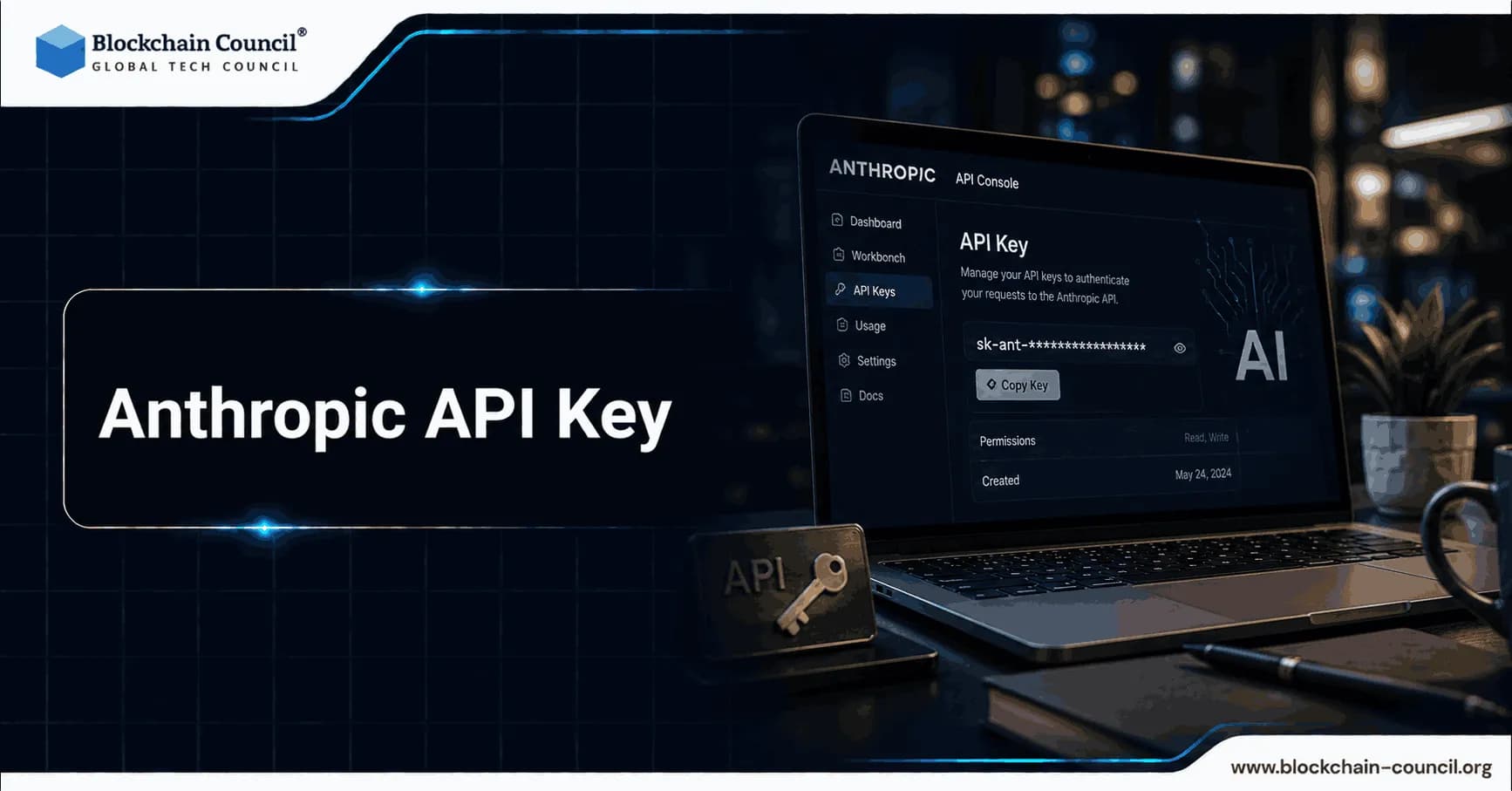
Every application that communicates with Claude whether a customer support tool, a coding assistant, an agentic workflow, or a research pipeline begins with a single credential: the Anthropic API Key. This key is the authentication mechanism that connects a developer's application to Anthropic's model infrastructure, authorizes each request, and ties usage to a billing account. Consequently, understanding how to generate it correctly, store it safely, manage its lifecycle, and optimize the workflows it enables is foundational knowledge for any developer, engineer, or product team building on the Claude model family. This guide covers every aspect of the Anthropic API Key from account creation and key generation to usage tier management, cost optimization, and security best practices in a single, structured reference.
What Is the Anthropic API Key?
The Anthropic API Key is a unique authentication credential that identifies and authorizes access to Anthropic's Claude API endpoints. It is generated through the Anthropic Console at console.anthropic.com and takes the format sk-ant-api03- followed by a long random string. Every API request sent to Anthropic's servers must include this key in the request header under x-api-key. Without it, requests return an authentication error and no model response is returned.

The key serves two simultaneous functions. First, it authenticates the request confirming to Anthropic's infrastructure that the call originates from an authorized account. Second, it links the request to a specific billing account so that token consumption is tracked and charged accurately. Therefore, the key is both a security credential and a billing identifier, and treating it with appropriate care directly protects both access continuity and financial exposure.
A separate credential type, the Admin API Key, formatted as sk-ant-admin- is used exclusively for organization-level management operations through the Admin API. Only account members with the admin role can provision Admin API keys. Standard Anthropic API Keys handle all model inference requests, while Admin API Keys are reserved for usage reporting, workspace management, and account administration.
How to Create an Anthropic Account
Generating an Anthropic API Key requires an Anthropic developer account. The account setup process is accessible to anyone and takes under five minutes to complete.
Step 1 Navigate to the Console: Open a browser and go to console.anthropic.com. This is the developer dashboard, separate from claude.ai which serves end users. Click the Sign Up button or use the Continue with Google option for single sign-on.
Step 2 Register and Verify: Enter a valid email address and complete the verification step. Depending on region and account type, phone number verification may also be required. Some regions may require a brief account review by Anthropic before API access is activated. New accounts typically receive an email confirmation when access is ready.
Step 3 Add a Payment Method: Before generating a working API key, navigate to Settings and then Billing to add a credit card or debit card. The Anthropic API operates on a pay-as-you-go token model — there is no monthly subscription fee for API access alone. New accounts receive approximately $5 in free trial credits that apply across all current Claude models, providing enough capacity to test and prototype before incurring any charges.
Step 4 Set a Spending Limit: While in the Billing section, set a monthly spending limit for the account. This cap prevents unexpected charges during development and protects against accidental runaway usage in automated workflows. The limit can be adjusted upward at any time through the console.
How to Generate an Anthropic API Key
With a verified account and payment method in place, key generation is a straightforward two-minute process.
Step 1 Navigate to API Keys: In the left sidebar of the Anthropic Console dashboard, click API Keys. This section displays all existing keys associated with the account, including their names, creation dates, and last-used timestamps.
Step 2 Create a New Key: Click the Create Key button in the upper right corner of the API Keys panel. A dialog box appears prompting for a key name.
Step 3 Name the Key Descriptively: Choose a name that reflects the key's intended use. Names such as production-backend, development-local, staging-environment, or mobile-app make it straightforward to identify which key belongs to which system later. Descriptive names also make security audits more efficient because each key's purpose is immediately clear from the dashboard.
Step 4 Copy and Store Immediately: After clicking Create, the full Anthropic API Key appears on screen exactly once. Copy it immediately and store it in a secure location. Anthropic does not retain the full key value after this point; only a hashed reference is stored in the console. If the key is lost, a new one must be generated and the old one deactivated.
Step 5 Scope the Key (Optional): For organizations with multiple workspaces, keys can be scoped to a specific workspace during creation. This limits the key's access to resources within that workspace only, which is particularly useful for teams running separate development, staging, and production environments under a single Anthropic organization.
Storing and Using the API Key Securely
How the Anthropic API Key is stored and passed to applications determines the security posture of the entire integration. A compromised key means unauthorized access and charges that are the account holder's responsibility unless Anthropic-side failure can be demonstrated.
Environment Variables
The correct way to use an API key in any application is through environment variables. Store the key as ANTHROPIC_API_KEY in an .env file that is explicitly excluded from version control through .gitignore. The Anthropic Python and JavaScript SDKs read this variable automatically when no API key is passed explicitly:
import anthropic
client = anthropic.Anthropic() # reads ANTHROPIC_API_KEY automatically
import Anthropic from "@anthropic-ai/sdk";
const client = new Anthropic(); // reads ANTHROPIC_API_KEY automatically
This approach means the key never appears in source code, logs, or version history.
Secrets Managers for Production
In production environments, environment variables alone are insufficient for high-security deployments. Use a dedicated secrets manager — such as AWS Secrets Manager, HashiCorp Vault, or a platform-native equivalent — to store and retrieve the key programmatically. These systems provide access logging, automatic rotation support, and audit trails that environment variables cannot match.
What to Avoid
Several common mistakes significantly increase the risk of key exposure. Never commit an API key to a public or private code repository. Even in private repositories, key exposure through accidental commits is one of the most common sources of credential leaks. Never share the key in email, chat messages, or support tickets including communications with Anthropic support, which explicitly warns against this practice. Never embed the key in client-side code such as browser JavaScript, mobile app binaries, or any code that is distributed to end users. All of these environments are reverse-engineerable.
Making Your First API Call
With the key stored as an environment variable, making a first API call requires only a few lines of code. The following examples demonstrate a basic request to the Claude API in both Python and JavaScript.
Python:
import anthropic
client = anthropic.Anthropic()
message = client.messages.create(
model="claude-sonnet-4-6",
max_tokens=1024,
messages=[
{"role": "user", "content": "Hello, Claude!"}
]
)
print(message.content)
JavaScript:
import Anthropic from "@anthropic-ai/sdk";
const client = new Anthropic();
const message = await client.messages.create({
model: "claude-sonnet-4-6",
max_tokens: 1024,
messages: [
{ role: "user", content: "Hello, Claude!" }
],
});
console.log(message.content);
A successful response returns Claude's reply in JSON format under the content field. A 401 error indicates an invalid or missing key. A 429 error indicates a rate limit has been reached for the current usage tier.
Available Claude Models in 2026
The Anthropic API Key provides access to all current Claude models. In 2026, three primary production tiers are recommended based on the trade-offs between capability, speed, and cost.
Claude Opus 4.6 and 4.7 are the most capable models in the family, designed for complex reasoning, advanced code generation, multi-step agentic workflows, and tasks where output quality is the highest priority. Both models support a one-million-token context window at standard per-token pricing. Opus 4.7 uses a new tokenizer that may consume up to 35% more tokens for equivalent text compared to earlier models. Pricing is $5 per million input tokens and $25 per million output tokens at standard rates.
Claude Sonnet 4.6 offers the best balance of capability and cost for most production applications. It handles coding, analysis, writing, and general task automation at a lower per-token cost than Opus while maintaining strong performance across most professional use cases. Pricing is $3 per million input tokens and $15 per million output tokens at standard rates.
Claude Haiku 4.5 is optimized for speed and high-volume, cost-sensitive workloads. It handles classification, summarization, routing, and other tasks that require fast responses at scale. Pricing is $1 per million input tokens and $5 per million output tokens at standard rates.
Usage Tiers and Rate Limits
The Anthropic API Key operates within a tiered system that controls both monthly spending capacity and request throughput. Understanding these tiers is essential for planning production deployments.
New accounts begin at Tier 1 with a minimum deposit of $5. This tier allows up to 50 requests per minute, with input token limits varying by model. The monthly spend cap at Tier 1 is $100. As an account's billing history grows, it automatically progresses through higher tiers that unlock increased rate limits and monthly spend capacity. Tier 4 accounts, as of early 2026, gain access to the one-million-token context window for Sonnet models, among other expanded capabilities.
Rate limits operate across three dimensions simultaneously: requests per minute, input tokens per minute, and output tokens per minute. These limits apply at the organization level — not per individual key. Therefore, all keys under a single organization share the same rate limit pool. Teams that need separate rate limit allocations must create separate Anthropic organizations, each with its own billing setup and tier progression.
One important behavior: prompt caching reduces effective input token consumption against rate limits. For most current Claude models, cached input tokens read from cache do not count toward the input tokens per minute limit. This means that applications using prompt caching effectively operate with significantly higher practical throughput than their stated limit suggests.
Cost Optimization Strategies
Managing costs effectively against an Anthropic API Key requires understanding three primary savings mechanisms.
Prompt Caching reduces the cost of repeated context by storing frequently sent prompt sections. Cache reads cost 90% less than standard input token rates $0.30 per million tokens versus $3.00 for Sonnet 4.6. Applications that send a consistent system prompt or large reference document with every request benefit immediately from enabling caching. As of March 2026, Anthropic eliminated long-context surcharges, meaning a 900,000-token request costs the same per-token rate as a 9,000-token request on supported models.
Message Batches API processes asynchronous requests at exactly 50% off standard token prices with results returned within 24 hours. This is ideal for document processing pipelines, overnight analytics jobs, content generation queues, and any workflow where immediate responses are not required. There is no quality difference between batch and real-time responses, only timing.
Model Selection is the highest-leverage cost control. Using Haiku 4.5 for classification, routing, and summarization tasks while reserving Sonnet 4.6 for analysis and Opus 4.6 for complex reasoning reduces effective token costs by 80% or more compared to running all tasks through a single premium model. Furthermore, combining prompt caching and batch processing can reduce total API costs by up to 95% for appropriate workloads.
Key Rotation and Lifecycle Management
Rotating API keys regularly is a production best practice. The recommended approach is to maintain separate keys for development, staging, and production environments. This limits the blast radius of any single key compromise; a leaked development key cannot affect production systems if it was never issued production-level permissions or spending capacity.
The Anthropic Console supports per-key spending limits, which act as a hard financial cap even if a key is compromised. Setting a spending limit on every key appropriate to its environment caps maximum financial exposure during the window between detection and revocation.
For routine rotation, deactivate the existing key through the console, generate a replacement, update all dependent systems with the new key, and verify that no requests are still routing to the old credential before completing the deactivation. In emergency situations where a leak is suspected, deactivate the key immediately without waiting for a replacement to be configured. Downtime from a deactivated key is preferable to continued unauthorized usage on a compromised one.
Building Professional Expertise Around the Claude API
Working effectively with the Anthropic API Key and the Claude model family requires more than technical access. It demands structured knowledge of AI systems, model behavior, prompt design, and responsible deployment. Professionals who hold an AI Expert Certification develop the foundational understanding needed to evaluate model capabilities, design effective prompting strategies, and integrate Claude-powered applications into production workflows with appropriate quality controls and oversight.
As API integrations become more complex involving agentic systems, tool use, multi-step workflows, and external data connections, understanding the security implications of those architectures becomes equally critical. An AI Security Certification equips professionals to identify and address vulnerabilities in AI-powered application stacks, including API key management, data governance, prompt injection risks, and compliance requirements for AI systems handling sensitive information.
For developers building custom integrations, automation scripts, and data processing pipelines around the Anthropic API, strong programming fundamentals significantly accelerate development velocity and reduce errors. A Python certification provides the practical coding foundation needed to work confidently with the Anthropic Python SDK, handle API responses, manage environment configurations, and build robust error handling for rate limits and token constraints.
Finally, for product and marketing teams who want to build AI-powered tools and campaigns that leverage Claude's capabilities to drive measurable audience outcomes, structured marketing strategy knowledge is equally valuable. An AI powered marketing course teaches professionals how to connect AI API capabilities to marketing objectives, content operations, and performance measurement turning technical access into business results.
The Anthropic Console: Your API Management Dashboard
The Anthropic Console at console.anthropic.com is the operational home for everything related to the Anthropic API Key and the broader developer experience. Beyond key generation, the console provides several tools that support production use.
The Workbench is an interactive prompt testing environment within the console. Developers use it to test and refine prompts against live models, adjust system prompts, tune parameters, and observe exactly how Claude responds all without writing application code. Once the desired behavior is confirmed, the Workbench exports the configuration as ready-to-use Python or JavaScript code with a single click. This significantly reduces the iteration time between concept and working implementation.
The Usage Dashboard shows token consumption by model and time period, enabling teams to identify which parts of their application drive the most cost. The dashboard also displays the current rate limit tier and the specific limits in effect, making it straightforward to determine whether hitting a limit requires code optimization or a tier increase request. For organizations with multiple keys or workspaces, the console aggregates usage across all keys for billing reconciliation while maintaining per-key visibility for security monitoring.
FAQs
What is the Anthropic API Key?
The Anthropic API Key is a unique authentication credential that authorizes access to Claude models via the Anthropic API. It begins with sk-ant-api03- and must be included in the header of every API request.
Where do I generate the Anthropic API Key?
Keys are generated through the Anthropic Console at console.anthropic.com. Navigate to API Keys in the left sidebar, click Create Key, name the key, and copy it immediately after creation.
How long is the Anthropic API Key visible after creation?
The full key is displayed exactly once during creation. Anthropic does not store the complete key value after that point. If lost, a new key must be generated and the old one deactivated.
What happens if I lose my Anthropic API Key?
Create a new key immediately and deactivate the old one through the console. The old key cannot be recovered or retrieved. Update all systems and environment configurations with the new key before completing deactivation.
Do I need a credit card to get an Anthropic API Key?
Yes. The Anthropic API is pay-as-you-go and requires a payment method before a key will authorize API requests. New accounts receive approximately $5 in free trial credits upon setup.
What is the format of the Anthropic API Key?
Keys begin with the prefix sk-ant-api03- followed by a long alphanumeric string. This format makes them identifiable by secret scanning tools in CI/CD pipelines.
What models can I access with the Anthropic API Key?
Current keys provide access to Claude Haiku 4.5, Claude Sonnet 4.6, Claude Opus 4.6, and Claude Opus 4.7, as well as legacy models still supported by Anthropic. Model availability may evolve as newer versions are released.
Is there a free tier for the Anthropic API?
There is no permanently free tier for direct API access. New accounts receive approximately $5 in trial credits. After those credits are exhausted, all usage is billed at standard per-token rates.
How do API rate limits work?
Rate limits apply at the organization level across three dimensions: requests per minute, input tokens per minute, and output tokens per minute. New accounts start at Tier 1 with conservative limits that increase automatically as billing history grows.
Can I create multiple Anthropic API Keys?
Yes. There is no strict limit on the number of keys per account as of April 2026. The practical recommendation is three to ten active keys one per environment or service with regular rotation schedules.
How should I store the Anthropic API Key in my application?
Store it as an environment variable named ANTHROPIC_API_KEY in an .env file excluded from version control. For production environments, use a dedicated secrets manager such as AWS Secrets Manager or HashiCorp Vault.
Can I set a spending limit on a specific API key?
Yes. The Anthropic Console supports per-key spending limits. Setting an appropriate cap on each key limits financial exposure if that key is compromised, deactivated, or used in a runaway automated workflow.
What does a 429 error mean when using my API key?
A 429 error means the account has reached a rate limit for the current tier. Implement exponential backoff with jitter in the application retry logic, and check the console to determine whether the limit is on requests per minute or tokens per minute.
What is the difference between standard and Admin API Keys?
Standard API Keys (prefixed sk-ant-api03-) handle model inference requests. Admin API Keys (prefixed sk-ant-admin-) are used exclusively for organization-level management through the Admin API, including usage reporting and workspace administration. Only account admins can create Admin Keys.
Does Anthropic use my API data for model training?
No. On paid tiers, Anthropic does not use API request data for model training by default. Team and Enterprise plans have training disabled contractually. Consumer subscription tiers require explicit opt-in, as of August 28, 2025.
How can I reduce API costs with my Anthropic API Key?
Three primary strategies reduce costs: prompt caching (90% discount on cache reads), the Message Batches API (50% discount for async workloads), and strategic model selection — using Haiku 4.5 for simple tasks and Opus only for complex reasoning.
Can I use the same Anthropic API Key across multiple applications?
Technically yes, but the recommended practice is one key per application or environment. This limits the blast radius if any key is compromised and provides clearer usage attribution in the billing dashboard.
What is the Anthropic Console Workbench?
The Workbench is an interactive testing environment within the console where developers test prompts against live models without writing code. It exports working Python or JavaScript code once the desired prompt behavior is confirmed.
How do I access the 1 million token context window?
The one-million-token context window is available to Tier 4 accounts for supported models including Sonnet 4.6 and both Opus 4.6 and 4.7. Progress to Tier 4 requires a billing history that meets Anthropic's threshold. No separate application is required, access activates automatically at the tier level.
Is the Anthropic API Key the same as my Claude.ai account password?
No. These are entirely separate systems. The Anthropic Console at console.anthropic.com is for developers accessing the API. Claude.ai is the end-user product for conversational access. API keys cannot be used to log into Claude.ai, and Claude.ai credentials do not authorize API requests.
Related Articles
View All
AI & ML
NVIDIA Nemotron 3.5 Lightning vs NVIDIA Cosmos 3: Key Differences and Use Cases
Compare NVIDIA Nemotron 3.5 Lightning and NVIDIA Cosmos 3, including their architectures, reasoning capabilities, modalities, performance goals, and use cases across agentic and physical AI.

AI & ML
Built to Catch AI Cheating: Rethinking Pre-Employment Assessments with HireValid
Explore how HireValid is rethinking pre-employment assessments with AI-resistant test design, integrity signals, candidate evidence, and human review to address AI-assisted cheating.

AI & ML
AI-Era Hiring Needs AI-Proof Tests: How HireValid Is Redefining Talent Assessment
Explore how HireValid is rethinking talent assessment for the AI era with job-relevant tests, anti-cheating design, integrity signals, and human-reviewed evidence of candidate ability.
Trending Articles
AWS Career Roadmap
A step-by-step guide to building a successful career in Amazon Web Services cloud computing.

Top 5 DeFi Platforms
Explore the leading decentralized finance platforms and what makes each one unique in the evolving DeFi landscape.
How Blockchain Secures AI Data
Understand how blockchain technology is being applied to protect the integrity and security of AI training data.