

What Are Loops? Programming Basics, Claude Workflows, and Feedback Cycles

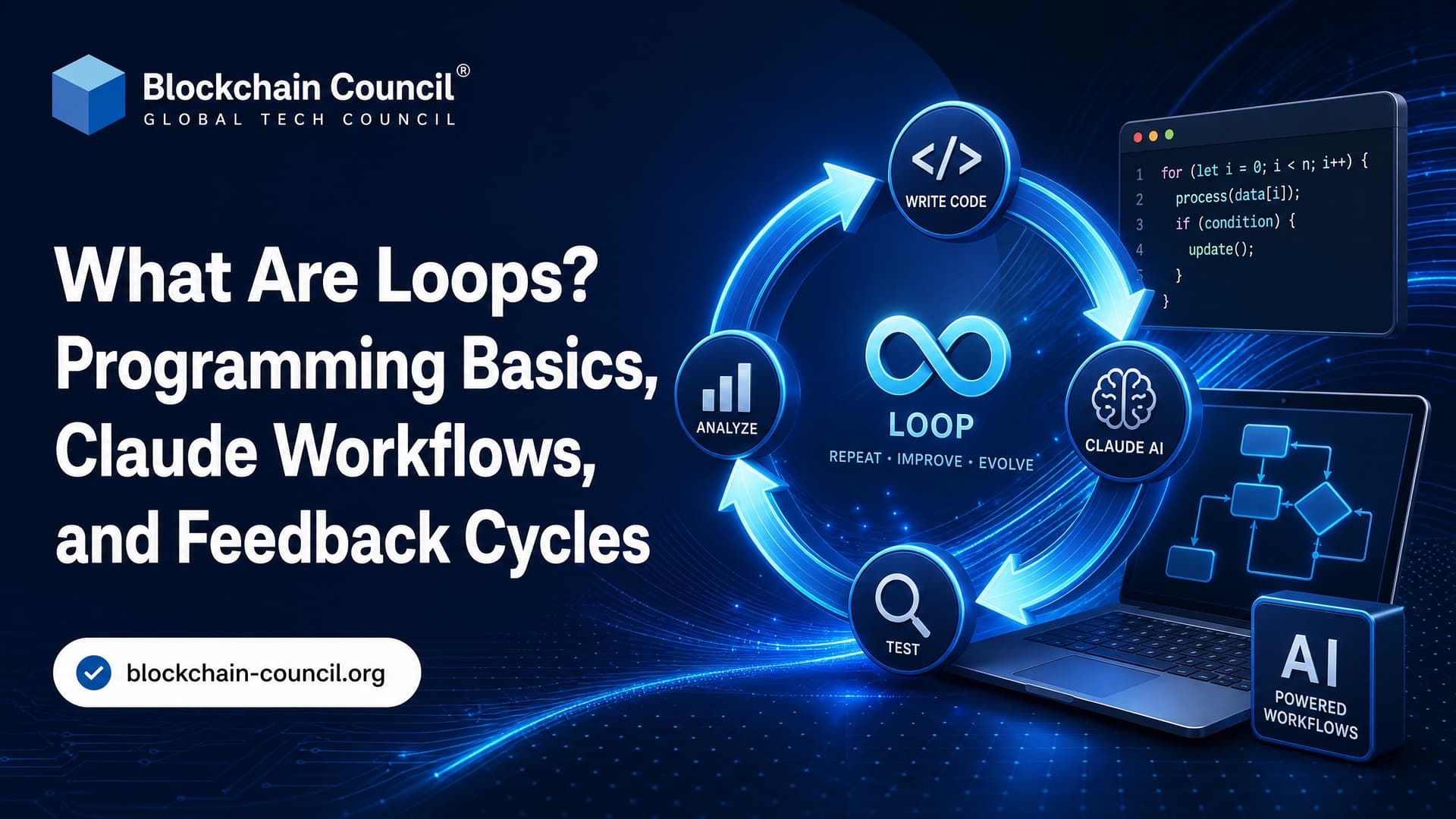
Loops are control flow structures that repeat a block of code or a process until a condition says to stop. You see them in beginner Python exercises, production API jobs, game engines, product feedback systems, and increasingly in AI workflows built around Claude from Anthropic.
That breadth is why the term can feel slippery. A loop may be a five-line for statement. It may also be a feedback cycle where users report issues, developers ship a fix, metrics change, and the next cycle begins. Same idea. Repeat, check, adjust.

What Is a Loop in Programming?
In programming, a loop repeatedly executes instructions while a condition stays true or while there are items left to process. It saves you from writing the same code again and again.
Here is a simple example in Python:
names = ["Ava", "Ravi", "Mei"]

for name in names:
    print(f"Hello, {name}")
The loop runs once for each item in the list. No copy-paste. No repeated print statements. If the list grows to 3,000 names, the loop still works.
Most programming references, including MDN Web Docs and Python's official documentation, treat loops as basic control flow. That sounds elementary, but loops are where many real bugs hide. Ask anyone who has shipped a batch job that processed 999 records out of 1,000 because of an off-by-one boundary.
Main Types of Loops
For Loop
A for loop is best when you know what you want to iterate over. That might be a list, a range of numbers, rows in a file, or pages returned by an API.
for i in range(5):
    print(i)
This prints 0 through 4, not 1 through 5. That detail trips up beginners constantly. In Python, range(5) stops before 5.
Use a for loop when:
You are processing each item in a collection.
You know the number of iterations in advance.
You want clear, readable iteration.
While Loop
A while loop runs as long as a condition is true. It helps when you do not know how many iterations you will need.
attempts = 0

while attempts < 3:
    print("Trying again")
    attempts += 1
Use a while loop for retries, polling, waiting for a condition, or reading from a stream. Be careful. If attempts += 1 is missing, the loop never ends.
Do-While Loop
A do-while loop runs at least once before checking the condition. JavaScript supports it:
let input;

do {
  input = "example";
} while (input === "");
Python has no native do-while statement. Developers usually simulate it with while True and break. That is fine, but add a clear exit condition. Future you will thank you.
Nested Loops
A nested loop is a loop inside another loop. You use it for grids, matrices, combinations, and multi-dimensional data.
for row in range(3):
    for col in range(3):
        print(row, col)
Nested loops are easy to write and easy to make slow. A loop over 1,000 items inside another loop over 1,000 items means 1,000,000 iterations. Sometimes that is acceptable. Sometimes it melts your job queue.
Infinite Loops: Bug or Design Choice?
An infinite loop never reaches its stopping condition. In most business code, that is a bug. In some systems, it is the point.
A web server, message consumer, or game engine may run continuously until the process is stopped. The difference is control. A good long-running loop has safeguards:
Timeouts
Retry limits
Backoff delays
Logging
Graceful shutdown handling
Without those, a loop can burn CPU, spam an API, or fill a log file overnight. I have seen a missing pagination cursor check turn a harmless data sync into 80,000 duplicate API calls. The code looked innocent. The bill did not.
Loops Beyond Code
Game Loops
A game loop is the heartbeat of an interactive game. Each cycle usually does three things:
Read user input.
Update the game state.
Render the next frame.
This loop runs many times per second. If timing is handled badly, movement becomes jittery or physics behaves differently on faster machines. That is why game developers often separate update timing from rendering.
Product Feedback Loops
A product feedback loop repeats a business process rather than a code block. Teams collect feedback, analyze it, implement changes, measure results, and repeat.
Good feedback loops are specific. Do not just collect comments in a spreadsheet and call it research. Tag the issue, connect it to usage data, ship a small change, and measure whether the problem actually improved.
Feature management platforms such as LaunchDarkly discuss this pattern in the context of controlled releases and measurement. Feature flags make feedback loops safer because you can release to a small group, compare metrics, and roll back without a full redeploy.
Loops in AI Workflows with Claude and Anthropic
Loops also matter in AI systems. When you build with Claude, you rarely send one prompt and stop forever. Real applications usually run a loop around the model.
Common AI loop patterns include:
Prompt refinement loops: Generate an answer, evaluate it, revise the prompt, and try again.
Tool-use loops: Ask the model what tool to call, run that tool, return the result, and continue until the task is done.
Evaluation loops: Run test prompts, score outputs, update instructions, and rerun the test set.
Human feedback loops: Review model outputs, label failures, and feed those findings into product or training decisions.
Anthropic's Messages API documentation describes tool use through model responses that can request tools. In practice, your application loops over model responses and tool results until the model stops asking for tools. A concrete guardrail: check the response stop reason. If you treat every response as final, you may miss a tool call. If you keep looping without a maximum step count, you can waste tokens when the model asks for the same tool repeatedly.
Set limits. For example, cap an agent at 5 to 10 tool calls for ordinary user tasks unless there is a strong reason to go higher. Also set a token budget. In Anthropic's Messages API, max_tokens controls the maximum output length, and weak settings here can quietly change cost and answer quality.
Loops in Blockchain and Web3 Development
Blockchain developers use loops too, but smart contracts make the trade-off sharper. On Ethereum, every operation costs gas. A loop that grows with an unbounded array can become too expensive to execute.
For Solidity 0.8.x, avoid writing contract functions that loop over user-controlled arrays without a clear upper bound. This is not just style advice. If the array grows large enough, the transaction can fail because it exceeds the block gas limit. A common beginner mistake is trying to distribute rewards to every holder in one on-chain loop. Better designs push claims to users, process batches, or move heavy computation off-chain.
If you are learning this path, Blockchain Council's Certified Blockchain Developer™ gives readers deeper practice with smart contracts, Solidity, and decentralized application design. For AI workflow design, Certified AI Expert™ and Certified Prompt Engineer™ are relevant next steps.
When Should You Use Loops?
Use loops when repetition is real and controlled. Do not reach for them automatically.
Good Use Cases
Processing records in a dataset
Reading files line by line
Paginating through API results
Polling a job status with a timeout
Rendering repeated UI elements
Running model evaluations across a test set
Wrong Use Cases
Looping on-chain over an unbounded list in a smart contract
Polling an API every second when webhooks are available
Using nested loops when a dictionary or database index would be faster
Creating an AI agent loop without step limits, logs, or failure handling
To be blunt, loops are not clever by themselves. They are useful when the exit condition, data size, and failure behavior are clear.
Best Practices for Writing Safer Loops
Name the exit condition: Make it obvious why the loop stops.
Protect against infinite execution: Add retry limits, timeouts, or maximum steps.
Log long-running loops: You need visibility when processing thousands of items.
Watch performance: Nested loops and database calls inside loops can become expensive fast.
Handle empty inputs: Test with zero items, one item, and many items.
Prefer built-in iteration tools: Use collection methods, iterators, and streaming APIs when they make code clearer.
The Future of Loops
Loops are not going away. They are becoming less visible.
Developers now use map, filter, SQL queries, stream processors, workflow engines, and AI agents that hide the loop behind a higher-level interface. The concept stays the same: repeat work, observe results, decide whether to continue.
In AI, expect more loop-aware tooling. Teams will need better ways to inspect agent steps, stop runaway tool calls, compare outputs across test suites, and trace how feedback changes behavior. For Claude and other Anthropic models, the practical skill is not just writing a prompt. It is designing the loop around the prompt.
If you are starting from scratch, practice three small builds: write a file-processing loop, build an API pagination loop with retry limits, then create a simple Claude evaluation loop that tests the same prompt against 20 examples. After that, move into structured learning through Blockchain Council's Certified AI Expert™, Certified Prompt Engineer™, or Certified Blockchain Developer™, depending on whether your goal is AI systems, prompt design, or Web3 engineering.
Related Articles
View All
Claude Ai
Claude Sonnet 5 vs GPT-4o: Which AI Model Fits Enterprise Workflows?
Claude Sonnet 5 vs GPT-4o depends on workflow type: Claude leads long-context analysis and coding, while GPT-4o fits real-time multimodal AI.

Claude Ai
Loop Engineering in AI: How Feedback Loops Improve Model Accuracy and Performance
Learn how loop engineering in AI uses feedback loops, monitoring, and human review to improve model accuracy, performance, and governance.

Claude Ai
What Is Claude Looping? Understanding Iterative AI Workflows with Claude
Claude looping uses structured generate, review, annotate, and refine cycles so Claude can complete tasks with validation, limits, and audit trails.
Trending Articles
What is AWS? A Beginner's Guide to Cloud Computing
Everything you need to know about Amazon Web Services, cloud computing fundamentals, and career opportunities.
Claude AI Tools for Productivity
Discover Claude AI tools for productivity to streamline tasks, manage workflows, and improve efficiency.
How to Install Claude Code
Learn how to install Claude Code on macOS, Linux, and Windows using the native installer, plus verification, authentication, and troubleshooting tips.