

What Is Claude Looping? Understanding Iterative AI Workflows with Claude

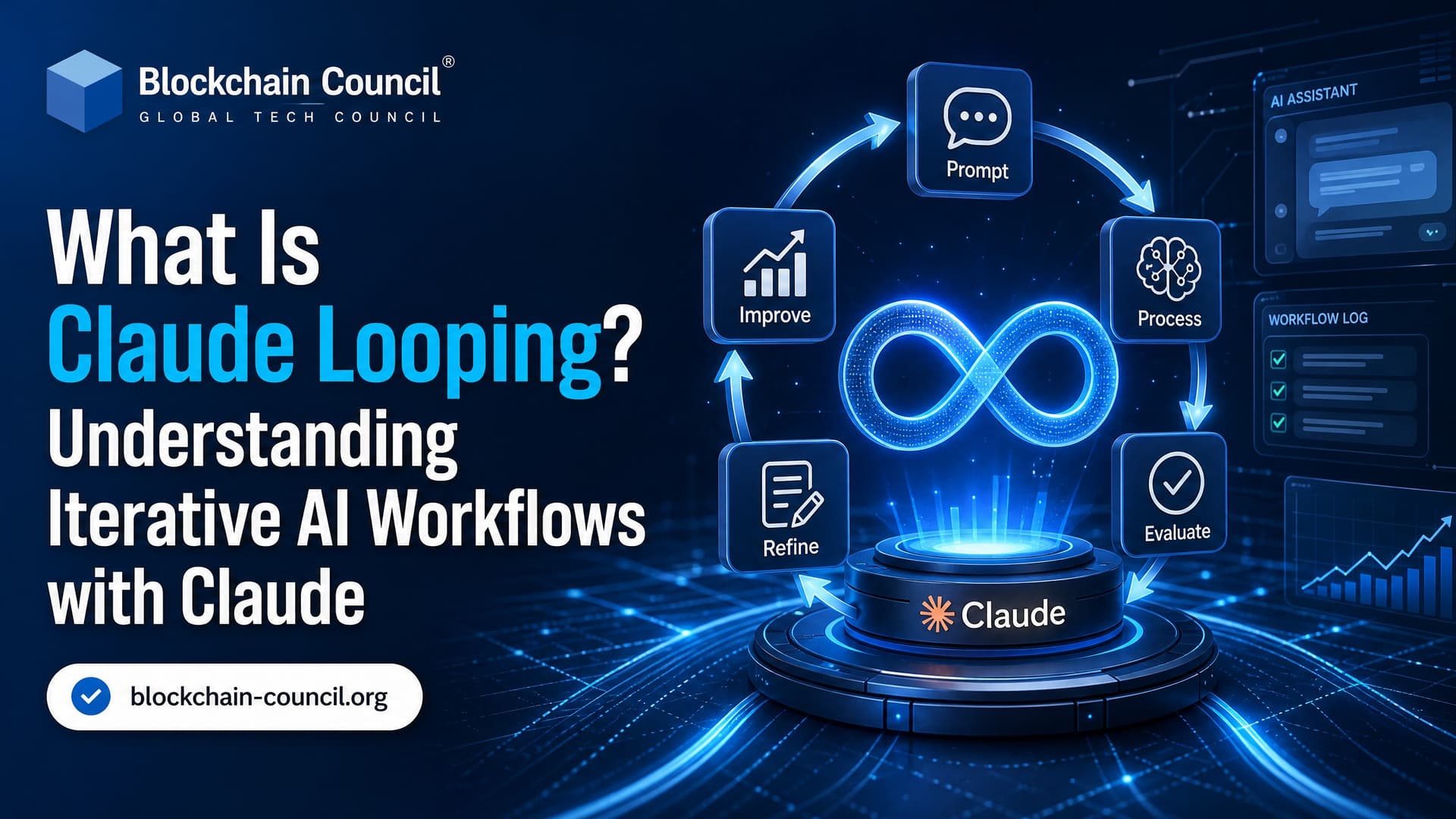
Claude looping is the practice of running Claude inside a structured workflow that repeats: generate work, check it, feed back what failed, and try again until a defined goal is met. Instead of asking Claude for one answer and hoping it is right, you design an iterative AI workflow with a clear definition of done, tests, limits, and logs.
That sounds simple. It is not trivial. The difference between a useful Claude loop and an expensive infinite loop is usually one line in the rubric, one missing stop condition, or one tool permission that should never have been granted.

What Is Claude Looping?
Claude looping means placing Claude, often through Claude Code, inside an explicit agent loop. The model performs work, receives feedback from a human or automated evaluator, revises the output, and repeats the cycle until the task passes validation or reaches a limit.
A practical Claude looping workflow has four stages:
- Generate: Claude creates code, text, analysis, test cases, data transformations, or another deliverable.
- Review: A person, test suite, evaluator agent, linter, CI job, or policy checker inspects the result.
- Annotate: The workflow captures feedback as comments, logs, failed tests, rubric scores, or structured JSON.
- Refine: Claude reads the feedback, updates its plan, and produces a better version.
The key word is explicit. You are not just chatting with a model. You are building a controlled process around the model.
Why Claude Looping Matters
One-off prompting works for quick drafting. It breaks down when the task needs inspection, correction, or repeated execution. Software engineering is the obvious example: write code, run tests, fix errors, run tests again. The same structure applies to smart contract audits, research summaries, data cleanup, compliance monitoring, and security triage.
Looping turns Claude from a responder into a worker inside a system. That system may include:
- A generator agent that writes or modifies the output.
- An evaluator that checks the output against a rubric.
- A scheduler or hook that decides when the next run starts.
- A budget, such as max iterations, time, token use, or API spend.
- An audit trail that records what Claude changed and why.
For enterprise teams, this is where Claude becomes interesting. Not because the model is magical, but because the workflow becomes measurable.
Common Claude Loop Patterns
1. Generate, Test, Fix Loops
This is the most common developer pattern. Claude edits files, runs tests, reads the failure output, and patches the code. In Claude Code workflows, this often looks like: read repository context, interpret the task, edit files, run commands, observe terminal output, then decide whether to continue.
A small detail from real projects: agents often fix the wrong file after a rename. In a Hardhat project, Claude may rename a Solidity contract but leave the test importing the old artifact. The next run throws HardhatError: HH700: Artifact for contract "Greeter" not found. A good loop feeds that exact error back to Claude and asks it to inspect both the contract name and test import path before editing again.
2. Ralph Loops
The Ralph Loop is a pattern for long-running Claude Code tasks. You give Claude a task plus a completion promise, such as "all unit tests pass and the migration guide is updated." Claude works toward that promise, then signals completion. A stop hook checks whether the promise is actually true.
If the completion promise fails, the loop restarts Claude in the same context. It exits only when the condition is satisfied, a max iteration count is reached, or a human stops the run.
This pattern is useful for multi-step research, scientific computing, refactoring, and analysis work where progress happens across many attempts. Anthropic's guidance for long-running Claude workflows points to persistent instructions, such as a CLAUDE.md file, as a practical way to keep the agent aligned during extended runs.
3. Claude Code /loop Scheduling
Claude Code's /loop capability is used for scheduled recurring agent tasks. Instead of triggering every run manually, you configure Claude to wake on an interval, perform the task, log results, then wait for the next cycle.
Examples include:
- Check application logs every 30 minutes and summarize new errors.
- Run a data quality check at 9am each day.
- Review new GitHub issues and label them against a policy.
- Generate a status report from a repository or dataset.
Practitioner notes describe scheduled runs lasting many hours from one configuration. Treat that as an operational window, not a reason to let an agent wander. Scheduled agents need clear permissions, tight scopes, and a stop rule.
4. External Automation Loops
You can also build loops outside Claude. Teams use shell scripts, GitHub Actions, CI systems, or custom orchestration code to call Claude, inspect results, and decide what happens next.
One pattern is a continuous coding loop: create a branch, ask Claude to implement a change, run tests, push commits, open a pull request, monitor CI, then merge or discard the branch. In this setup, Claude is the generator. GitHub, test suites, and branch policies act as the checker.
To be blunt, this is safer than letting an agent write directly to a protected branch. If the loop cannot be reviewed, rolled back, and audited, it should not touch production systems.
Types of Claude Loops
Most Claude looping workflows fall into four broad types:
- Heartbeat loops: Short recurring checks for status, logs, uptime, or incremental work.
- Cron loops: Fixed schedules, similar to traditional cron jobs.
- Hook loops: Event-triggered loops, such as rerunning Claude when tests fail or when the agent claims it is finished.
- Goal loops: Outcome-driven loops that continue until a measurable target is met.
If you are building serious automation, goal loops are usually the best choice. Pair them with an independent evaluator. The maker should not be the only checker of its own work.
How to Design a Reliable Claude Loop
Start small. A reliable loop is built from boring controls, not clever prompts.
Define the Goal in Testable Terms
Do not write: "Improve the documentation." Write: "Update README.md so it includes installation steps, environment variables, test commands, and one troubleshooting section. The output passes markdownlint."
The second version can be checked.
Separate Maker and Checker
Use Claude to generate work, but let another system inspect it. That checker can be:
- A unit test suite such as pytest, Jest, or Hardhat tests.
- A static analyzer such as Slither for Solidity or Semgrep for application code.
- A second Claude agent with a strict rubric.
- A human reviewer for high-risk decisions.
In blockchain workflows, this separation is non-negotiable. A Claude loop can draft Solidity 0.8.x code or review ERC-20 logic, but it should not be the final authority on reentrancy risk, access control, or upgrade safety.
Set Hard Limits
Every loop needs boundaries:
- Maximum iterations.
- Maximum runtime.
- Maximum spend.
- Allowed file paths.
- Allowed tools and API scopes.
- Rollback or branch isolation.
If a loop fails five times for the same reason, stop and ask a human. Repeating a bad plan at higher speed is not autonomy. It is waste.
Log Every Decision
Keep the prompt, tool calls, test output, file diffs, evaluator comments, and final decision. Logs help you debug the loop, satisfy governance requirements, and improve the rubric later.
Claude Looping Use Cases
Software Engineering
Claude loops work well for test-driven fixes, dependency updates, documentation cleanup, and small refactors. They are weaker for unclear architecture decisions unless you provide design constraints upfront.
Smart Contract Review
A useful loop can run Claude against Solidity code, ask it to propose test cases, execute Hardhat or Foundry tests, and feed back failures. Add Slither or Mythril for independent security checks. Do not let an AI-generated pass report replace a manual audit for high-value contracts.
Cybersecurity Monitoring
Claude can summarize logs, classify alerts, and draft incident notes on a schedule. Keep it read-only unless you have strong approval gates. Automated remediation is risky when the model misunderstands context.
Research and Scientific Computing
Long-running loops can manage experiment notes, rerun analysis scripts, compare outputs, and update a research plan in CLAUDE.md. The human value shifts toward writing a strong plan and validating the conclusions.
Risks and Governance
Claude looping increases the blast radius of a bad instruction. Watch for these failure modes:
- Runaway cost: The loop keeps retrying because the success condition is vague.
- False completion: Claude says the work is done, but no independent check confirms it.
- Rubric overfitting: The agent optimizes for a weak evaluator and misses the real goal.
- Permission creep: A scheduled loop gains write access to systems it should only inspect.
- Context drift: Long runs accumulate assumptions that are no longer true.
The fix is not to avoid loops. The fix is to engineer them like production workflows: scope access, test outputs, track changes, cap runtime, and require approval for sensitive actions.
Skills Professionals Should Build Next
If you want to use Claude looping well, learn three things: prompt design for agents, workflow orchestration, and evaluation. The model is only one part of the system.
For structured learning, consider Blockchain Council's Certified Prompt Engineer™ if your focus is prompt and agent instruction design, or Certified Artificial Intelligence (AI) Expert™ if you want a broader foundation in AI systems. Blockchain and Web3 professionals can pair this with Certified Blockchain Expert™ when applying loops to smart contract analysis, compliance checks, or decentralized application workflows.
Your next practical step: build a small Claude loop that edits a test file, runs the test suite, and stops after three failed attempts. Keep the logs. Then improve the evaluator. That exercise teaches more than a dozen clever prompts.
Related Articles
View All
Claude Ai
Claude Looping Explained: How Iterative Prompts Improve Reasoning and Accuracy
Claude looping uses iterative prompts, feedback, state, and verification to improve reasoning accuracy for coding, audits, research, and AI workflows.

Claude Ai
Claude Sonnet 5 vs GPT-4o: Which AI Model Fits Enterprise Workflows?
Claude Sonnet 5 vs GPT-4o depends on workflow type: Claude leads long-context analysis and coding, while GPT-4o fits real-time multimodal AI.

Claude Ai
Looping in AI: How Loop Prompts Turn One-Off Answers Into Better Workflows
Learn how Looping and loop prompts improve AI outputs through generate, evaluate, and retry cycles for content, coding, marketing, and Web3 workflows.
Trending Articles

Top 5 DeFi Platforms
Explore the leading decentralized finance platforms and what makes each one unique in the evolving DeFi landscape.
How Blockchain Secures AI Data
Understand how blockchain technology is being applied to protect the integrity and security of AI training data.

Can DeFi 2.0 Bridge the Gap Between Traditional and Decentralized Finance?
The next generation of DeFi protocols aims to connect traditional banking with decentralized finance ecosystems.