

MCP vs RAG vs Skills: What Each Does in AI Agents
 Suyash Raizada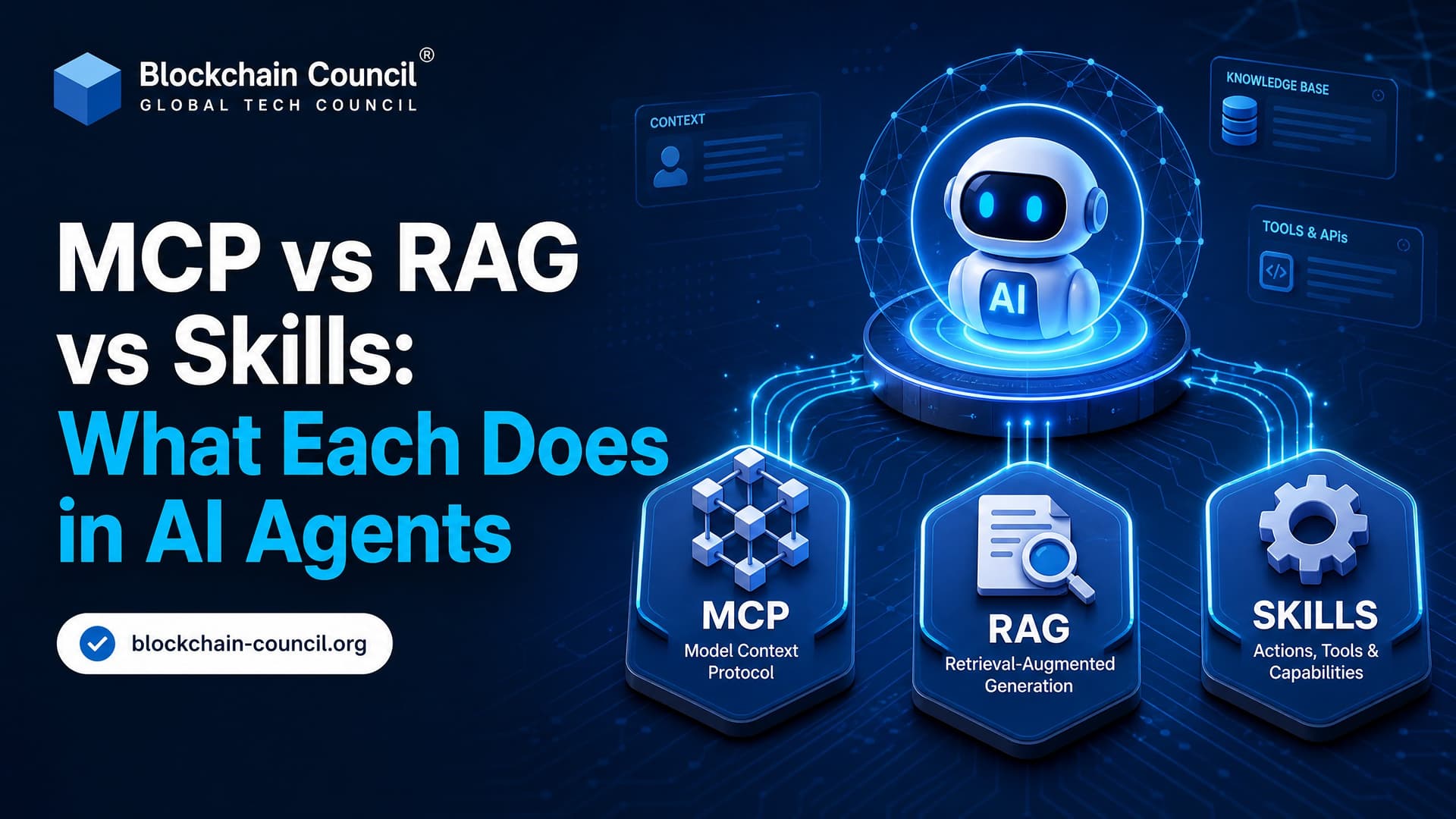
MCP, RAG, and Skills are not three names for the same thing. They sit in different layers of an LLM agent stack. MCP connects the model to tools and live systems. RAG retrieves knowledge from documents. Skills tell the agent how to perform a task. Treat them as substitutes and your architecture gets messy fast.
The cleaner way to think about it is simple: MCP solves connectivity, RAG solves knowledge grounding, and Skills solve repeatable capability. In serious AI deployments, especially across enterprise, blockchain, cybersecurity, and compliance settings, you will often use all three together.

Professionals building advanced AI agents can benefit from developing the expertise of a Claude AI Expert, learning how to design effective prompts, orchestrate tools, manage long-context workflows, and deploy Claude-powered systems for enterprise use cases.
What Is MCP?
Model Context Protocol, or MCP, is a client-server protocol that lets AI applications connect to external tools, APIs, files, databases, and services through a standard interface. Anthropic introduced MCP as an open protocol for giving models controlled access to context and tools outside the chat window.
Think of MCP as the tool access layer. It does not rank documents. It does not create embeddings. It does not decide your business policy. It exposes capabilities to an MCP-compatible client in a machine-readable way.
An MCP setup usually includes:
MCP client: The AI application or agent runtime that wants to use external tools.
MCP server: A service that exposes tools, resources, and prompts.
Tool schemas: Structured descriptions of what the tool does and which inputs it accepts.
The practical difference is bidirectionality. With MCP, an agent can read from a system and also take action, if permitted. It might query a CRM, create a ticket, update a database row, inspect a Git repository, or call an internal API.
A small practitioner detail: when building MCP servers, schema clarity matters more than people expect. If a tool description says "gets data" instead of "fetches the current invoice status by invoice_id", the model may call the wrong tool or pass vague arguments. You also see plain JSON-RPC style failures such as Method not found when the client and server disagree on exposed methods. Boring error. Real problem.
What Is RAG?
Retrieval-Augmented Generation, or RAG, is a pattern for grounding model responses in external knowledge. Instead of relying only on what the model learned during training, a RAG system retrieves relevant chunks from a knowledge base and inserts them into the prompt.
A typical RAG pipeline has four steps:
Ingest documents such as PDFs, policies, manuals, source files, or web pages.
Split them into chunks.
Create embeddings and store them in a vector database.
Retrieve semantically relevant chunks when the user asks a question.
RAG is best for unstructured or semi-structured knowledge. Internal policies. Compliance documentation. Product manuals. Research notes. Smart contract audit guidelines. Anything that benefits from semantic search.
One trap: RAG quality is often lost before the model sees anything. Bad chunking ruins retrieval. Split a Solidity audit guide every 200 characters and you may separate a vulnerability description from its mitigation. The model then receives half the answer and confidently fills the gap. A chunk size around 500 to 1,000 tokens with some overlap is often a better starting point, though you should test it against real user questions.
RAG is mostly one-way. It retrieves context. It does not directly update your systems or execute a workflow. That is where MCP or other tool connectors enter the picture.
What Are Skills?
Skills are reusable instructions, procedures, or code artifacts that tell an agent how to do a specialized task. In Claude-style agent systems, a Skill can package task guidance, scripts, templates, and domain rules so the agent can apply them when needed.
Skills are procedural. They answer one question: How should the agent perform this kind of work?
Examples include:
Triaging a customer support ticket.
Generating a compliance checklist.
Reviewing a smart contract for common ERC-20 implementation mistakes.
Preparing an incident response summary from logs and analyst notes.
Creating a board-ready risk report from retrieved evidence.
Skills do not automatically provide system access. A Skill might say, "check the latest wallet activity before writing the report," but the agent still needs a tool connection, often through MCP, to fetch that activity.
In Anthropic's Skills design, a skill commonly includes a SKILL.md file with metadata and instructions, plus optional scripts and resources. A detail that trips teams up: the description is not decoration. It helps the agent decide when to load the Skill. If it is too generic, the Skill may sit unused even though the instructions inside are excellent.
MCP vs RAG vs Skills: Architecture Comparison
Aspect | MCP | RAG | Skills |
|---|---|---|---|
Primary role | Connect agents to tools, APIs, and live systems | Retrieve relevant knowledge from indexed content | Define reusable procedures and behaviors |
Data focus | Structured, dynamic, user-specific data | Unstructured or mostly static text | Instructions, scripts, workflows, templates |
Interaction | Read, write, and execute actions | Retrieve and inject context | Guide agent behavior, sometimes calling tools |
Best use | Live API access and operational workflows | Document Q&A and knowledge grounding | Repeatable task execution |
Typical owner | Engineers and platform teams | Data, search, and AI teams | Domain experts with AI engineers |
When Should You Use MCP?
Use MCP when the agent must interact with a live system. If your task needs fresh account data, current blockchain transaction status, updated threat intelligence, or a write operation, RAG alone is the wrong tool.
Good MCP use cases include:
Checking real-time portfolio or account data.
Creating tickets in Jira or another project management system.
Querying a database with access controls.
Running repository searches or inspecting files.
Calling blockchain infrastructure APIs for current network or wallet data.
Be strict with permissions. An agent that can read production data is one risk. An agent that can write to production systems is another. Use scoped credentials, approval steps, logging, and human review for sensitive operations.
When Should You Use RAG?
Use RAG when the model needs reliable knowledge from documents. RAG remains the better choice for policy lookup, manual search, legal references, product documentation, and long-form technical corpora.
RAG is especially useful when users ask fuzzy questions. A developer may not know the exact function name in a messy codebase but might ask, "Where do we validate withdrawal limits?" Vector search can surface conceptually related snippets even when the keywords do not match.
Do not use RAG as a fake database connector. If the answer depends on a value that changes every minute, fetch it from the source through MCP or a direct tool call.
When Should You Use Skills?
Use Skills when the agent needs repeatable behavior. A Skill earns its place the moment you catch yourself writing the same prompt instructions again and again.
A smart contract review Skill might instruct the agent to:
Identify token standards such as ERC-20, ERC-721, or ERC-1155.
Check compiler assumptions, such as Solidity 0.8.x overflow behavior.
Look for access control issues.
Compare implementation details against internal audit policy retrieved through RAG.
Use MCP tools to inspect repository files or test results.
That is the point. Skills coordinate method. RAG supplies reference material. MCP supplies live access.
How MCP, RAG, and Skills Work Together
A production-grade agent architecture often uses all three layers:
The agent receives the request and plans the work.
A Skill defines the procedure for the task.
RAG retrieves the relevant policy, documentation, or technical context.
MCP connects the agent to live systems and tools.
Consider a compliance assistant for a crypto business. A user asks whether a flagged wallet interaction requires escalation. The Skill defines the review process. RAG retrieves internal AML policy and jurisdiction notes. MCP queries transaction monitoring tools and current wallet activity. The agent then drafts a recommendation with evidence.
That design is far safer than asking a model to "figure it out" from memory.
Common Misconceptions
Misconception 1: MCP replaces RAG
No. MCP can fetch data, but it is not a semantic retrieval system. If you need similarity search across thousands of policy pages, use RAG.
Misconception 2: RAG can perform actions
Not by itself. RAG retrieves context. It cannot create a ticket, update a database, or call an API unless paired with a tool layer.
Misconception 3: Skills are just prompts
Some Skills are prompt-like, but strong Skills package procedure, constraints, examples, scripts, and domain rules. Treat them like governed operational assets, not casual notes.
Learning Path for AI Professionals
If you are building agent systems, learn these in order:
Start with RAG to understand grounding, embeddings, chunking, retrieval quality, and hallucination control.
Add MCP when your agent needs live tools, structured data, or controlled actions.
Design Skills once tasks become repeatable and need standard operating procedures.
For structured learning, you can connect this topic with Blockchain Council programs such as the Certified Artificial Intelligence (AI) Expert™, Certified Prompt Engineer™, and Certified Blockchain Expert™. If your work involves secure AI systems or agent access to sensitive infrastructure, pair AI training with cybersecurity fundamentals as well.
Alongside agent engineering skills, a Machine Learning Certification can strengthen your understanding of model training, data preparation, feature engineering, evaluation techniques, and AI deployment, providing a solid foundation for building more capable and reliable intelligent systems.
Final Takeaway
Choose the layer based on the problem. Use MCP for live connectivity and actions. Use RAG for document-based knowledge grounding. Use Skills for repeatable expert workflows. The strongest agent systems do not pick one. They compose all three with clear boundaries, permissions, and domain governance.
Your next step: build a small agent that answers questions over a policy document using RAG, then add one MCP tool that fetches live data, and finally write one Skill that defines the exact workflow. You will understand the difference after the first failed tool call.
As AI-powered products become increasingly common across industries, a Marketing Certification can help professionals understand product positioning, customer communication, digital marketing strategy, and go-to-market planning for AI-driven solutions and intelligent software platforms.
FAQs
1. What Is MCP?
Model Context Protocol (MCP) is an open protocol that standardizes how AI models connect to external tools, data sources, and services. It allows AI assistants to securely access resources such as databases, APIs, file systems, and business applications through a common interface.
2. What Is RAG?
Retrieval-Augmented Generation (RAG) is an AI architecture that retrieves relevant information from external knowledge sources before generating a response. Instead of relying only on its training data, the model uses retrieved documents as context.
3. What Are AI Skills?
AI Skills are reusable capabilities or task-specific functions that enable an AI assistant to perform particular actions, such as summarizing documents, analyzing spreadsheets, booking meetings, writing code, or generating reports. Different AI platforms define and implement Skills differently.
4. What Is the Main Difference Between MCP, RAG, and Skills?
MCP connects AI to external tools and systems.
RAG connects AI to external knowledge.
Skills package specific capabilities or workflows for users.
They solve different problems and are often used together.
5. Does MCP Replace RAG?
No. MCP and RAG serve different purposes. MCP provides standardized access to tools and data sources, while RAG focuses on retrieving relevant information to improve answer quality.
6. Can RAG Work Without MCP?
Yes. Traditional RAG systems can retrieve documents from vector databases or search systems without using MCP. However, an MCP server could expose retrieval services to AI applications.
7. Can MCP Access RAG Systems?
Yes. An MCP server can expose a RAG pipeline or vector database as a tool, allowing compatible AI assistants to retrieve knowledge through the protocol.
8. Do Skills Require MCP?
Not necessarily. Skills can be implemented directly inside an AI application or use MCP to access external systems when needed.
9. When Should You Use RAG?
RAG is most useful when AI needs:
Up-to-date information
Company knowledge
Internal documentation
Research papers
Product manuals
Large document collections
10. When Should You Use MCP?
MCP is appropriate when AI needs to:
Access databases
Call APIs
Read or write files
Interact with business software
Use developer tools
Connect to enterprise systems
11. When Should You Use Skills?
Skills are ideal for repetitive business tasks such as:
Report generation
Email drafting
Customer support
Financial analysis
Coding assistance
HR workflows
Marketing content creation
12. Can MCP Improve Enterprise AI?
Yes. MCP can simplify integration with enterprise tools by providing a standardized way for AI systems to interact with external services, reducing the need for custom integrations.
13. How Does RAG Improve AI Accuracy?
RAG improves responses by grounding them in retrieved documents instead of relying solely on the model's internal knowledge, which can reduce outdated or unsupported answers.
14. Can Skills Combine MCP and RAG?
Yes. A single Skill might retrieve company documents through a RAG system while also using MCP to access CRM data, update records, or call business APIs.
15. Which Technology Is Best for Enterprise AI?
It depends on the use case:
RAG for knowledge retrieval.
MCP for tool integration.
Skills for packaging repeatable workflows.
Many enterprise AI systems use all three together.
16. What Are the Benefits of Combining MCP, RAG, and Skills?
Organizations can achieve:
Better factual grounding
Secure access to enterprise systems
Workflow automation
Improved productivity
Consistent user experiences
Easier integration across applications
17. What Challenges Should Organizations Consider?
Common challenges include:
Data security
Access control
Integration complexity
Knowledge quality
Governance
Monitoring
Version management
User permissions
18. What Skills Should AI Developers Learn?
Developers benefit from understanding:
MCP
RAG architecture
Vector databases
APIs
Prompt engineering
Context engineering
AI agents
Security
Workflow automation
Cloud development
19. What Common Misconceptions Exist About MCP, RAG, and Skills?
A common misconception is that these technologies compete with one another. They do not. MCP provides connectivity, RAG provides relevant information, and Skills provide reusable functionality. Comparing them as if one replaces the others is a bit like arguing whether roads, maps, or delivery trucks are "better." They are useful for different parts of the journey.
20. What Is the Future of MCP, RAG, and Skills?
Modern AI applications are increasingly combining these approaches into unified systems. RAG supplies current knowledge, MCP enables secure interaction with external tools and data, and Skills package business workflows into reusable capabilities. Organizations that thoughtfully combine all three can build AI solutions that are more accurate, capable, and scalable than systems relying on a single approach.
Related Articles
View All
Claude Ai
Connecting Claude to Enterprise Data via an MCP Server: RAG Pipelines, Permissions, and Compliance
Learn how connecting Claude to enterprise data via an MCP server enables secure RAG pipelines, granular permissions, audit logging, and compliance-ready AI access.

Claude Ai
Fable 5 for AI Agents and Automation: Building Smarter Workflows
Learn how Fable 5 for AI agents supports long-horizon automation, multi-agent workflows, coding tasks, document processing, safety, and cost control.

Claude Ai
Claude Sonnet 5 for Developers: Building Smarter AI Agents and Enterprise Applications
Claude Sonnet 5 for Developers is a practical guide to building AI agents, coding workflows, and enterprise applications with Anthropic's latest Sonnet model.
Trending Articles
The Role of Blockchain in Ethical AI Development
How blockchain technology is being used to promote transparency and accountability in artificial intelligence systems.

Top 5 DeFi Platforms
Explore the leading decentralized finance platforms and what makes each one unique in the evolving DeFi landscape.
How Blockchain Secures AI Data
Understand how blockchain technology is being applied to protect the integrity and security of AI training data.