

How to Use Fable 5 for Prompt Writing: A Beginner-Friendly Guide

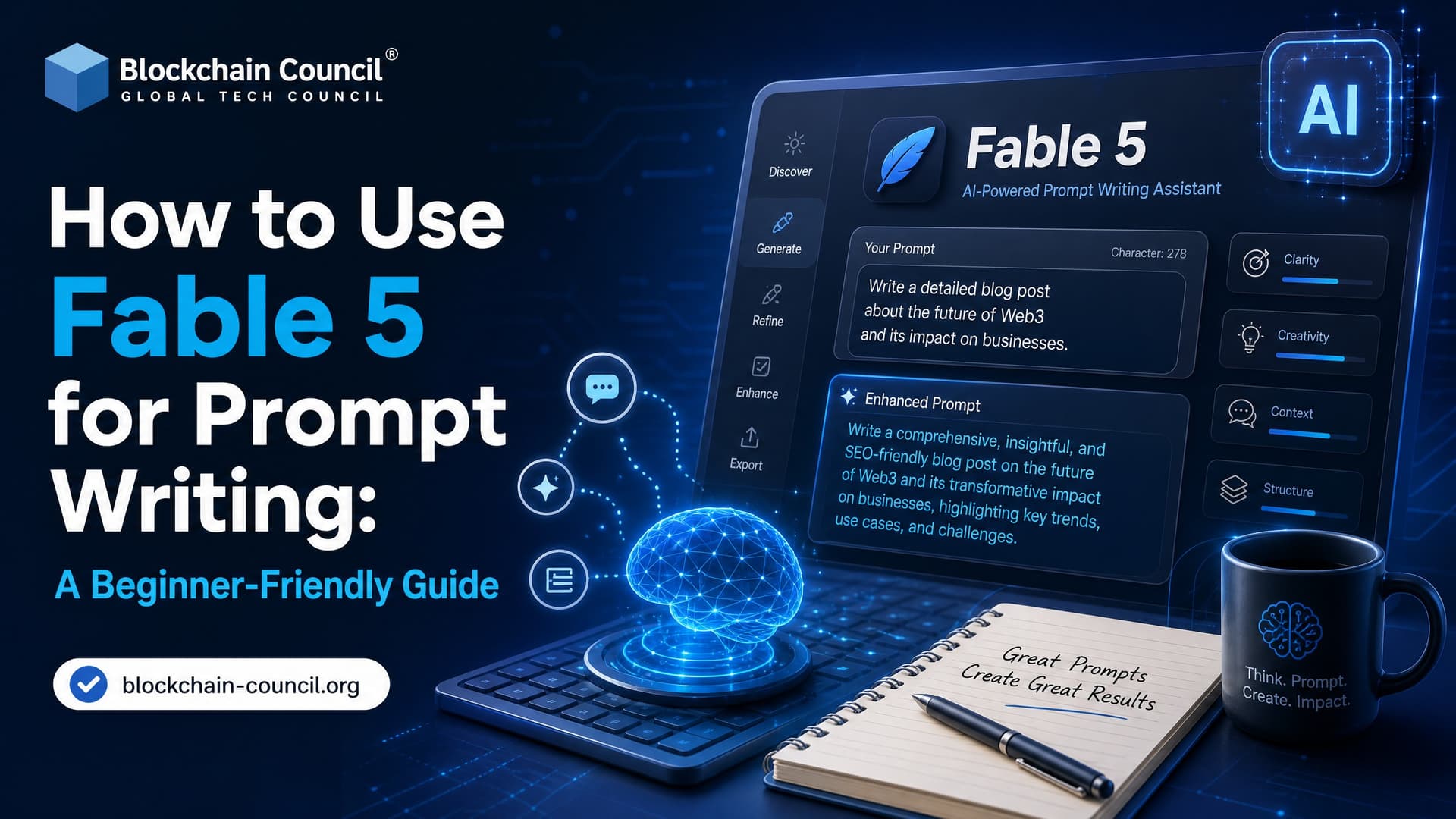
Fable 5 for prompt writing works best when you stop writing tiny step-by-step instructions and start giving the model a clear objective, context, boundaries, and a way to check its work. That is the practical shift. Instead of asking, "Write step 1, then step 2, then step 3," you ask Fable 5 to design, audit, test, and refine prompts against a defined goal.
This guide is written for beginners, but the workflow is the same one experienced AI teams use when they build prompt libraries, instruction files, and model runbooks. If you are studying prompt engineering through Blockchain Council's Certified Prompt Engineer™ or building broader AI skills through Certified Generative AI Expert™, Fable 5 is a useful model to practice objective-first prompt design.

What Is Claude Fable 5?
Anthropic describes Claude Fable 5 as a Claude-series model built for complex objectives, longer tasks, and higher-autonomy workflows. Its prompting guidance points to newer scaffolding patterns, an effort-level control, and explicit support for multi-step work.
For prompt writing, that matters because Fable 5 can do more than answer a single prompt. You can ask it to:
- Design a prompt library for a business workflow.
- Audit old prompts written for weaker models.
- Create test cases for prompt quality.
- Refactor instruction files, such as CLAUDE.md or skills files.
- Write runbooks for other models that need clearer guidance.
To be blunt, the old habit of over-instructing the model can backfire. Practitioners testing Fable 5 have reported that highly scripted prompts sometimes reduce output quality, because the model's own planning is stronger than the user's manual scaffolding. Your job becomes less about clever wording and more about setting the right operating frame.
The Core Idea: Objectives Beat Task Lists
The best beginner rule is simple. Give Fable 5 the outcome first.
Weak prompt:
"First list prompt types. Then write prompts. Then review them. Then improve them."
Better prompt:
"Design a tested prompt set that helps support agents summarize long customer email threads into three bullets, including sentiment, action items, and escalation risk."
The second version tells Fable what "done" looks like. That gives the model room to plan. Anthropic's guidance also recommends leading with the result, then adding reasoning or detail after. So when you ask Fable to produce a prompt set, require it to start by stating what it created and whether it met the specification.
A Beginner Workflow for Using Fable 5 for Prompt Writing
1. Start With a Concrete Objective
Do not begin with formatting rules. Begin with the result you want.
Example:
"Create 10 prompts that help non-technical customer support agents summarize long email threads into three bullet points. Each prompt should capture sentiment, key actions, and unresolved risks."
This objective is specific enough to guide the model, but not so narrow that it blocks useful planning.
2. Give Fable 5 the Why
Widely shared guidance on Fable 5 prompting stresses giving the model the reason behind the work. This is not fluff. It changes the decisions the model makes.
Add context like this:
"These prompts will be used inside an internal support dashboard by agents who are new to AI. Clarity and safety matter more than short wording."
That one sentence tells Fable to avoid expert-only language, keep instructions direct, and think about operational safety.
3. Set Constraints and Negative Prompts
Fable 5 appears to respond well to negative prompting, meaning clear statements about what not to do. Use that. It is especially useful when prompts will touch customer data, legal issues, medical claims, financial advice, or enterprise systems.
Example constraints:
- Do not ask users to paste sensitive customer data into external tools.
- Do not make legal, medical, or financial judgments.
- Do not invent facts that are not present in the email thread.
- Do not write production code in this phase.
- Do not optimize for brevity if safety or clarity would suffer.
A practical detail. When I review beginner prompt sets, the most common failure is not bad wording. It is missing scope control. The prompt quietly asks the model to "resolve" a ticket when the intended task was only to summarize it. Add a boundary line.
Use a stop line:
"Your job is to diagnose issues in the current prompts. Do not rewrite them yet."
Then use a go line:
"After you list the critical issues, rewrite only the prompts that fail the evaluation."
4. Choose an Effort Level
Fable 5 guidance refers to effort levels such as low, medium, high, and xhigh. These affect how much planning and checking the model performs. For prompt writing, use high effort when the output will be reused by a team. Use medium for quick drafts. Low is fine for naming or light cleanup, not for policy-heavy prompts.
Example:
"Use high effort. Plan the prompt library before drafting. Verify each prompt against the stated constraints."
Do not max out effort for everything. If you are iterating in a live chat, high or xhigh can feel slow. Independent testing has found Fable outputs can be compact, but not always faster across repeated runs. Make the depth-speed trade-off explicit.
A Ready-to-Use Fable 5 Meta-Prompt
Copy this template and adapt it to your own workflow:
You are an expert AI prompt engineer.

Objective:
Design a prompt library that helps customer support agents summarize long email threads into 3 bullet points, capturing sentiment, key actions, and escalation risks.

Context:
These prompts will be used by non-technical agents inside an internal support dashboard. Clarity, safety, and consistency are more important than brevity.

Constraints:
- Do not ask agents to share customer data outside the ticketing system.
- Do not make legal, medical, or financial judgments.
- Do not invent facts that are not in the source text.
- Do not write production code or tool integrations.

Effort:
Use high effort. Plan before drafting.

Tasks:
1. Propose the structure of the prompt library.
2. Draft 10 prompts with clear names and instructions.
3. For each prompt, explain intended behavior and risk areas.
4. Create at least 5 test scenarios.
5. Before saying the task is complete, point to the evidence that the prompt set meets the objective.
This is a meta-prompt because you are not asking Fable to do the final business task. You are asking it to create prompts that will guide future AI tasks.
Add Self-Verification Instead of Asking for Chain-of-Thought
Do not ask Fable 5 to "show all reasoning." Community guidance warns that this can trigger safety checks and may quietly reduce capability. Ask for evidence, tests, and failure analysis instead.
Use this follow-up:
Audit the 10 prompts you created.

- Define an evaluation method using clarity, safety, usefulness, and constraint compliance.
- Simulate 5 realistic email threads.
- Test each prompt against the scenarios.
- Identify prompts that fail.
- Rewrite only the failing prompts.
- Repeat for up to 3 iterations or until no major issues remain.
- Summarize the final prompt set in plain English for a non-technical reader.
This gives you verification without asking for hidden chain-of-thought. Anthropic's guidance favors self-verification and separate verifier patterns for longer work. In practice, that means one pass drafts, another pass audits, and a final pass cleans up the prompt library.
How to Use Fable 5 to Improve Old Prompts
Many teams have prompt files that were written for older models. They often carry defensive rules like "think step by step," "never deviate," or "always follow this exact process." Fable 5 may not need those. Some can make outputs worse.
Ask Fable to audit first:
Read the following prompt library and audit it for Fable 5.

Report:
- Instructions that are still useful.
- Instructions that exist only to manage weaker models.
- Contradictions or duplicated rules.
- Rules that reduce autonomy or output quality.
- Items you recommend deleting.

Stop after the audit. Do not rewrite anything yet.
That stop line matters. Without it, Fable may eagerly rewrite everything before you have approved the diagnosis.
Using Fable 5 to Write Skills and Runbooks
Fable 5 is also useful for creating skills files or operating notes for other models. A stronger model can design instructions that a cheaper or less capable model follows later.
A good skill file should include:
- Purpose of the skill.
- When to use it and when not to use it.
- Prompt examples.
- Constraints and safety notes.
- Verification notes for changing facts.
- A short review checklist.
For example, you can ask:
Convert the final prompt library into a skill file for a smaller model.

Include sections for purpose, usage, examples, constraints, failure modes, and verification.
Avoid private file paths.
Review the skill in three passes: usability, duplication, and self-sufficiency.
This is the kind of workflow professionals should practice if they want to move beyond single-prompt experiments. It connects well with structured learning paths such as Blockchain Council's Certified Prompt Engineer™, where prompt evaluation and repeatable design matter more than one-off tricks.
Common Mistakes Beginners Make
- Writing too many steps: Fable 5 can plan. Give it success criteria, not a maze.
- Skipping context: A prompt for lawyers, support agents, and developers should not look the same.
- Forgetting negative constraints: Tell it what not to do, especially around sensitive data.
- Asking for hidden reasoning: Ask for tests, evidence, and audit notes instead.
- Using high effort for tiny jobs: Save high or xhigh effort for complex prompt systems.
- Trusting the first draft: Run at least one audit loop before using prompts with real users.
Where Fable 5 Fits in a Professional AI Workflow
Fable 5 is strongest when you treat it as a prompt architect. Use it to define prompt systems, check quality, create reusable documentation, and test failure cases. Do not waste it on tiny rewrites that a smaller model can handle.
If you are building AI workflows for an enterprise, pair Fable 5 prompt design with governance basics: data handling rules, model evaluation, logging, and human review. If you are a developer, connect this with practical model orchestration skills. If you are preparing for a career in AI, consider Blockchain Council's Certified Prompt Engineer™ as a structured path, then add Certified Generative AI Expert™ if you want wider coverage of generative AI systems.
Next Step: Build a Prompt Library, Not Just a Prompt
Open Fable 5 and give it one real objective from your work: support triage, product research, code review, compliance summarization, or training content. Use the template above. Add context, constraints, effort level, and verification. Then run one audit loop before you save anything.
That is the habit worth building. One good prompt is useful. A tested prompt library is an asset.
Related Articles
View All
Claude Ai
Fable 5 Prompt Guide: Tips, Templates, and Examples
A practical Fable 5 Prompt Guide with current prompting principles, safety notes, reusable templates, and examples for professionals and developers.

Claude Ai
Fable 5 API Guide: Integration, Use Cases, and Developer Best Practices
A practical Fable 5 API guide covering integration paths, effort tuning, long-running agents, enterprise use cases, pricing, and production best practices.

Claude Ai
Fable 5 for Students: Study, Writing, and Productivity Use Cases
Learn how Fable 5 supports students with study planning, academic writing, coding, research synthesis, productivity workflows, and safe AI use.
Trending Articles

Top 5 DeFi Platforms
Explore the leading decentralized finance platforms and what makes each one unique in the evolving DeFi landscape.
What is AWS? A Beginner's Guide to Cloud Computing
Everything you need to know about Amazon Web Services, cloud computing fundamentals, and career opportunities.
Claude AI Tools for Productivity
Discover Claude AI tools for productivity to streamline tasks, manage workflows, and improve efficiency.