

Fable 5 for Image and Text Workflows: Multimodal AI Use Cases Explained
 Suyash Raizada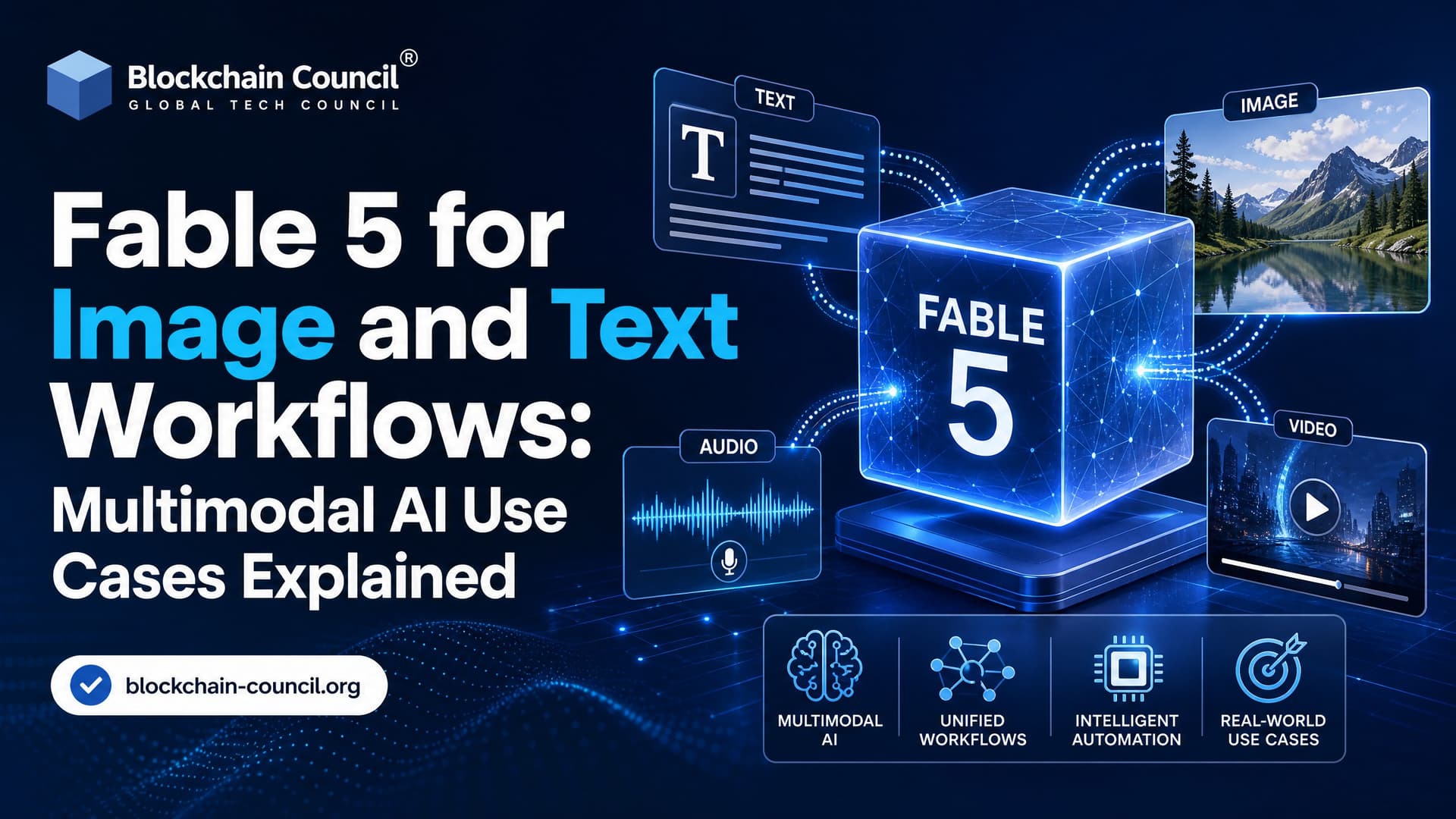
Fable 5 for image and text workflows is built for a problem most AI teams already know too well: useful business data rarely shows up as clean text. It comes as PDFs, dashboard screenshots, invoices, product mockups, charts, tables, diagrams, code files, and messy notes. Anthropic positions Fable 5 as a Claude model designed to reason across those mixed inputs, plan multi-step work, call tools, and hold context across long tasks.
That matters because multimodal AI is no longer just about asking a model to describe an image. The higher-value job is different. Hand the model a folder of documents, screenshots, structured data, and instructions, then ask it to extract, compare, validate, and produce something you can actually use.

What Is Fable 5?
Anthropic describes Fable 5 as a Claude model with strong performance across software engineering, knowledge work, vision, and scientific tasks. For teams building AI systems, the value is not one isolated benchmark. It is the way several capabilities combine inside a single workflow:
- Multimodal input: text, images, PDFs, charts, technical diagrams, screenshots, and structured data.
- Agentic planning: breaking a goal into steps, checking results, and adjusting the plan.
- Long-context reasoning: support for large workspaces that hold many documents and data sources.
- Vision-language analysis: extraction and reasoning from visual material such as figures, tables, dashboards, and UI screens.
- Tool use: structured calls to retrieval systems, databases, OCR services, code tools, and other agents.
To be blunt, this is where many earlier multimodal systems fell over. They could caption an image but failed when asked to reconcile a chart in a PDF with a spreadsheet and a paragraph on page 87. Fable 5 aims at that harder class of work.
Why Fable 5 Matters for Multimodal AI Workflows
In real enterprise workflows, the model has to do more than answer. It has to coordinate. A compliance analyst may need to review a 300-page filing, pull numbers from embedded charts, compare them against a previous quarterly report, and flag inconsistencies. A developer may upload a screenshot of a broken UI, plus logs and source files, then ask for a patch.
Fable 5 sits as the central reasoning layer for these workflows. Instead of stitching together one model for OCR, another for summarization, another for planning, and a pile of brittle scripts in between, you can design a pipeline where Fable 5 decides which tool to use, validates intermediate output, and produces the final artifact.
One practical detail: schema validation still matters. In Claude-style tool calling, the common production failure is not a dramatic hallucination. It is smaller and more annoying, such as the model returning "line_items": "N/A" when your tool schema expects line_items to be an array. Good builders wrap high-impact steps in JSON schema validation, retry logic, and human review gates. Fable 5 may call tools more reliably, but treat tool outputs as inputs to verify, not as magic.
Core Capabilities for Image and Text Workflows
Document Understanding and Visual Data Extraction
Anthropic and Snowflake point to Fable 5's strength in document parsing, especially when charts, tables, and figures live inside PDFs. This matters because many document pipelines break at the exact moment the useful data turns visual.
Common use cases include:
- Extracting revenue, cost, and growth metrics from financial reports.
- Reading scientific figures and reconstructing numerical tables.
- Classifying contracts, invoices, shipment documents, and scanned forms.
- Comparing data across annual reports, board decks, and regulatory filings.
For blockchain and Web3 teams, this pattern maps cleanly to token disclosures, exchange reports, governance proposals, treasury statements, whitepapers, and audit summaries. Those documents mix prose, tables, diagrams, and screenshots. Fable 5 can help turn that mixed material into structured fields for review.
Dashboard and Chart Analysis
Fable 5 is also useful when the input is a visual analytics surface rather than a formal document. Think BI dashboards, on-chain analytics charts, security monitoring panels, or cloud infrastructure graphs.
A practical workflow might run like this:
- Upload a dashboard screenshot with related CSV exports or database tables.
- Ask Fable 5 to identify anomalies, trend breaks, and missing context.
- Have it draft a narrative explanation for analysts or leadership.
- Ask it to propose follow-up SQL queries or investigation steps.
This is not a replacement for the underlying data warehouse. Screenshots can hide scale, filters, and sampling issues. The better pattern is to pair the screenshot with the raw data where you can. Snowflake's Cortex AI direction is relevant here, since it points toward governed workflows where models reason over enterprise data without moving it outside the data perimeter.
Screenshots to Code and UX Review
Anthropic has described Fable 5 as capable of rebuilding a web app's source code from screenshots alone. That is a strong signal about its visual understanding, even if production teams should use it carefully.
Good use cases:
- Turning a static UI mockup into a starter React component.
- Reviewing a product screenshot against design system rules.
- Finding layout defects from screenshots attached to bug reports.
- Generating accessibility notes, such as missing labels or weak color contrast.
Bad use case: expecting pixel-perfect code from one screenshot with no design tokens, responsive states, or component library context. Give the model your actual stack. If you use React, Tailwind CSS, and a specific component library, say so. If your app has dark mode, mobile breakpoints, or WCAG 2.2 AA requirements, include those constraints.
Long-Context Cross-Document Reasoning
Large context windows help only if the model can find and apply the right information deep inside the context. Practitioner reports around Fable 5 emphasize that it retrieves relevant details from long inputs better than many large-context models.
This matters for workflows like:
- Reviewing dozens of PDFs and extracting repeated obligations.
- Comparing product screenshots across versions to catch regressions.
- Combining architecture diagrams, code files, and incident reports.
- Building research summaries from filings, forum posts, and analytics exports.
For certification candidates studying AI systems, here is the design lesson that trips people up: context size is not the same as context quality. Chunking, metadata, retrieval strategy, and prompt structure still shape results. If you build these systems professionally, Blockchain Council's Certified Generative AI Expert and Certified Prompt Engineer certifications connect model behavior with workflow design.
How Fable 5 Fits Agentic Workflows
Fable 5 is often described as an agentic model, meaning it can plan, act, observe results, and revise its next step. In a multimodal pipeline, that can pull in several specialist tools:
- An OCR service for scanned documents.
- A vector database for retrieval across policies and reports.
- A SQL engine for structured analytics.
- A code execution sandbox for validation.
- A vision model or image-processing API for specialized inspection.
Fable 5 sits above these systems as the planner. It decides when to retrieve, when to ask for more data, when to call a function, and when to produce a final report.
That said, do not give an agent write access to production systems on day one. Start read-only. Log every tool call. Require approval before sending emails, updating records, opening pull requests, or triggering financial actions. Agentic AI is powerful, but the failure mode gets expensive fast when the workflow has no guardrails.
Enterprise Governance and Safety Considerations
Anthropic has introduced safety classifiers around Fable 5 to detect misuse patterns, including jailbreak attempts. Snowflake has described enterprise deployment patterns where those classifiers trigger in a small minority of sessions and fall back to helpful behavior rather than a flat refusal.
For image and text workflows, governance is not optional. Uploaded PDFs and screenshots can carry personal data, private keys, customer records, financial terms, or regulated information. Blockchain and crypto teams should be especially careful with wallet addresses, exchange account screenshots, KYC files, seed phrases, and smart contract audit drafts.
Use these controls:
- Data minimization: send only the files and fields the task needs.
- Access control: restrict which agents can inspect sensitive images or documents.
- Audit logs: record prompts, tool calls, outputs, and reviewer decisions.
- PII redaction: strip sensitive fields before model processing where you can.
- Human approval: require review for legal, financial, compliance, or security outputs.
Professionals in regulated AI or Web3 environments may also benefit from pairing AI training with Blockchain Council's Certified Blockchain Expert or related blockchain and cybersecurity certifications, especially when AI workflows touch smart contracts, wallets, exchanges, or compliance data.
Best Use Cases for Fable 5 in Image and Text Workflows
Fable 5 fits best when the workflow is messy, high-value, and cross-format. Use it for:
- Compliance review: analyze filings, contracts, screenshots, and policy documents together.
- Research automation: compare papers, websites, charts, and reports.
- Analytics explanation: turn dashboards and raw tables into investigation notes.
- Product engineering: map screenshots and requirements into code tasks.
- Incident response: combine logs, monitoring graphs, screenshots, and runbooks.
- Web3 reporting: synthesize governance proposals, token metrics, audit notes, and on-chain dashboard images.
It is the wrong choice for simple, cheap, single-turn tasks where a smaller model can classify a short text field or summarize one clean document. Save the expensive multimodal agent for work where context, planning, and verification actually matter.
How to Start Building With Fable 5
Start small. Pick one workflow with clear inputs and measurable output quality. A good first project is a PDF-plus-dashboard extraction pipeline:
- Choose 20 representative documents or screenshots.
- Define the exact fields you want in structured JSON.
- Add validation rules for numbers, dates, and required fields.
- Run Fable 5 with tool access in read-only mode.
- Compare results against human-reviewed ground truth.
- Iterate on prompts, schemas, retrieval, and review steps.
The real advantage of Fable 5 for image and text workflows is not that it can read an image or summarize a PDF. Plenty of models do that. Its value is coordinating long, mixed-format work where documents, visuals, code, and structured data all matter at once. To build production-grade multimodal systems, learn prompt design, tool orchestration, data governance, and evaluation together. A practical next step: study multimodal AI architecture through the Certified Generative AI Expert path, then build a small document extraction agent and test it against real business files.
Related Articles
View All
Claude Ai
Claude Fable 5 Explained: Features, Use Cases, and AI Professional Impact
Claude Fable 5 brings long-context, agentic AI to coding and knowledge work, reshaping how AI professionals design workflows, safety, and evaluation.

Claude Ai
Fable 5 vs Gemini: Features, Performance, Pricing, and Use Cases Compared
Compare Fable 5 vs Gemini across features, benchmarks, pricing, multimodal support, coding, agents, and enterprise use cases.

Claude Ai
Fable 5 API Guide: Integration, Use Cases, and Developer Best Practices
A practical Fable 5 API guide covering integration paths, effort tuning, long-running agents, enterprise use cases, pricing, and production best practices.
Trending Articles
The Role of Blockchain in Ethical AI Development
How blockchain technology is being used to promote transparency and accountability in artificial intelligence systems.
AWS Career Roadmap
A step-by-step guide to building a successful career in Amazon Web Services cloud computing.
How Blockchain Secures AI Data
Understand how blockchain technology is being applied to protect the integrity and security of AI training data.