

Claude AI for CRM Automation Workflows

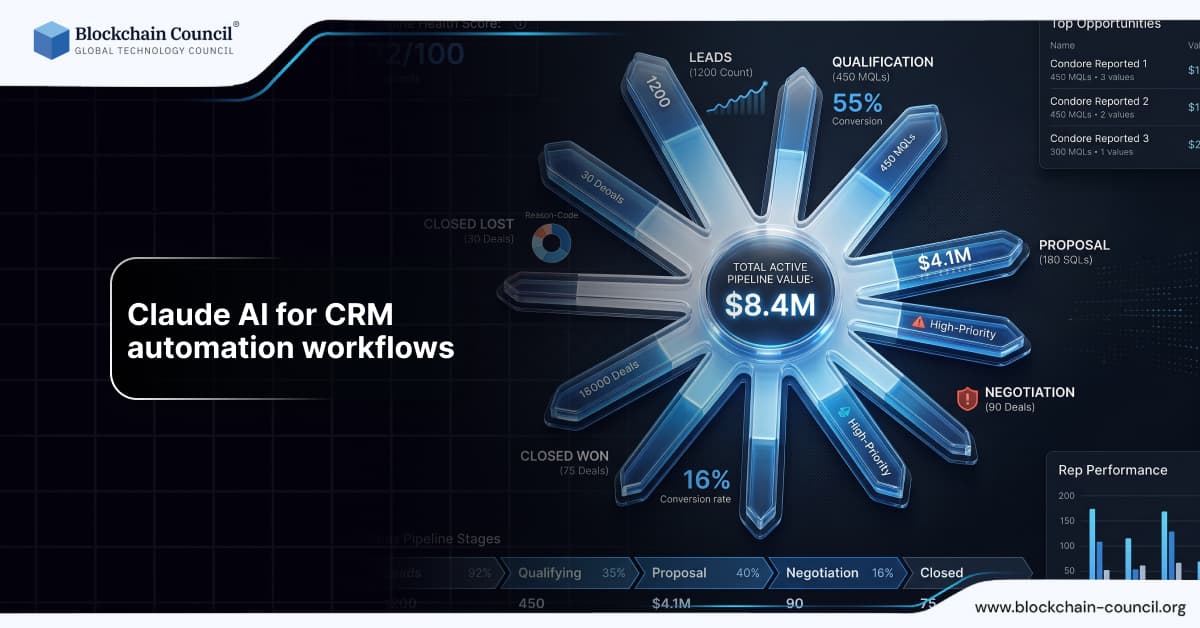
Customer Relationship Management systems are at the core of modern business operations. They help organizations manage leads, track interactions, and improve customer retention. However, managing CRM workflows manually can be time-consuming and inefficient. This is where Claude AI is transforming CRM automation workflows by enabling smarter, faster, and more scalable processes.
For professionals looking to build expertise in artificial intelligence, pursuing an AI Expert Certification provides a strong understanding of AI-driven solutions. At the same time, agentic AI certification programs are becoming increasingly important as businesses adopt intelligent systems capable of automating complex workflows.

This article explores how Claude AI can be used effectively for CRM automation workflows, along with strategies, examples, and best practices.
Understanding CRM Automation Workflows
CRM automation workflows are processes designed to manage customer interactions automatically. These workflows typically include:
Lead capture and nurturing
Email automation
Customer segmentation
Follow-up scheduling
The goal is to improve efficiency while enhancing customer experience.
Role of Claude AI in CRM Automation
Claude AI is a generative AI tool that can analyze, generate, and optimize content and workflows. It enhances CRM systems by adding intelligence to automation processes.
With Claude AI, businesses can:
Generate automated email responses
Create personalized communication
Develop workflow logic
Improve customer engagement
This significantly reduces manual effort.
Why AI is Essential for CRM Systems
Traditional CRM systems rely heavily on manual input and predefined rules. Claude AI improves this by:
Automating repetitive tasks
Enhancing personalization
Improving response speed
Supporting data-driven decisions
These advantages make AI essential for modern CRM strategies.
Step by Step Process to Use Claude AI for CRM Automation
Step 1: Identify Workflow Goals
Define what you want to automate, such as lead nurturing or follow-ups.
Step 2: Map Customer Journey
Understand how customers interact with your business.
Step 3: Create AI Prompts
Include:
Customer data
Communication goals
Desired tone
Workflow triggers
Example:
“Generate a follow-up email for a lead who downloaded a whitepaper.”
Step 4: Build Automation Sequences
Use Claude AI to create messages and logic for workflows.
Step 5: Optimize for Marketing
To improve CRM performance, consider enrolling in an AI powered marketing course, which focuses on AI-driven marketing strategies.
Step 6: Monitor and Improve
Track metrics such as engagement, conversion rates, and response times.
Real World Examples
Example 1: SaaS Company
A SaaS company used Claude AI to automate lead nurturing emails. This improved conversion rates and reduced response time.
Example 2: E-commerce Business
An online store used Claude AI to personalize customer communication. This increased customer retention and satisfaction.
Example 3: Consulting Firm
A consulting firm used Claude AI to automate follow-ups. This improved client engagement and efficiency.
Enhancing Claude AI with Technical Skills
While Claude AI simplifies CRM automation, technical skills can enhance its capabilities.
Python for Automation
Python can automate workflows and analyze CRM data. A Python certification helps build efficient systems.
Node JS for Integration
Node JS enables integration with CRM platforms and APIs. A Node JS Course supports scalable solutions.
Benefits of Using Claude AI for CRM Automation
Faster workflow execution
Improved personalization
Reduced manual effort
Better customer engagement
Scalable operations
These benefits make Claude AI valuable for businesses.
Common Mistakes to Avoid
Poor Data Quality
AI depends on accurate data.
Over-automation
Balance automation with human interaction.
Lack of Testing
Testing improves workflow performance.
Ignoring Customer Experience
Focus on value-driven communication.
Future of AI in CRM Automation
AI will continue to reshape CRM systems.
Future trends include:
Predictive analytics
Real-time personalization
Automated decision-making
Advanced integrations
Early adoption will provide a competitive advantage.
Conclusion
Claude AI is transforming CRM automation workflows by enabling faster, more efficient, and scalable customer management. It helps businesses improve engagement, streamline processes, and increase conversions.
However, success depends on proper usage. Clear prompts, accurate data, and continuous optimization are essential.
Combining AI tools with technical and marketing skills ensures long-term success.
Frequently Asked Questions
1. What is Claude AI used for in CRM automation?
Claude AI is used to automate workflows, generate communication, and improve CRM processes. It helps businesses manage customer interactions efficiently at scale. This improves productivity and overall engagement.
2. Can Claude AI improve CRM performance?
Yes, it enhances automation and personalization within CRM systems effectively. Better workflows lead to improved customer engagement and higher conversions. Results still depend on implementation strategy.
3. Is Claude AI suitable for beginners?
Claude AI is beginner-friendly and requires only basic prompting skills to use. Users can quickly learn how to automate workflows and processes. With practice, output quality improves significantly over time.
4. Can Claude AI replace CRM systems?
Claude AI supports CRM systems by adding intelligent automation capabilities. It does not replace core CRM platforms or infrastructure. Human oversight and system management are still required.
5. How accurate is Claude's AI content?
Claude AI produces relevant and structured content based on the input data provided. However, it may require editing for clarity, tone, or accuracy. Human review ensures high-quality results.
6. Can Claude AI automate workflows completely?
Claude AI supports automation but does not fully replace human workflow management. It helps streamline processes and reduce manual effort significantly. Oversight is still necessary for quality control.
7. Does Claude AI support different industries?
Claude AI works across various industries and adapts to different use cases easily. It generates content and workflows based on context and requirements. This makes it a versatile solution.
8. How does Claude AI handle tone and style?
Claude AI adjusts tone and style based on the prompts provided by users. It can create formal, professional, or conversational communication. Clear instructions ensure consistent messaging.
9. Can it improve customer engagement?
Yes, personalized communication improves customer interaction and satisfaction levels. Claude AI helps create tailored and relevant messaging. This enhances overall engagement and retention.
10. Is technical knowledge required?
Basic use of Claude AI does not require technical or programming knowledge. The tool is accessible to beginners and non-technical users. However, technical skills can enhance automation capabilities.
11. Can Claude AI integrate with CRM tools?
Claude AI can integrate with CRM tools using APIs and automation platforms. This enables efficient workflows and streamlined communication processes. Integration supports scaling business operations.
12. What are the limitations of Claude AI?
Claude AI depends heavily on the quality of the input provided by users. Poor prompts may result in generic or less effective outputs. Human editing and oversight are necessary for best results.
13. Can Claude AI improve conversions?
Well-designed workflows and communication can improve conversion rates significantly. Claude AI helps create clear and persuasive messaging strategies. Results depend on execution and overall planning.
14. Is it useful for businesses?
Claude AI is highly useful for businesses managing large volumes of CRM activities. It reduces manual effort and speeds up workflow execution. This improves efficiency and productivity.
15. Can Claude AI create long-form workflows?
Yes, Claude AI can generate detailed workflow structures and automation sequences. This helps manage complex customer journeys effectively. Longer workflows improve operational efficiency.
16. Does it support multilingual communication?
Claude AI can generate communication in multiple languages for global customers. This helps businesses expand their reach across different regions. However, localization may require human refinement.
17. How does AI help in personalization?
AI tailors communication based on customer data, behavior, and preferences. This increases relevance and improves engagement levels. Personalized experiences perform better than generic messaging.
18. What skills improve AI usage?
Skills such as SEO, prompt engineering, and programming enhance AI effectiveness. These skills help create better inputs and refine outputs. Improved inputs lead to higher-quality results.
19. Can Claude AI automate CRM workflows?
Claude AI supports automation in workflows and customer communication processes. It reduces manual effort and saves time for teams. However, human oversight is still required for quality control.
20. What is the future of AI in CRM?
The future includes automation, personalization, and predictive analytics capabilities. AI will continue improving efficiency and decision-making processes. Early adoption provides a strong competitive advantage.
Related Articles
View All
Claude Ai
Fable 5 for AI Agents and Automation: Building Smarter Workflows
Learn how Fable 5 for AI agents supports long-horizon automation, multi-agent workflows, coding tasks, document processing, safety, and cost control.

Claude Ai
Using Claude Sonnet 5 for Web3 Content Creation, Community Management, and Automation
Learn how Claude Sonnet 5 supports Web3 content creation, community management, governance reporting, and automation with safe, practical workflows.

Claude Ai
Claude Sonnet 5 vs GPT-4o: Which AI Model Fits Enterprise Workflows?
Claude Sonnet 5 vs GPT-4o depends on workflow type: Claude leads long-context analysis and coding, while GPT-4o fits real-time multimodal AI.
Trending Articles
The Role of Blockchain in Ethical AI Development
How blockchain technology is being used to promote transparency and accountability in artificial intelligence systems.
AWS Career Roadmap
A step-by-step guide to building a successful career in Amazon Web Services cloud computing.

Can DeFi 2.0 Bridge the Gap Between Traditional and Decentralized Finance?
The next generation of DeFi protocols aims to connect traditional banking with decentralized finance ecosystems.