
Claude AI for Daily Life Productivity

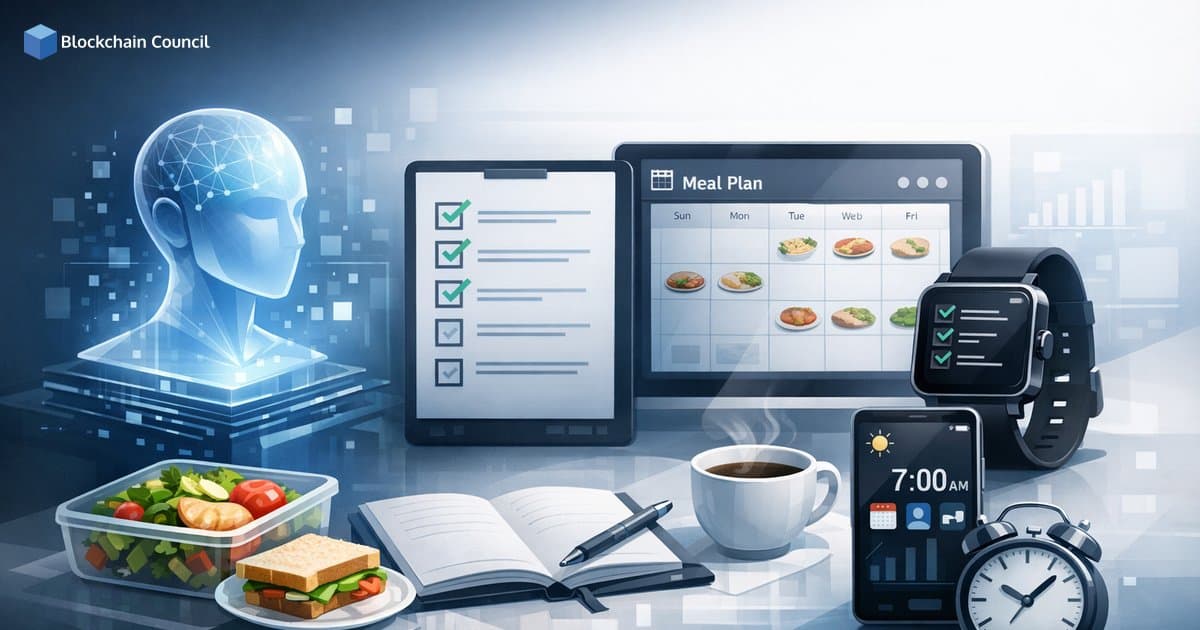
Claude AI for daily life productivity has become more practical in 2026 thanks to features designed for repeatable routines, not just one-off prompts. With Memory from Chat History, Projects, Artifacts, and Skills, Claude can help you build consistent checklists, generate meal plans with shopping lists, and design smart routines you can reuse every week. Anthropic maintains enterprise-grade security practices including SOC 2 and ISO 27001 certifications, which matters when your prompts include personal schedules, health goals, or household details.
What Makes Claude AI Useful for Everyday Productivity in 2026
Most people try AI by asking for a to-do list once, then start over the next day. Claude works better when you treat it as a persistent assistant with structured workspaces and reusable outputs. Key capabilities include:

Memory from Chat History: Claude retains preferences across sessions so you do not have to repeat constraints like dietary restrictions or time availability.
Projects: Persistent workspaces for long-running goals such as meal planning, household management, or fitness tracking, keeping related conversations and context together.
Artifacts: Interactive outputs generated within the chat - checklists, dashboards, flowcharts, tables, and simple UIs that you can edit and iterate on.
Skills: Custom, repeatable workflows that standardize how Claude formats and produces your routine outputs.
Web Search and Deep Research Mode: Useful when you want current inputs, recipe variations, or multi-source synthesis. Deep Research is available on paid tiers.
File Creation: Export routines into editable formats like PDFs or spreadsheets for printing or sharing.
Cowork Automation: No-code style automation for multi-step flows, useful for routines that follow the same triggers each day.
These features are often overlooked by new users, but they represent the practical difference between using AI as a chat tool and using it as a routine engine.
How to Build Reusable Checklists with Claude AI
Checklists are one of the fastest productivity gains available through Claude because they reduce cognitive load and decision fatigue. The most effective approach is to create a dedicated Project for each domain - home, work, health, or family - and then generate visual checklists as Artifacts.
Example: Daily and Weekly Home Checklist
Create a Project called "Home Ops."
Tell Claude your household constraints - pets, number of rooms, cleaning frequency, allergy concerns.
Ask for an Artifact checklist with sections covering daily, twice-weekly, weekly, and monthly tasks.
Refine the checklist until it reflects your actual situation, then export it using file creation for printing or offline use.
Prompt template: "In my Home Ops project, create an Artifact checklist for daily and weekly chores. Use short tasks, estimated minutes per task, and a minimum viable day mode for busy days."
Meal Plans That Fit Your Schedule and Your Pantry
Meal planning breaks down when it ignores time, budget, and personal preferences. Claude can handle meal plans end-to-end by combining Memory for preferences, Projects for persistence, Skills for consistent formatting, and optional Web Search for fresh ideas or ingredient substitutions.
Set Up a Weekly Meal Planning Project
Save preferences with Memory: dietary restrictions, disliked ingredients, macro targets, and cooking time limits.
Define your structure: number of meals per day, leftovers strategy, and your designated prep day.
Generate deliverables: a weekly calendar, recipe list, consolidated shopping list, and prep steps.
Create a Repeatable Meal Plan Skill
A Skill standardizes outputs so every weekly plan follows the same structure. A well-configured Skill can enforce:
7-day table format
macros per meal, based on targets you provide
a consolidated grocery list grouped by aisle
a prep schedule covering a Sunday session and a midweek refresh
Prompt template: "Create a Skill named Weekly Meal Plan that outputs (1) a 7-day plan, (2) macros per day, (3) a grocery list grouped by aisle, and (4) a 90-minute prep plan. Assume 30 minutes maximum for weeknight cooking."
To track adherence over time, export the plan as a spreadsheet. Claude integrations for Excel and PowerPoint can help maintain context across documents, making it easier to review progress and adjust the following week.
Smart Routines with Memory, Artifacts, and Cowork Automation
Smart routines are repeatable flows that adapt to context such as time of day, location, or shifting constraints. Claude supports this across two layers:
Design layer: Use Artifacts to build a routine map, flowchart, or habit tracker UI prototype.
Execution layer: Use Cowork automation to model steps like checking weather, prioritizing tasks, or generating a quick workout plan with minimal manual effort each time.
Example: A 20-Minute Morning Routine
Artifact flowchart covering wake, hydrate, review calendar, generate top three priorities, pack lunch, and a quick mobility session.
Memory stores your preferred wake time and any workout limitations.
Web Search (optional) pulls current weather if it affects your commute or outdoor exercise plans.
For on-the-go use, Claude's mobile voice input reduces friction. Dictate what changed today and Claude can update the routine Artifact accordingly.
Practical Setup Checklist (5 Minutes)
Enable Memory in settings and add your core preferences - diet, schedule constraints, and goals.
Create three Projects: Home Ops, Meal Planning, and Personal Routines.
For each Project, generate one Artifact you will actually use - a checklist, weekly table, or flowchart.
Convert your most-used prompt into a Skill so outputs stay consistent week to week.
Export to a file in PDF or spreadsheet format if you need offline access or want a printed copy.
Building a Repeatable System for Claude AI Daily Life Productivity
Claude AI for daily life productivity delivers the most value when you move from single prompts to structured systems: Projects for organization, Memory for personalization, Artifacts for actionable visuals, and Skills for repeatability. Start with one domain such as meal planning or a home checklist, refine it over a week, then expand to other areas. For professionals looking to build broader capability in AI-driven workflows, learning paths in AI and machine learning, prompt engineering, and data-driven automation - such as those offered through Blockchain Council - provide a solid foundation for operationalizing tools like Claude across personal and enterprise routines.
Related Articles
View All
Claude Ai
Improving Team Productivity with Claude AI Using SOPs, Templates, and Knowledge Bases
Learn how to improve team productivity with Claude AI using SOPs, reusable templates, and knowledge bases that boost speed while maintaining quality control.

Claude Ai
Automating Daily Business Tasks with Claude AI
Learn how automating daily business tasks with Claude AI improves email triage, on-brand drafting, and follow-ups using long context, RAG, and agentic workflows.

Claude Ai
The Future of AI Learning with Claude AI
Explore the future of AI learning with Claude AI, from Learning mode and Opus 4.6 to campus deployments and certifications shaping AI-first education.
Trending Articles

The Role of Blockchain in Ethical AI Development
How blockchain technology is being used to promote transparency and accountability in artificial intelligence systems.

AWS Career Roadmap
A step-by-step guide to building a successful career in Amazon Web Services cloud computing.

Top 5 DeFi Platforms
Explore the leading decentralized finance platforms and what makes each one unique in the evolving DeFi landscape.