

Automating Daily Business Tasks with Claude AI
 Suyash Raizada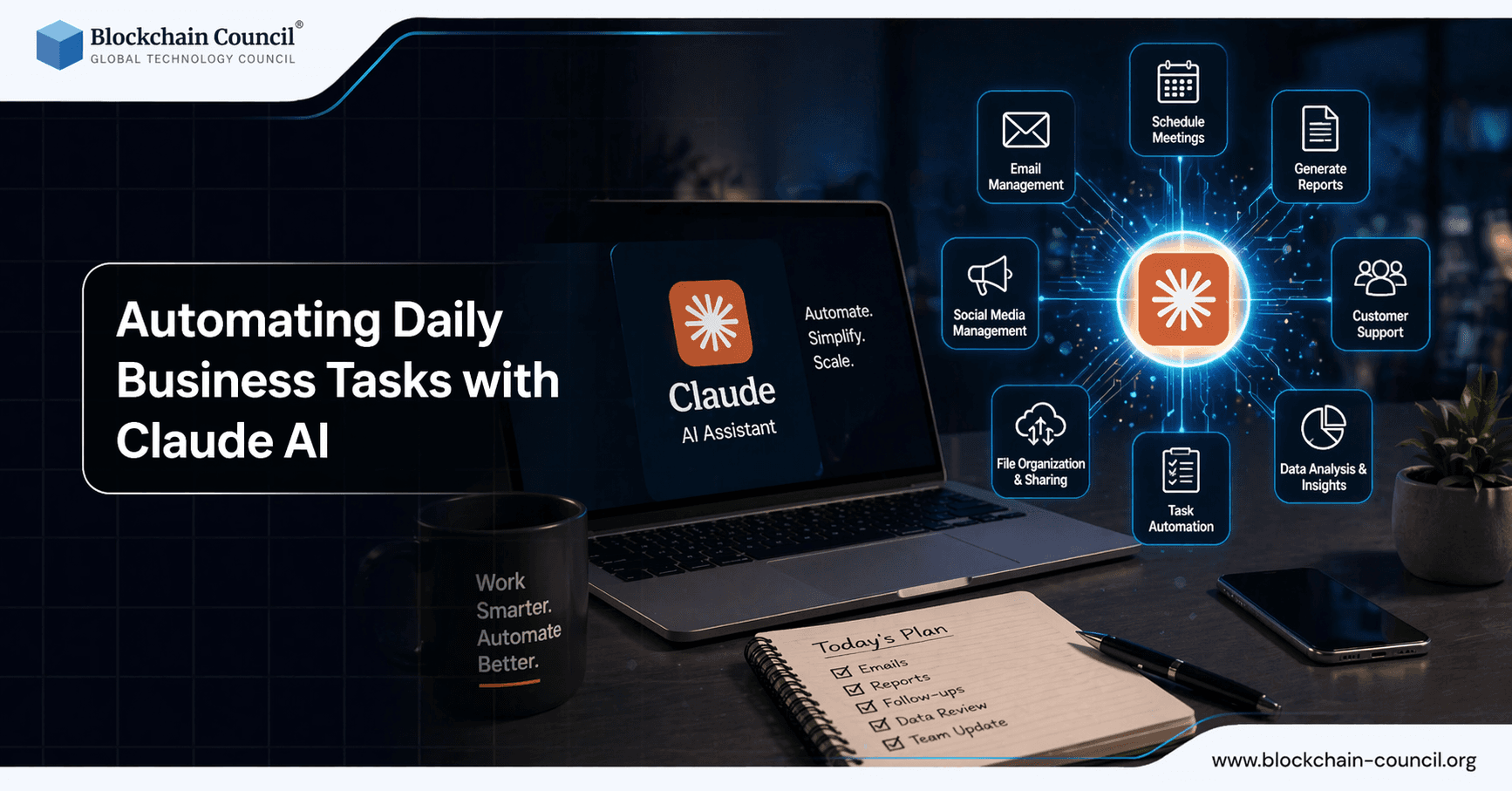
Automating daily business tasks with Claude AI is becoming a practical priority for teams looking to reduce inbox overload, standardize communication, and accelerate both customer-facing and internal workflows. Developed by Anthropic, Claude is well-suited for email triage, drafting, and follow-ups because it combines advanced reasoning with large context windows - up to 1,000,000 tokens in Claude Opus 4 for enterprise-grade knowledge work.
As organizations move AI from experimentation into core infrastructure, Claude Enterprise has matured with features including hybrid RAG (Retrieval-Augmented Generation), prompt caching, usage monitoring, and security controls designed for governed business deployments. Automating Daily Business Tasks with Claude AI helps reduce manual work and improve efficiency across operations. Claude can handle repetitive tasks and workflows. However, building scalable automation requires planning and structure. The Claude Code Certification helps you implement these solutions.

Streamline repetitive business operations such as reporting, email handling, and data processing by leveraging Claude AI automation workflows while ensuring secure implementation through an AI Security Certification, building automation scripts with a Python certification, and scaling operational efficiency with a Digital marketing course.
Why Claude AI Fits Email Automation in Enterprise Workflows
Email management is fundamentally a data problem: long threads, attachments, customer history, internal policies, product updates, and brand tone all need to be handled consistently at scale. Claude Enterprise addresses these conditions with several practical capabilities.
Large context windows to process full email histories, project archives, or customer records in a single workspace, reducing dependence on fragile summarization chains.
Hybrid RAG to retrieve current policies, FAQs, product data, or contract terms from approved knowledge sources, keeping responses accurate and grounded.
Agentic features to coordinate tasks such as sorting, drafting, and scheduling follow-ups across tools.
Integration options through the Model Context Protocol (MCP) to connect APIs for real-time data like inventory levels, ad performance, or ticket status.
Enterprise governance including IAM integration, API keys, usage monitoring, and multi-region deployment options via AWS Bedrock and Google Vertex AI.
These capabilities align with a broader productivity pattern: teams that integrate Claude into structured workflows have reported measurable gains, including roughly 45% improvements in code-related refactoring tasks across large developer populations. The same reasoning and context-retention advantages apply directly to communication workflows.
Email Triage with Claude AI: Prioritization, Intent, and Routing
Email triage is where most teams lose significant time: scanning for urgency, assigning owners, and tracking pending actions. Claude can analyze an inbox using defined criteria and business context, then produce triage output that is actionable rather than generic.
What Claude Can Do in Triage
Classify priority (urgent, high, normal, low) using rules you define, such as SLA thresholds, executive senders, or revenue impact.
Detect sender intent across categories like complaints, refund requests, feature requests, partnership inquiries, invoice issues, or escalations.
Extract action items and suggest next steps with suggested owners and due dates.
Apply metadata by generating tags and structured fields that map into CRM or helpdesk systems, consistent with attribute mapping approaches used in data enrichment.
With long-context reasoning, triage can also incorporate brand guidelines, customer personas, and historical thread patterns to keep decisions consistent across thousands of messages - particularly valuable when multiple teams share a single inbox.
Drafting On-Brand Replies: Faster Responses Without Losing Nuance
Drafting is where automation offers the greatest time savings, but only when output stays aligned with tone, policy, and customer context. Claude's ability to retain brand nuance across large datasets directly improves email quality for customer service, sales, and partner communication.
Best-Fit Drafting Use Cases
Customer support replies that cite the correct policy and propose clear next steps.
Sales responses that personalize to role, industry, and deal stage while keeping claims accurate.
Operations and finance emails such as invoice clarifications, renewal reminders, and compliance requests.
Internal updates including project status, risk notes, and decision summaries pulled from long threads.
To deploy this responsibly, teams typically pair drafting with a lightweight human review step and an approved knowledge base. Hybrid RAG supports this by pulling current terms, product specs, or communication playbooks so drafts remain consistent even as policies change.
Automating Follow-Ups: Sequences Triggered by Real Business Signals
Follow-ups often fail because they depend on human memory. Claude's agentic configurations make follow-ups more reliable by monitoring task states and generating the next message at the right time, based on live system data.
How Follow-Ups Become Semi-Autonomous
Define triggers: no reply in 48 hours, quote expired, ticket status unchanged, or contract pending review.
Pull live context: use MCP to check CRM stage, inventory levels, shipping status, or campaign performance.
Draft the next email: consistent tone, clear call-to-action, and accurate references to prior thread details.
Escalate when needed: route to a human for exceptions, high-risk accounts, or unusual sentiment signals.
In e-commerce, this can include discount follow-ups for overstock items driven by inventory APIs, or personalized outreach based on prior support interactions. AI-driven follow-up optimization has been associated with reduced cart abandonment rates in leading retail implementations, reinforcing the business value of timely, contextually relevant messaging.
Implementation Blueprint: From Pilot to Governed Automation
Successful Claude deployments for email automation tend to follow a staged approach that balances speed with control.
Start with a triage pilot: define categories, escalation rules, and a structured output format that your team can validate before scaling.
Standardize brand voice: provide approved examples, tone guidelines, and explicit do-not-say constraints for draft generation.
Connect knowledge safely: use enterprise RAG patterns so Claude retrieves from approved sources rather than generating unverified responses.
Add agentic workflows: introduce orchestrated agents for follow-ups and routing once triage and drafting are stable.
Measure outcomes: track response time, resolution time, CSAT scores, compliance errors, and deflection rates.
Automate end-to-end business processes using Claude AI, including integrations, decision support, and workflow optimization by gaining expertise through an AI Security Certification, developing scalable systems via a Node JS Course, and driving business growth with an AI powered marketing course.
Future Outlook: Agent Teams and End-to-End Inbox Workflows
The trajectory for enterprise AI points toward networks of collaborating agents that handle routine tasks with minimal human intervention. With larger context windows, deeper business application integrations, and more capable agent orchestration, Claude-based systems can move beyond drafting individual emails to managing full workflows - such as email-to-ticket creation, email-to-CRM updates, or email-to-ledger processing with defined approval gates.
Automating daily business tasks with Claude AI is not about replacing human judgment. It is about turning the inbox into a structured, reliable system: triage becomes a prioritized queue, drafts become consistent and policy-aligned, and follow-ups become dependable actions triggered by real business signals. For teams that implement governance, knowledge retrieval, and tool integration thoughtfully, Claude can turn email from an operational bottleneck into a competitive advantage.
FAQs
1. What does automating daily business tasks with Claude AI mean?
It involves using Claude AI to handle repetitive business activities such as emails, reports, and data summaries. The AI follows instructions and templates. This reduces manual workload.
2. How can Claude AI improve business efficiency?
Claude AI automates routine tasks and provides quick insights. It reduces time spent on repetitive work. This allows teams to focus on higher-value activities.
3. What types of business tasks can Claude AI automate?
Tasks include email drafting, report generation, customer responses, and data analysis. It can also assist with documentation and scheduling. Automation depends on workflow design.
4. Can Claude AI automate customer support tasks?
Yes, Claude AI can generate responses to common customer queries. It helps standardize communication. This improves response speed and consistency.
5. How does Claude AI help with email automation?
Claude AI can draft, summarize, and respond to emails based on context. It uses templates and instructions. This saves time and improves communication.
6. Can Claude AI generate business reports?
Claude AI can create structured reports from data or summaries. It organizes information clearly. This reduces manual reporting effort.
7. How does Claude AI support data analysis tasks?
Claude AI can summarize datasets, identify trends, and explain insights. It helps interpret data quickly. This supports decision-making.
8. What role do templates play in automation?
Templates standardize outputs such as emails and reports. Claude AI uses them to generate consistent results. This improves efficiency and quality.
9. Can Claude AI automate internal documentation?
Yes, Claude AI can create and update documentation for processes and workflows. It ensures consistency. This supports knowledge sharing.
10. How does Claude AI help with task management?
Claude AI can organize tasks, prioritize work, and suggest schedules. It helps track progress. This improves productivity.
11. What are the benefits of automating business tasks with Claude AI?
Benefits include time savings, reduced errors, and improved consistency. It enhances productivity and scalability. This supports business growth.
12. What are the limitations of Claude AI in automation?
Claude AI requires clear instructions and may lack real-time context. It cannot fully replace human decision-making. Oversight is necessary.
13. Can small businesses use Claude AI for automation?
Yes, small businesses can automate tasks without large investments. Claude AI provides cost-effective solutions. This improves efficiency.
14. How does Claude AI support workflow automation?
Claude AI integrates with workflows by following defined steps and templates. It automates repetitive processes. This improves operational efficiency.
15. Can Claude AI assist with marketing tasks?
Claude AI can generate content, analyze data, and draft campaigns. It supports marketing workflows. This improves productivity.
16. How does Claude AI improve decision-making in businesses?
Claude AI provides structured insights and summaries. It helps evaluate options quickly. This supports informed decisions.
17. What skills are needed to use Claude AI for automation?
Users need basic understanding of workflows and clear communication skills. Defining processes is important. Training improves effectiveness.
18. Can Claude AI scale across business operations?
Yes, Claude AI can handle increasing workloads as processes are standardized. Scalability depends on system setup. Proper planning is required.
19. How does Claude AI handle updates in business processes?
Claude AI adapts to updated instructions and templates. Regular updates ensure accuracy. Maintenance is important for effectiveness.
20. What is the future of automating business tasks with Claude AI?
Automation will become more integrated and intelligent. Claude AI will handle more complex workflows. Businesses will rely more on AI-driven operations.
Related Articles
View All
Claude Ai
Claude Sonnet 5 and the Future of Generative AI for Business
Claude Sonnet 5 makes agentic generative AI more practical for business, with lower costs, stronger controls, and enterprise-ready deployment paths.

Claude Ai
Meta AI vs Claude AI: Which Assistant Is Better for Work, Coding, and Daily Use?
A practical Meta AI vs Claude AI comparison covering writing, coding, safety, integrations, and where Meta AI fits against leading AI assistants.

Claude Ai
Claude Fable vs ChatGPT: Which AI Model Is Better for Content Creation and Business Workflows?
Claude Fable vs ChatGPT compared for content creation, business workflows, strategy, code review, and practical hybrid AI usage.
Trending Articles
The Role of Blockchain in Ethical AI Development
How blockchain technology is being used to promote transparency and accountability in artificial intelligence systems.
AWS Career Roadmap
A step-by-step guide to building a successful career in Amazon Web Services cloud computing.
What is AWS? A Beginner's Guide to Cloud Computing
Everything you need to know about Amazon Web Services, cloud computing fundamentals, and career opportunities.