

Improving Team Productivity with Claude AI Using SOPs, Templates, and Knowledge Bases
 Suyash Raizada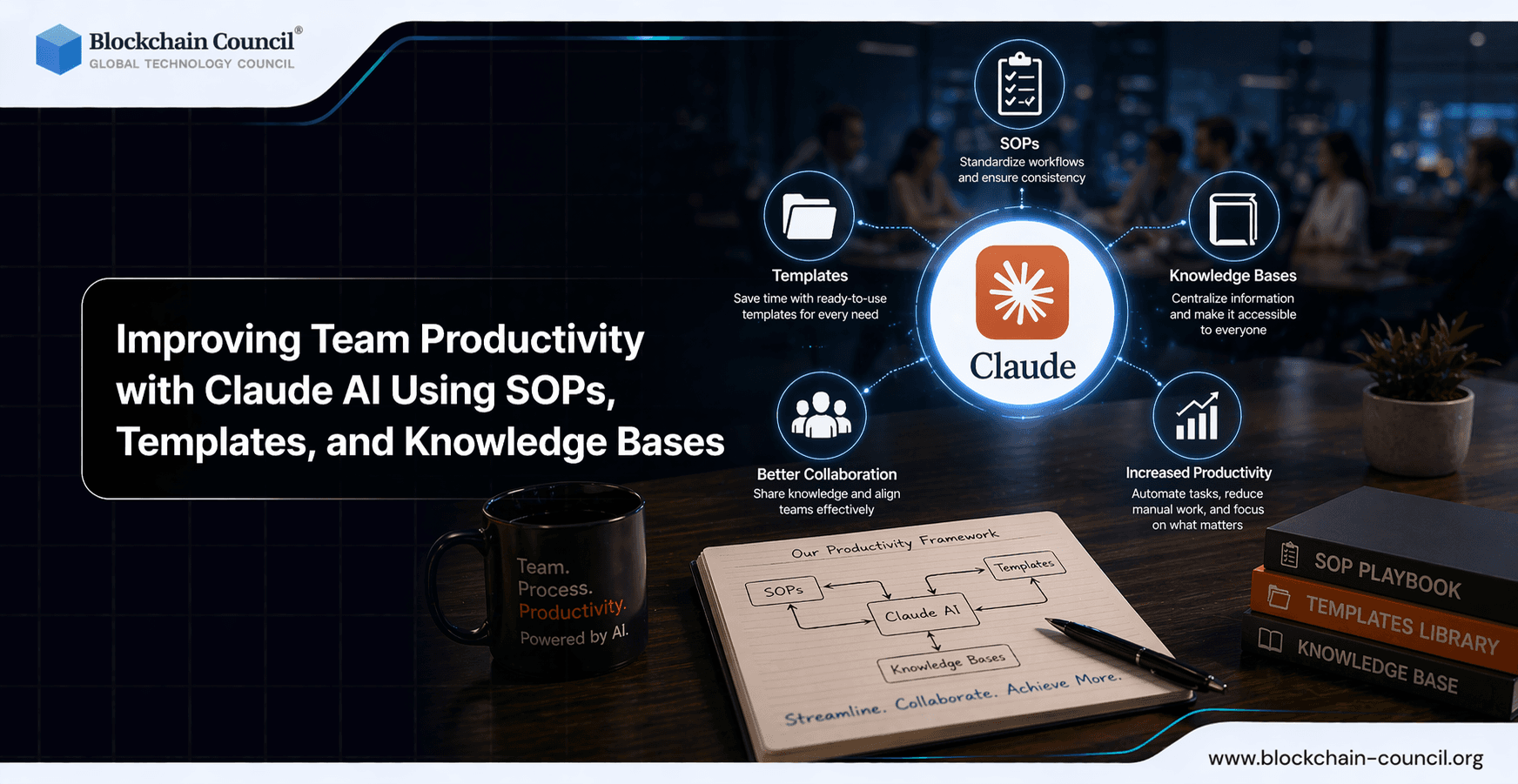
Improving team productivity with Claude AI is most reliable when organizations treat Claude as a collaborative copilot rather than a fully autonomous worker. Enterprise data shows current-generation models can reduce task completion time by roughly 80% on average for many knowledge tasks, but success rates decline as tasks grow more complex. That makes operational design the deciding factor between fast-but-risky and fast-and-repeatable. This guide explains how to deploy Claude AI through SOPs, templates, and knowledge bases that scale across teams while protecting output quality. Improving Team Productivity with Claude AI Using SOPs, Templates, and Knowledge Bases enables consistent and scalable workflows across organizations. Claude helps standardize processes and documentation. However, implementation requires structured systems. The Claude Code Certification helps you design these workflows.
Standardize workflows and improve team efficiency using AI-driven SOPs and knowledge systems by mastering automation through an Agentic AI Course, implementing solutions with a Python Course, and scaling operations via a Digital marketing course.

Why Improving Team Productivity with Claude AI Requires Process Design
Claude adoption in enterprise settings is expanding rapidly, with large-scale deployments and broad organizational uptake. Developer usage is particularly high, with most practitioners using AI tools and many running multiple tools in parallel. This multi-tool reality means Claude workflows should be tool-agnostic and grounded in clear operational standards.
Two findings are especially relevant for leaders and delivery teams:
Task speedups are real, but vary significantly by task type. Claude performs strongly on reading, writing, analysis, coding, and quantitative work.
Success rates decline with complexity. Longer, multi-hour tasks see lower completion reliability than shorter ones, so complex work requires more checkpoints and human oversight.
Teams are also shifting away from full delegation toward iterative collaboration, meaning the highest productivity gains come from structured feedback loops, clarification steps, and validation rather than hands-off automation.
Build SOPs That Match How Teams Actually Use Claude
An effective Claude SOP defines when to use Claude, how to prompt effectively, and how to verify outputs. The goal is to standardize the collaborative loop so results stay consistent across individuals and departments.
1) Segment Work by Complexity Level
Because complexity directly affects success rates, define three tiers with different levels of oversight:
Tier 1 (low complexity): Short requests representing under one hour of human effort. Claude can draft, summarize, classify, or generate code snippets with lightweight review.
Tier 2 (medium complexity): Multi-step tasks that require context and constraints. Use structured prompts plus mandatory peer review before finalizing outputs.
Tier 3 (high complexity): Multi-hour initiatives such as architecture changes, policy rewrites, or major refactors. Use Claude for decomposition and initial drafts, then run staged reviews, tests, and approvals.
2) Standardize the Ask-Respond-Verify Loop
Embed these steps into the SOP for any Claude-assisted deliverable:
Define success criteria: audience, format, constraints, acceptance tests, and known risks.
Generate an initial output: for Tier 2 and Tier 3 tasks, request a plan before the full draft.
Verify: require citations to internal sources where applicable, run test suites for code, and apply domain review for legal, finance, or security content.
Iterate: address specific gaps and request targeted revisions rather than restarting the entire task.
3) Add Explicit Quality-Control Gates
AI increases speed, but without safeguards it can also increase defect risk. Add gates such as:
Code review checklist: security, performance, logging, error handling, and dependency risk.
Documentation checklist: accuracy, completeness, versioning, and assigned owner.
Compliance checklist: data handling, confidentiality, and applicable regulatory constraints.
For internal capability building, teams can formalize skills through prompt engineering certifications and role-aligned training programs covering AI fundamentals, developer practices, and security considerations.
Create High-Leverage Templates Teams Will Actually Reuse
Templates reduce prompt variance and make outputs comparable across team members. They also help multi-tool teams maintain consistent practices across Claude, IDE assistants, and other productivity tools.
Template 1: SOP Generator for a Repeatable Process
Use when: onboarding, support, QA, releases, or incident response.
Prompt skeleton:
Goal: What success looks like and who uses the SOP.
Scope: Included and excluded scenarios.
Inputs: Systems, data sources, and required access.
Steps: Numbered procedure with clearly marked decision points.
Quality checks: Validation steps and owner sign-off requirements.
Escalation: Who to contact and under what conditions.
Template 2: Spec-to-Implementation for Engineering
Use when: building features, refactoring code, or writing test suites.
Requirements: Functional and non-functional specifications.
Constraints: Libraries, runtime environment, latency targets, and privacy requirements.
Plan: Milestones, interfaces, and data models.
Tests: Unit, integration, and edge case coverage.
Rollout: Feature flags, monitoring strategy, and rollback procedure.
Template 3: Executive-Ready Summary
Use when: preparing stakeholder updates, incident summaries, or risk reviews.
Context: What changed and why it matters to the business.
Impact: Relevant metrics and customer effect.
Decision: A clear recommendation with supporting options.
Next steps: Named owners and firm deadlines.
Turn Documentation into a Claude-Ready Knowledge Base
A well-structured knowledge base is the multiplier behind improving team productivity with Claude AI. It reduces hallucinations and keeps outputs aligned with internal standards and institutional knowledge. Key principles include:
Single source of truth for policies, architecture, runbooks, and product decisions.
Chunked formatting: short sections, clear headings, and consistent terminology throughout.
Ownership and versioning: each document has an assigned owner and a defined review cadence.
Definition-of-done libraries: shared acceptance criteria for common work items so Claude outputs can be evaluated against a clear standard.
Organizations adopting blockchain or Web3 alongside AI should maintain separate but linked knowledge areas covering security standards, key management, and smart contract guidelines. Internal learning paths tied to recognized certifications in blockchain, Web3, and cybersecurity can further strengthen team competency in these domains.
Boost collaboration and streamline knowledge sharing across teams with AI-powered tools by combining expertise from an AI Course, enhancing workflows via a machine learning course, and driving adoption using an AI powered marketing course.
Conclusion: Make Claude a System, Not a Shortcut
Improving team productivity with Claude AI is sustainable when fast generation is paired with structured verification. Significant time savings are achievable, but the best outcomes consistently come from augmented collaboration rather than hands-off automation. By segmenting work by complexity, embedding quality gates into every workflow, using reusable templates, and maintaining a living knowledge base, teams can capture speed gains while protecting reliability, security, and long-term maintainability.
FAQs
1. What is Improving Team Productivity with Claude AI Using SOPs, Templates, and Knowledge Bases?
Improving Team Productivity with Claude AI Using SOPs, Templates, and Knowledge Bases focuses on automating workflows. It standardizes processes for better efficiency.
2. How does Improving Team Productivity with Claude AI Using SOPs, Templates, and Knowledge Bases work?
Improving Team Productivity with Claude AI Using SOPs, Templates, and Knowledge Bases organizes tasks into reusable formats. Teams can quickly access structured information.
3. Why is Improving Team Productivity with Claude AI Using SOPs, Templates, and Knowledge Bases important?
Improving Team Productivity with Claude AI Using SOPs, Templates, and Knowledge Bases reduces errors and saves time. It ensures consistency.
4. Can Improving Team Productivity with Claude AI Using SOPs, Templates, and Knowledge Bases improve collaboration?
Yes, Improving Team Productivity with Claude AI Using SOPs, Templates, and Knowledge Bases enhances team collaboration. It aligns processes.
5. What are SOPs in Improving Team Productivity with Claude AI Using SOPs, Templates, and Knowledge Bases?
SOPs are standard operating procedures. Improving Team Productivity with Claude AI Using SOPs, Templates, and Knowledge Bases uses them for consistency.
6. Can Improving Team Productivity with Claude AI Using SOPs, Templates, and Knowledge Bases reduce workload?
Yes, Improving Team Productivity with Claude AI Using SOPs, Templates, and Knowledge Bases automates repetitive tasks. It reduces manual effort.
7. Is Improving Team Productivity with Claude AI Using SOPs, Templates, and Knowledge Bases scalable?
Improving Team Productivity with Claude AI Using SOPs, Templates, and Knowledge Bases scales easily. It supports growing teams.
8. Can Improving Team Productivity with Claude AI Using SOPs, Templates, and Knowledge Bases improve efficiency?
Yes, Improving Team Productivity with Claude AI Using SOPs, Templates, and Knowledge Bases streamlines workflows. It improves efficiency.
9. What tools support Improving Team Productivity with Claude AI Using SOPs, Templates, and Knowledge Bases?
Improving Team Productivity with Claude AI Using SOPs, Templates, and Knowledge Bases integrates with productivity tools. This enhances usability.
10. Can Improving Team Productivity with Claude AI Using SOPs, Templates, and Knowledge Bases track performance?
Yes, Improving Team Productivity with Claude AI Using SOPs, Templates, and Knowledge Bases tracks task performance. It provides insights.
11. Who can use Improving Team Productivity with Claude AI Using SOPs, Templates, and Knowledge Bases?
Improving Team Productivity with Claude AI Using SOPs, Templates, and Knowledge Bases is useful for teams and organizations. It supports all industries.
12. What are benefits of Improving Team Productivity with Claude AI Using SOPs, Templates, and Knowledge Bases?
Improving Team Productivity with Claude AI Using SOPs, Templates, and Knowledge Bases improves consistency and reduces errors. It enhances productivity.
13. Can Improving Team Productivity with Claude AI Using SOPs, Templates, and Knowledge Bases be customized?
Yes, Improving Team Productivity with Claude AI Using SOPs, Templates, and Knowledge Bases allows customization. Teams can adapt workflows.
14. Does Improving Team Productivity with Claude AI Using SOPs, Templates, and Knowledge Bases require training?
Improving Team Productivity with Claude AI Using SOPs, Templates, and Knowledge Bases may require basic training. Adoption becomes easier over time.
15. Can Improving Team Productivity with Claude AI Using SOPs, Templates, and Knowledge Bases reduce errors?
Yes, Improving Team Productivity with Claude AI Using SOPs, Templates, and Knowledge Bases minimizes mistakes. Standardization helps.
16. How to start Improving Team Productivity with Claude AI Using SOPs, Templates, and Knowledge Bases?
Start Improving Team Productivity with Claude AI Using SOPs, Templates, and Knowledge Bases by creating SOPs and templates. Implement AI tools.
17. What are challenges in Improving Team Productivity with Claude AI Using SOPs, Templates, and Knowledge Bases?
Improving Team Productivity with Claude AI Using SOPs, Templates, and Knowledge Bases may face resistance to change. Proper training helps.
18. Can Improving Team Productivity with Claude AI Using SOPs, Templates, and Knowledge Bases improve decision-making?
Yes, Improving Team Productivity with Claude AI Using SOPs, Templates, and Knowledge Bases provides structured insights. It supports decisions.
19. Does Improving Team Productivity with Claude AI Using SOPs, Templates, and Knowledge Bases support remote teams?
Yes, Improving Team Productivity with Claude AI Using SOPs, Templates, and Knowledge Bases is ideal for remote teams. It ensures consistency.
20. What is the future of Improving Team Productivity with Claude AI Using SOPs, Templates, and Knowledge Bases?
Improving Team Productivity with Claude AI Using SOPs, Templates, and Knowledge Bases will evolve with automation. It will enhance collaboration.
Related Articles
View All
Claude Ai
Using Claude Sonnet 5 for Web3 Content Creation, Community Management, and Automation
Learn how Claude Sonnet 5 supports Web3 content creation, community management, governance reporting, and automation with safe, practical workflows.

Claude Ai
Optimizing AI Productivity: Single Prompts vs Claude Looping
Learn when to use single prompts, prompt chaining, and Claude looping to improve AI productivity across coding, compliance, content, and enterprise workflows.

Claude Ai
Getting Started with Claude Fable 5: A Beginner's Guide to AI-Powered Productivity
Learn how Claude Fable 5 helps beginners improve productivity with multi-step briefs, autonomous workflows, coding support, document analysis, and safe AI use.
Trending Articles
The Role of Blockchain in Ethical AI Development
How blockchain technology is being used to promote transparency and accountability in artificial intelligence systems.
AWS Career Roadmap
A step-by-step guide to building a successful career in Amazon Web Services cloud computing.
Blockchain in Supply Chain Provenance Tracking
Supply chains are under pressure to prove not just efficiency, but also authenticity, sustainability, and fairness. Customers want to know if their coffee really is fair trade, if the diamonds are con