

Does the Court Keep Recordings of Microsoft Teams Hearings? What Gets Recorded, Who Controls It, and How to Access the Record

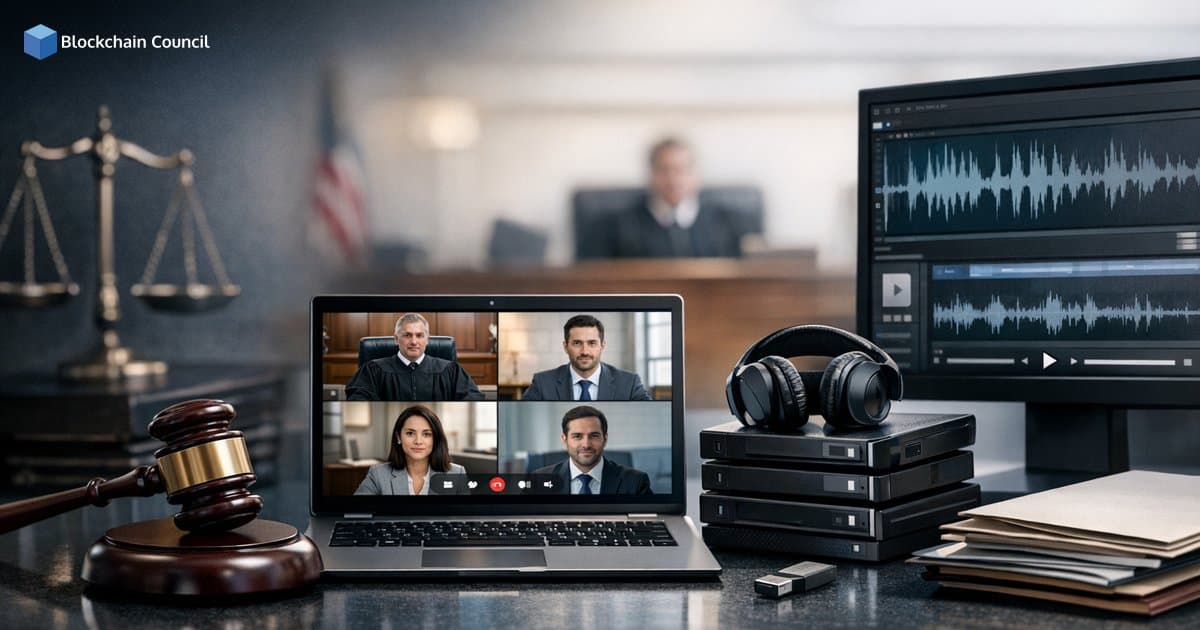
Does the court keep recordings of Microsoft Teams hearings? In most jurisdictions that use Microsoft Teams for remote or hybrid appearances, the court keeps an official record of the proceeding. However, that record is typically created and retained through court-controlled recording systems or a court reporter's stenographic notes, not through an individual participant using the Microsoft Teams recording button.
This distinction matters for attorneys, litigants, expert witnesses, and IT administrators because it affects (1) whether a video or audio file exists, (2) who can record, (3) how long the record is retained, and (4) how parties or the public can request access.

What Courts Mean by an "Official Record" in a Teams Hearing
Courts generally treat a Microsoft Teams hearing like an in-person hearing: it is an official court proceeding. The record of that proceeding usually takes one or more of these forms:
- Stenographic transcript created by a court reporter
- Official digital audio recording captured by court-approved recording systems
- Official video recording in jurisdictions that preserve video as part of the case file
Whether the court keeps audio, video, a transcript, or a combination depends on local rules, the type of case, and the court's technology policies. The court's record, not a participant's Teams recording, is the authoritative version used for appeals, compliance, and evidentiary integrity.
How Courts Record Microsoft Teams Hearings in Practice
1) The Court Decides Whether and How Recording Happens
Microsoft Teams is the videoconferencing interface, but it does not dictate court recordkeeping. Many courts run Teams as the front end while using separate court-controlled tools to create and store the record in line with judicial administration requirements.
Some courts use integrated digital recording workflows designed for judicial operations, where the captured audio or video is linked to the case file and managed under court retention schedules and access controls.
2) Participant Recording Is Often Disabled or Prohibited
A common pattern in court guidance is to prevent individual attendees from recording. The U.S. Bankruptcy Court for the Eastern District of Texas, for example, states that its Teams video hearings are recorded as the court's official record, while the Teams recording feature is deactivated for participants. The same guidance also prohibits attendees from recording the hearing through any method.
This approach supports chain-of-custody, reduces the risk of edited clips circulating online, and helps ensure the court maintains a single, consistent record.
3) Virtual Hearings Are Treated Like In-Person Hearings
Courts frequently emphasize that a Teams hearing is not informal. Guidance from Florida's Third Judicial Circuit, for instance, confirms that a Teams hearing is an official court event comparable to an in-person hearing, and failure to appear can carry consequences. This principle typically extends to recording: the court follows its standard approach to creating a record even when the appearance is remote.
So, Does the Court Keep Recordings of Microsoft Teams Hearings?
In most jurisdictions, yes, the court keeps an official record of Microsoft Teams hearings, but you should not assume that record is a downloadable Teams video file.
What is most commonly retained is:
- An official audio recording and/or
- A certified transcript (especially when required for appellate review or specific case types)
In some courts, video may be captured and retained, but many courts prioritize audio and transcript as the formal record and may not preserve the raw Teams video in a format accessible to participants.
Why Courts Restrict Teams Recordings by Participants
Even though Teams supports recording in ordinary business meetings, courts often limit or disable that feature for legal and operational reasons:
- Evidentiary integrity: courts need a controlled record that can be authenticated.
- Privacy and confidentiality: juvenile matters, sealed cases, and sensitive testimony may be recorded but tightly controlled.
- Witness safety and anti-harassment concerns: unauthorized clips can be used to intimidate or misrepresent participants.
- Compliance with open courts rules: public access must follow court procedures, not ad hoc sharing.
- Cybersecurity and retention controls: courts generally prefer recordings stored in court-managed environments with formal retention schedules.
These considerations explain why many courts designate the court's record as the only official record and prohibit private recording through any method.
Access: How Parties or the Public Can Obtain the Record
For most people asking does the court keep recordings of Microsoft Teams hearings, the underlying concern is whether they can obtain a copy later. The answer depends less on Teams and more on the court's rules.
Common Access Routes
- Request a transcript through the court reporter or transcription service (often fee-based).
- Request an audio recording from the clerk's office or the court's records unit, if the court provides recordings to parties.
- Public access portals in some jurisdictions for certain proceeding types, subject to applicable restrictions.
Common Limits to Expect
- Sealed or confidential proceedings: recordings may exist but not be releasable.
- Redaction requirements: identifying information may need removal before release.
- Fees and processing time: transcript preparation and record retrieval often involve administrative costs.
- Scope limitations: you may receive audio only, even if video was captured.
A standard Teams business meeting allows participants to access recordings based on organizer settings. Court hearings operate differently: access is governed by public records laws, court rules, and judicial administrative orders, not by Microsoft's default meeting behavior.
Real-World Examples of How Courts Use Teams and Manage the Record
U.S. Bankruptcy Court, Eastern District of Texas
This court uses Teams for video hearings and has clarified that the court's record is the only official record. The Teams recording feature is disabled for participants, and attendees are prohibited from recording independently.
New York State Unified Court System
New York State uses Microsoft Teams as the standard platform for virtual court appearances statewide. Even within this standardized platform, rules for record creation and retention remain a court governance issue handled through policy and procedure.
Florida Third Judicial Circuit
Participant guidance from this circuit confirms that Teams hearings are official court events comparable to in-person hearings, reinforcing that recording and attendance expectations align with courtroom standards.
What Enterprises and Legal Teams Should Implement for Compliant Virtual Hearing Operations
If you are supporting litigation operations, eDiscovery, or court technology programs, treat remote hearing records as part of a broader governance framework:
- Confirm the court's rule set before the hearing, including whether recording is prohibited and how the official record is created.
- Train staff and witnesses on remote hearing etiquette and compliance, including bans on screenshots or recordings.
- Coordinate transcript ordering early if you anticipate motion practice or appeal.
- Maintain internal documentation of hearing dates, participants, and outcomes, but do not substitute internal notes for the court record.
- Align cybersecurity practices for remote participation devices, since hearings can involve sensitive evidence and testimony.
For teams building expertise at the intersection of technology, compliance, and security, structured upskilling in cybersecurity governance and digital process design can support stronger operational practices across virtual proceedings.
Future Outlook: More Standardization, Tighter Controls
Trends in court administration and legal technology point to continued growth of hybrid proceedings and more formalized recording policies for virtual hearings. Many jurisdictions are moving toward standardized workflows where:
- Teams functions as the appearance interface, while recording is handled through court-controlled systems.
- Retention policies are automated and aligned with case management systems.
- Access controls and audit logs are strengthened for compliance and privacy.
- Participant recording remains restricted to protect the integrity of proceedings.
Conclusion
Does the court keep recordings of Microsoft Teams hearings? In most cases, courts keep an official record, typically as an audio record and/or a transcript, and sometimes as video depending on jurisdiction and court policy. The record is controlled by the court, not by individual participants using Teams features, and access is governed by court rules, public records laws, and confidentiality requirements.
If you need the record, the most reliable next step is to review the specific court's local rules for virtual proceedings and contact the clerk's office or court reporter to request transcripts or recordings. Creating your own copy through Teams without explicit authorization is likely prohibited.
Related Articles
View All
Blogs
Who Owns Microsoft? Shareholders, Vanguard, and Major Stakeholders Explained
Microsoft is a public company owned by shareholders. Vanguard is the largest institutional holder, while Steve Ballmer is the largest individual shareholder.

Blogs
How to Remove Microsoft Edge on Windows 10 and 11 (EU and Non-EU Methods)
Learn how to remove Microsoft Edge on Windows 10 and 11 using EU DMA Settings, the installer uninstall command, or PowerShell. Includes risks and safer disable options.

Blogs
How to Create Bilibili Account & Video Upload Guide: A Step-by-Step Tutorial for Beginners
Learn how to create a Bilibili account and upload your first video with this beginner-friendly step-by-step guide. It covers registration, login, video uploading, thumbnails, titles, categories, descriptions, and publishing. Bilibili’s official creator guidance confirms these core registration and upload steps.
Trending Articles
The Role of Blockchain in Ethical AI Development
How blockchain technology is being used to promote transparency and accountability in artificial intelligence systems.

Top 5 DeFi Platforms
Explore the leading decentralized finance platforms and what makes each one unique in the evolving DeFi landscape.
What is AWS? A Beginner's Guide to Cloud Computing
Everything you need to know about Amazon Web Services, cloud computing fundamentals, and career opportunities.