

What Is Meta AI? A Complete Guide to Features, Use Cases, and Benefits

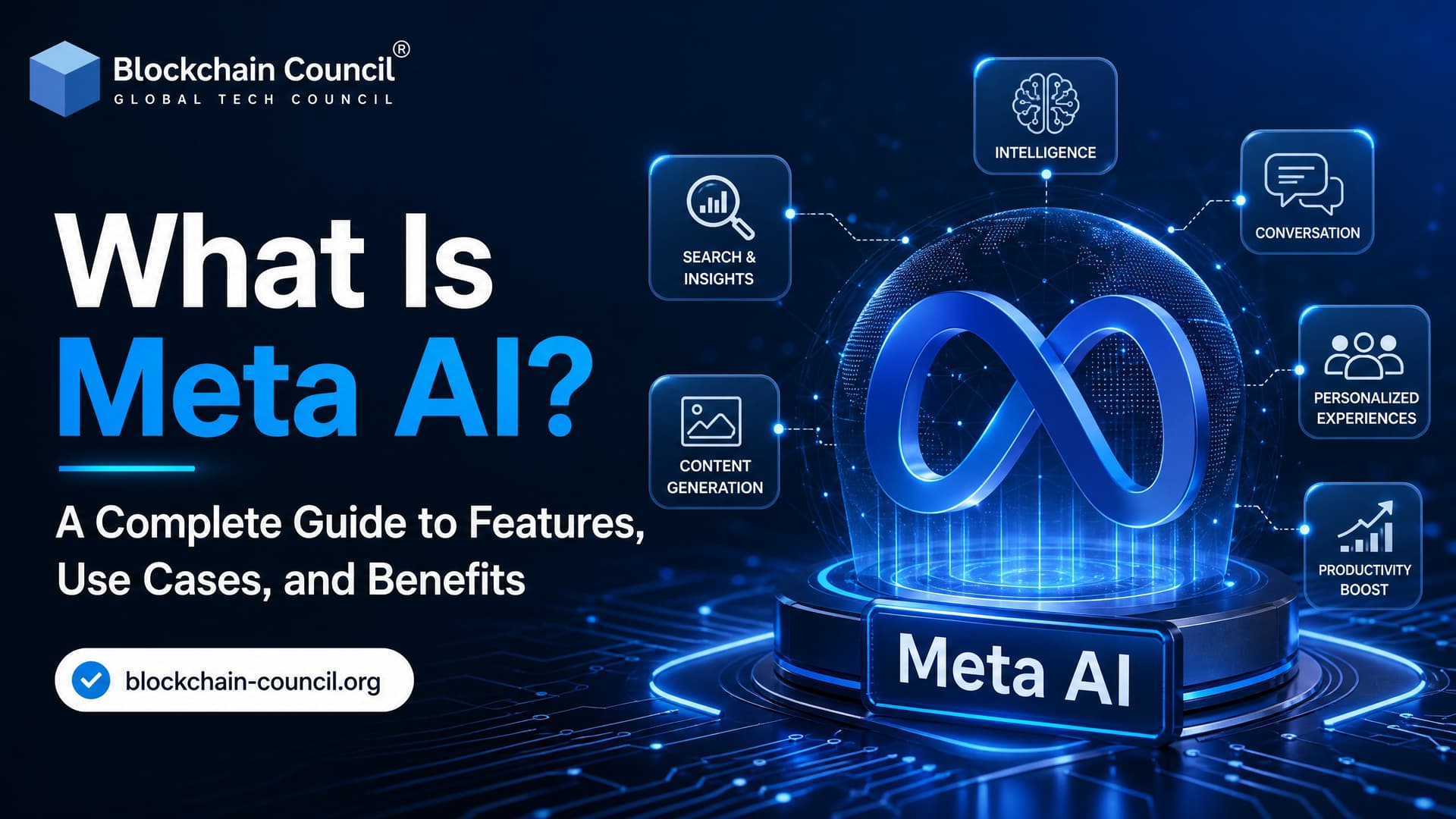
What is Meta AI? Meta AI is Meta's artificial intelligence system and assistant built into Facebook, Instagram, WhatsApp, Messenger, Meta smart glasses, the web, and a dedicated mobile app. It runs on Meta's Llama model family and supports chat, web search, image generation, voice interaction, and personalized recommendations.
That sounds broad because it is. Meta AI is both a research effort inside Meta and a consumer product baked into apps many people already open every day. If you work in AI, marketing, product, customer support, or digital safety, you should understand how it works and where it falls short.

What Is Meta AI?
Meta AI refers to two closely related things.
- Meta AI as a research division: Meta's AI research and engineering group. It builds models, augmented reality systems, generative AI tools, and the infrastructure used across Meta products.
- Meta AI as an assistant: The chatbot and AI assistant available in Meta apps, smart glasses, and the standalone Meta AI app.
For most users, Meta AI means the assistant. You can ask it questions, request captions, generate images, brainstorm ideas, get recommendations, or pull it into a chat. In WhatsApp or Messenger group conversations, you can mention Meta AI with the @ symbol and ask it to answer inside the thread. Small but useful detail: if you do not tag it in a group chat, it generally will not jump in and respond to everyone.
How Meta AI Works
Built on the Llama model family
Meta AI runs on Meta's large language models, including Llama 2, Llama 3, and newer Llama 4 based systems in the Meta AI app. These models process natural language prompts and generate text, code, summaries, recommendations, and creative output.
Meta has described its latest model direction as using mixture-of-experts designs, native multimodal capabilities, and larger context windows. In plain terms, the system can route parts of a task to specialized model components, work with more than text, and handle longer conversations or documents than older assistants could.
Multimodal generation
Meta AI is not limited to text. Depending on your region and the app you use, it can help with:
- Text generation for posts, emails, scripts, captions, summaries, and code explanations
- Image generation from text prompts
- Image editing through text or voice instructions
- Visual understanding in supported contexts
- Voice conversations in the standalone Meta AI app and smart glasses
This matters because social media work is rarely text-only. A creator might need a caption, a visual concept, a short explainer, and five alternate hooks. Meta AI brings those steps closer to the publishing workflow.
Web search and current information
Meta AI can use web search to answer questions and provide recommendations. That helps when a prompt depends on recent facts, local options, or information outside the model's training data. Still, verify important outputs. Like other AI assistants, Meta AI can produce confident but incorrect answers.
Key Features of Meta AI
Conversational Q&A
You can ask Meta AI to explain a concept, compare products, draft a plan, or simplify a hard topic. The assistant is built for natural chat, so follow-up questions usually work better than rewriting the full request each time.
Content creation
Meta AI can help create social media captions, blog outlines, ad copy, product descriptions, story ideas, poems, short scripts, and message replies. For creators and marketing teams, the practical value is speed. You still need editorial judgment. AI-generated captions often sound too polished unless you ask for a specific tone, audience, and platform constraint.
A better prompt is not write an Instagram caption. Try: Write 5 Instagram captions for a cybersecurity certification audience. Keep each under 120 characters. Make them direct, not motivational.
Image generation and editing
Describe an image and ask Meta AI to create it. The same conversation may support edits, such as changing a background, adjusting style, or adding elements. This is useful for quick mockups, social posts, and campaign concepts. It is not a full replacement for a professional designer when brand accuracy, typography, or legal review matters.
Personalization and memory
The Meta AI app is built around a more personal assistant experience. You can tell it to remember preferences, such as travel interests, learning goals, or hobbies, and Meta uses context to tailor responses. This can make the assistant more helpful over time, but it also raises privacy questions. Do not share sensitive personal, financial, medical, or business-confidential data unless you have reviewed the relevant privacy settings and policies.
Voice and smart glasses integration
Meta AI supports voice conversations in the app and through Meta smart glasses. This is one of its more distinctive features. Hands-free AI is handy when cooking, traveling, shopping, or capturing content, where typing into a chatbot is awkward. The Meta AI app also shows a visible microphone indicator when voice input is active.
Meta AI Studio and custom characters
Meta AI Studio lets creators and businesses build custom AI characters. These can represent a brand persona, community assistant, entertainment character, or support-style bot. For developers and product teams, this is the bridge between consumer AI and agent-style experiences across Meta platforms.
Where You Can Use Meta AI
Meta AI is available across several Meta products, though exact availability varies by country and account type.
- Facebook: Ask questions, generate ideas, and interact with AI from search and content surfaces.
- Instagram: Use it for captions, creative ideas, search-style questions, and messaging support.
- WhatsApp: Ask Meta AI in individual chats or mention it in group chats.
- Messenger: Bring the assistant into conversations for quick answers or planning.
- Meta smart glasses: Use voice commands for hands-free assistance.
- Standalone web and mobile app: Use Meta AI outside social feeds, especially for voice and image work.
Meta AI carries a minimum user age of 13, matching the age requirements of Meta's major platforms. The rollout has been phased, with the United States among the early markets and other regions arriving over time.
Real-World Use Cases
Everyday learning and planning
You can use Meta AI to explain a school topic, plan a trip, compare weekend activities, translate simple phrases, or organize a to-do list. For learning, ask it to quiz you. That usually beats asking for a long explanation you may never read.
Creators and marketers
Creators can use Meta AI for caption drafts, content calendars, video hooks, campaign ideas, and image concepts. The best use is variation. Ask for ten angles, reject the weak ones, then refine the two that fit your audience.
Customer support and small business messaging
Businesses can use Meta AI related tools to answer common questions on Facebook, Instagram, WhatsApp, and Messenger. It can help with FAQs, lead qualification, and first-response messaging. For regulated industries or high-stakes support, keep a human review step. AI should not be the final authority on refunds, medical claims, legal advice, or financial decisions.
Education and youth use
Meta AI can support homework explanations, project brainstorming, and creative writing for teenagers. Parents and teachers should set clear rules: verify facts, do not paste private information, and do not treat the assistant as a human friend or counselor.
Benefits of Meta AI
- Easy access: It is built into apps many users already know.
- Low cost: Meta AI tools are currently free to use in supported products.
- Faster content workflows: Drafts, ideas, and visual mockups come together quickly.
- Personalized assistance: Memory and context cut down on repeated instructions.
- Multimodal input: Text, images, and voice can work together in supported experiences.
- Hands-free help: Smart glasses and voice features make AI usable away from the keyboard.
Risks and Limitations
Meta AI is useful, but it is not magic. Treat it as an assistant, not an expert witness.
- Hallucinations: It can make factual errors, especially on niche or current topics.
- Privacy concerns: Conversations may include personal context. Review settings before sharing sensitive details.
- Bias and safety: Outputs can reflect training data patterns or produce unsuitable content despite safeguards.
- Overreliance: Students, teams, and creators can lose judgment if they accept every answer uncritically.
- Regional availability: Features may differ by country, app, language, or account type.
To be blunt, the people who get the most value from Meta AI are the ones who check its work. Ask for sources. Compare answers. Use it to speed up thinking, not replace it.
Meta AI vs Other AI Assistants
Meta AI competes with tools such as ChatGPT, Gemini, and Copilot, but its strongest advantage is distribution. It lives inside social apps, chats, feeds, and smart glasses. That makes it convenient for social content, messaging, and everyday questions.
For heavy enterprise workflows, coding pipelines, or controlled internal data use, a standalone AI platform with admin controls may be a better fit. For creators, community managers, and small businesses already working inside Meta platforms, Meta AI is often the fastest place to start.
Skills Professionals Should Build Next
If you want to use Meta AI professionally, focus on three skills: prompt design, AI evaluation, and responsible data handling. These skills transfer across every major AI assistant.
For structured learning, Blockchain Council readers can explore certifications such as Certified Artificial Intelligence (AI) Expert™, Certified Generative AI Expert™, and Certified Prompt Engineer™. If your work connects AI with digital identity, smart contracts, or Web3 products, pair AI training with blockchain fundamentals as well.
Final Takeaway
Meta AI is Meta's AI assistant and model ecosystem for chat, search, image generation, voice, personalization, and social workflows. Use it for drafting, planning, learning, customer messaging, and creative exploration. Verify facts, protect private data, and keep humans in the loop for important decisions.
Your next step: open Meta AI in one supported app, test it on a real workflow, and write down where it saves time and where it fails. Then build the AI literacy to judge those results with confidence.
Related Articles
View All
AI & ML
What Is LongCat AI? A Beginner's Guide to the Viral AI Trend and Its Real-World Use Cases
LongCat AI is Meituan's open source AI ecosystem for chat, coding, long-form video, and avatar generation. Learn how it works and where it fits.

AI & ML
GLM 5.2 Explained: Key Features, Architecture, and AI Use Cases
GLM 5.2 explained with its MoE architecture, 1M-token context, sparse attention, coding strengths, AI agents, and enterprise use cases.

AI & ML
Kimi K2.7 Code Explained: Features, Capabilities, and Real-World AI Coding Use Cases
Kimi K2.7 Code is Moonshot AI's open-weight agentic coding model with 256K context, multimodal input, tool use, and real software engineering use cases.
Trending Articles
The Role of Blockchain in Ethical AI Development
How blockchain technology is being used to promote transparency and accountability in artificial intelligence systems.
How to Install Claude Code
Learn how to install Claude Code on macOS, Linux, and Windows using the native installer, plus verification, authentication, and troubleshooting tips.
Blockchain in Supply Chain Provenance Tracking
Supply chains are under pressure to prove not just efficiency, but also authenticity, sustainability, and fairness. Customers want to know if their coffee really is fair trade, if the diamonds are con