

Meta AI Image Generation: How It Works and Best Practices for Creators

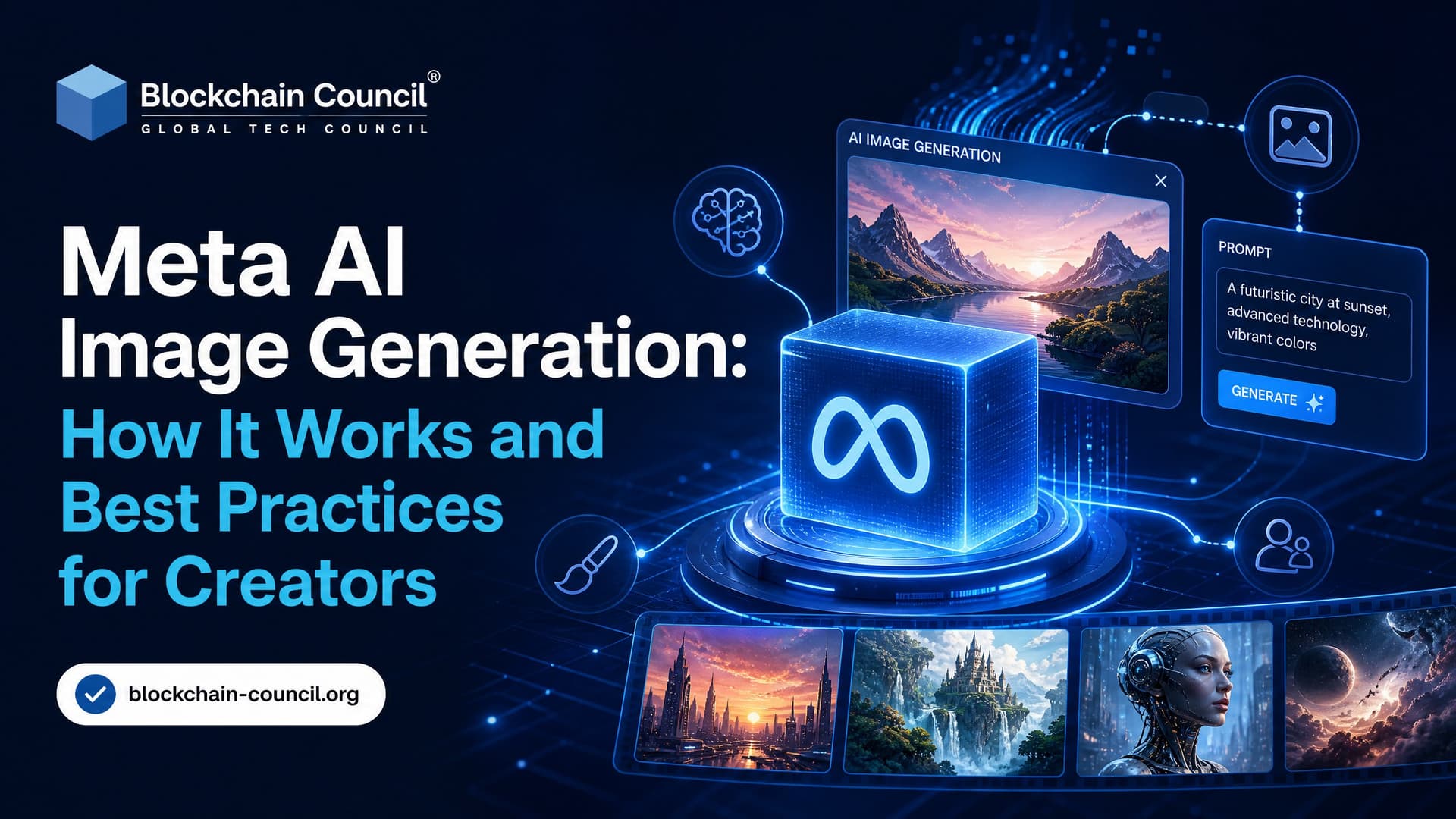
Meta AI image generation lets you create photorealistic images from text prompts inside Instagram, WhatsApp, Messenger, Facebook, and the standalone Imagine with Meta AI web experience. It is fast, free in supported regions, and most useful when you need visual ideas in seconds rather than a fully controlled production asset.
The trade-off is simple. Meta AI is excellent for quick concepts, social visuals, stickers, and mood exploration. It is not the tool I would reach for when producing final brand campaigns, product packaging, or client deliverables where licensing, repeatability, and pixel-level control matter.

What Is Meta AI Image Generation?
Meta AI image generation runs on Meta's Emu image foundation models. Emu stands for Expressive Media Universe, and Meta describes it as the model family behind its text-to-image features.
You can reach it two main ways:
- Meta AI assistant: Built into Meta apps such as Instagram, WhatsApp, Messenger, and Facebook. You ask it to generate images directly in chat.
- Imagine with Meta AI: A standalone web tool at imagine.meta.com, first rolled out in the United States, for creating images from text prompts outside chat.
In typical use, Imagine returns four images per prompt. Generation usually takes a few seconds, fast enough to brainstorm during a live content planning session. At launch the tool was free for users with a Meta account, with no published daily cap or paid tier. Availability still varies by country, so check whether it is live in your region before you plan a workflow around it.
How Meta AI Image Generation Works
Meta has not released every architectural detail of Emu, but its public system card explains the broad pipeline. The process resembles other modern text-to-image systems: a model learns from large numbers of image-text pairs, then maps your prompt into a visual output.
Training on Image and Text Pairs
Meta says its image-generating systems are trained on billions of images with associated captions. The sources include publicly available online information, licensed data, and data from Meta's own products and services under its terms.
Meta has also stated that its image models draw on photos and captions shared publicly across its platforms. That detail matters. It helps explain why Meta AI is often strong at social-media-style photography, lifestyle scenes, and polished portrait-like images. It also explains why creators should stay aware of the privacy, consent, and training-data debates around user-generated content.
Prompt Processing and Safety Checks
When you type a prompt, the system first analyzes it for policy issues. Meta's system card says safety mechanisms check for harmful, offensive, or disallowed requests. If a prompt crosses a line, the tool may refuse it, modify the request, or return a safer response.
From a creator's point of view, wording matters. A prompt that focuses on artistic style, setting, lighting, and mood is far more likely to work than one asking for shocking, explicit, or deceptive imagery.
Image Generation and Refinement
After the prompt passes checks, the model converts the text into an image representation. In practical terms, it starts from a latent visual structure and refines it into a coherent image. Meta's system card describes later stages that reduce noise, improve resolution, adjust color and contrast, and apply additional safety checks.
Expect variation. The same prompt can produce different results because these models are stochastic. If you are used to tools with seed controls, this is frustrating. Meta's consumer interface does not expose the kind of advanced controls you find in more specialized creative tools, so save every good output immediately. You may not recreate it exactly later.
Watermarking, Labeling, and Transparency
Meta applies labels to AI-generated images for transparency. Imagine adds a visible watermark, and Meta has also described invisible watermarking for AI images created through its systems.
According to Meta's December 2023 AI update, its invisible watermarks are generated by an AI model and detected by a corresponding model. Meta says they are designed to survive common edits such as cropping, resizing, screenshots, compression, brightness and contrast changes, noise, and sticker overlays.
Do not treat those marks as an annoyance to strip out. Disclosure is becoming part of normal media practice. Regulators in China have required generative AI vendors to mark AI-generated content, and U.S. lawmakers have pressed for greater synthetic media transparency. If you publish AI-made visuals in a political, news, educational, or commercial context, label them clearly.
Where Meta AI Performs Well
Meta AI image generation is strongest when speed and social context matter more than fine control. Use it for:
- Social post concepts: Draft a visual direction before designing the final carousel, reel cover, or story background.
- Chat stickers and playful images: The in-app workflow makes this natural inside Messenger, Instagram, and WhatsApp.
- Mood boards: Generate quick options for color, lighting, composition, or setting.
- Creative workshops: Show teams how prompt wording changes output quality.
- Early campaign mockups: Explore ideas internally before moving to licensed assets or original production.
It is particularly good at photorealistic lifestyle imagery: people in cinematic lighting, stylized product-like scenes, pet images, and glossy social content. It still struggles with complex compositing, exact text inside images, unusual object interactions, and strict brand layouts.
Best Practices for Creators
Write Prompts Like a Creative Brief
Your prompt is the main control surface. Meta gives the simple example that a detailed prompt such as big white dog in sunglasses water skiing works better than a vague request such as dog skiing.
Include:
- Subject details, such as clothing, expression, pose, age range, or object type
- Environment, such as a rooftop cafe, rainy street, studio backdrop, or mountain trail
- Lighting, such as soft morning light, neon glow, flash photography, or golden hour
- Style, such as photorealistic, watercolor, 3D render, editorial fashion, or cinematic
- Composition, such as close-up, wide shot, overhead view, centered subject, or shallow depth of field
A practical prompt might read: Photorealistic close-up of a ceramic coffee cup on a wooden desk, soft morning window light, laptop blurred in background, warm neutral colors, editorial lifestyle photography.
Iterate in Small Steps
Do not cram fifteen instructions into the first prompt. Start clean, review the four outputs, then change one or two variables at a time. Adjust the camera angle. Then the lighting. Then the style.
This makes your process easier to audit and helps you spot what actually changed the result. Keep a prompt log in a document or project tool. Boring? Yes. Useful? Very.
Save Outputs Immediately
Because Meta AI may not reproduce the same image from the same prompt, download or screenshot useful variations the moment you see them. Keep the prompt beside the image. If your team later asks how a concept was created, you will have a basic audit trail.
Use External Tools for Final Polish
Meta AI can produce attractive images, but final creative work usually needs manual finishing. Use design software for typography, layout, color correction, cropping, accessibility checks, and brand consistency. For professional editing, you will still want tools that support layers, masks, version history, and clearer export workflows.
Be Careful With Commercial Use
Meta AI ranks among the better free image generators, but its commercial-use terms can feel ambiguous. Take that seriously.
Before using Meta AI outputs in ads, packaging, merchandise, paid client work, or public campaigns, review Meta's current terms and any generative AI-specific policies. When legal certainty is essential, use assets with documented licenses or create original photography and illustration. My view: use Meta AI for ideation first, not as your final rights-managed asset source.
Avoid Deceptive Realism
Meta AI can create images that look real. That is useful for mockups but risky for misinformation. Avoid prompts that imitate real people, fabricate public events, or make synthetic scenes look like documentary evidence. If an image could mislead a reasonable viewer, disclose that it is AI-generated.
A Professional Workflow Recommendation
For creators and teams, a safe workflow looks like this:
- Brainstorm in Meta AI: Generate fast visual directions using Imagine or Meta AI in chat.
- Shortlist the best four to eight outputs: Save images and prompts together.
- Move to production tools: Rebuild or refine the concept in a tool with clearer controls and licensing.
- Document AI involvement: Record the tool, prompt, date, edits, and approval status.
- Publish with disclosure when needed: Especially for news, education, politics, health, finance, or commercial persuasion.
If you want to understand the wider technical and governance context behind tools like Emu, consider Blockchain Council learning paths such as Certified Generative AI Expert™, Certified Prompt Engineer™, and Certified Artificial Intelligence (AI) Expert™. Each gives structured training in generative AI systems, prompt design, and responsible deployment.
Future Outlook for Meta AI Image Generation
Expect Meta AI image generation to become more integrated across Meta products. The direction is clear: image creation inside chat, collaborative remixing through features such as reimagine, stronger labels, and deeper support for social publishing workflows.
Quality will keep improving too. The industry is moving toward better layout control, more accurate typography, higher resolution, and eventually more mature video and 3D generation. Governance will tighten in step. Watermarking, provenance, and AI-content disclosure are likely to become standard requirements, not optional extras.
Final Takeaway
Meta AI image generation is a strong free tool for rapid ideation, social content, and creative experimentation. Use it when speed matters. Do not rely on it as your only production system when licensing, repeatability, or brand precision is critical.
Your next step: create ten prompt variations for one real project, save every result with its prompt, then compare which details changed the output most. If you are building this skill professionally, pair hands-on practice with formal study in prompt engineering and generative AI governance.
Related Articles
View All
AI & ML
How Recursive Self-Improvement in AI Actually Works
Learn how recursive self-improvement in AI works, where current systems are bounded, and how developers can build safer improvement loops.

AI & ML
China AI Tools: Free vs Paid Options for Builders, Creators, and Enterprises
Compare free and paid China AI tools for coding, content creation, agents, Web3 workflows, enterprise use, cost, compliance, and support.

AI & ML
Kimi K2.7 Code vs GLM 5.2 vs Claude vs ChatGPT vs Gemini: Best AI Coding Assistant Comparison
A practical comparison of Kimi K2.7 Code, GLM 5.2, Claude, ChatGPT, and Gemini for developers choosing an AI coding assistant.
Trending Articles
AWS Career Roadmap
A step-by-step guide to building a successful career in Amazon Web Services cloud computing.
How Blockchain Secures AI Data
Understand how blockchain technology is being applied to protect the integrity and security of AI training data.
What is AWS? A Beginner's Guide to Cloud Computing
Everything you need to know about Amazon Web Services, cloud computing fundamentals, and career opportunities.