

How to Use Loop Engineering in ChatGPT

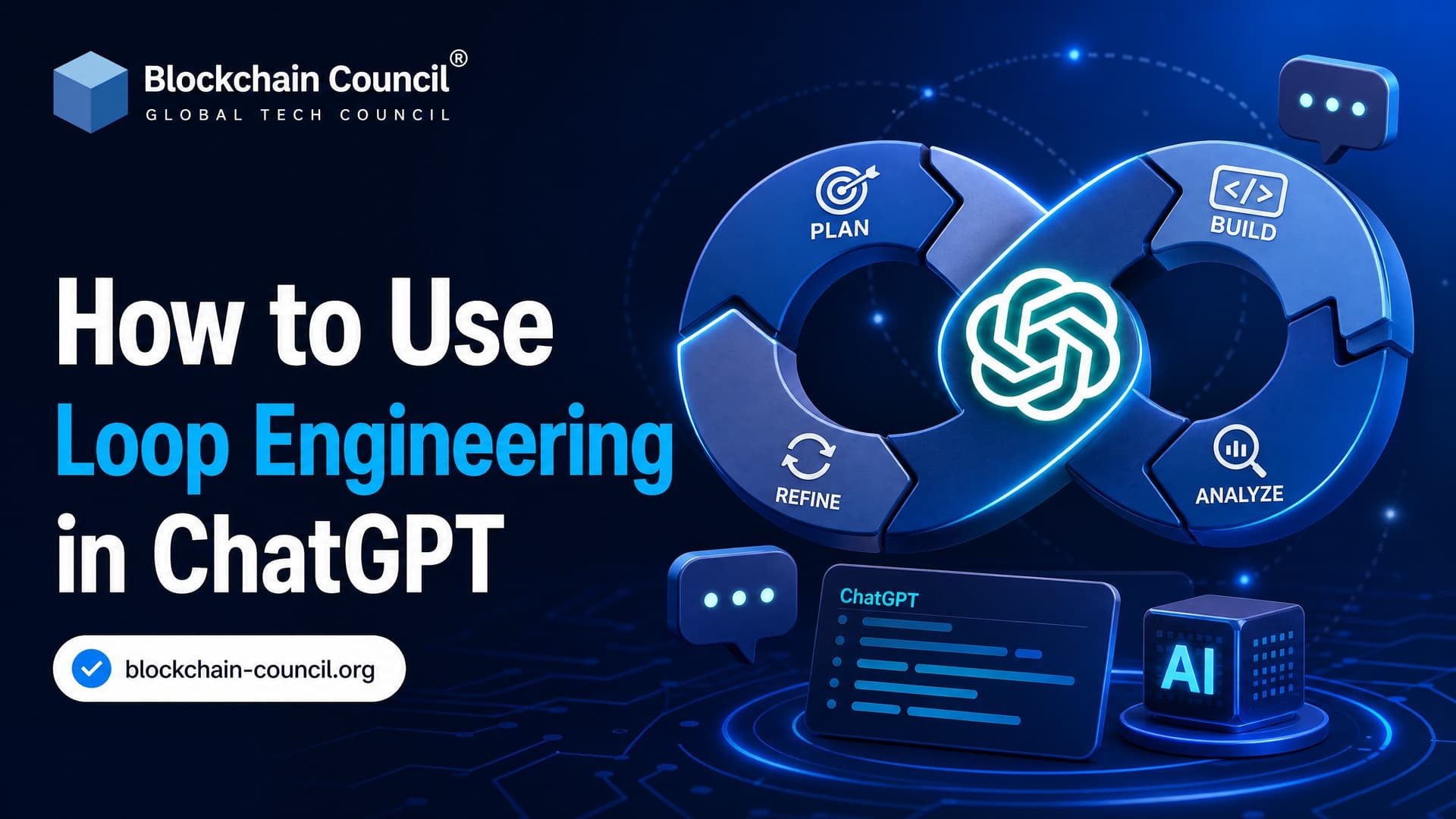
Loop engineering means designing a repeatable feedback cycle around ChatGPT so it can work toward a goal, check results, adjust, and try again without you rewriting the next prompt every time. Think less "ask a clever question" and more "build a small control system." That shift matters.
Prompt engineering still helps. But if you want ChatGPT to triage tickets, improve code until tests pass, generate reports that validate against a schema, or monitor a workflow, a single prompt is not enough. You need loop design: goals, tools, memory, verifiers, limits, and clear stop conditions.

What Is Loop Engineering?
Loop engineering is the practice of building automated feedback loops around an AI model. The model acts, observes feedback, reasons about what happened, and takes the next step.
A common pattern looks like this:
- Discover - understand the task, inputs, constraints, and available tools.
- Plan - decide what should happen next.
- Execute - generate code, classify data, write content, call a tool, or create an artifact.
- Verify - check the result with tests, validators, reviewers, or business rules.
- Iterate - update context and repeat until the goal is met or the loop stops.
In plain terms, prompt engineering is you steering ChatGPT turn by turn. Loop engineering is you designing the process that steers ChatGPT for you.
Some engineers describe this style of work as replacing yourself as the person who keeps prompting the model. A useful mental model is nested loops: fast agent loops, slower developer review loops, and even slower user feedback loops. Not every loop has to be autonomous, but every serious loop needs feedback.
How Looping Works with ChatGPT
ChatGPT does not become a loop by itself. You build the loop outside it, usually in code, an automation platform, an agent framework, or a workflow tool.
A clean architecture splits the work:
- ChatGPT handles reasoning, planning, classification, writing, and code generation.
- Your application handles state, tool calls, logs, budgets, verification, and stop rules.
- External tools run tests, validate JSON, query databases, scan code, or update systems.
Do not ask ChatGPT "Are you done?" as your main verifier. That is weak. Use something checkable: a passing test suite, a valid JSON schema, a successful API response, a human approval, or an accuracy threshold from sampled outputs.
Here is a detail that bites beginners. If your loop expects strict JSON and ChatGPT returns "Here is the JSON:" before the object, Python will throw json.decoder.JSONDecodeError: Expecting value: line 1 column 1 (char 0). The fix is not another polite prompt. Use structured outputs where available, validate every response, and feed the validation error back into the next iteration.
Step-by-Step: How to Use Loop Engineering in ChatGPT
1. Define a Goal That Can Be Tested
Start with the finish line. Vague goals create bad loops.
Weak goal: "Improve this report."
Better goal: "Generate a weekly sales report in valid JSON matching this schema, with no missing required fields, using only the provided CSV data."
For coding, your goal might be: "Fix the bug so pytest exits with code 0 and no test snapshots change." For support automation, it might be: "Classify tickets into billing, technical, account, or escalation, and route any confidence below 0.80 to a human."
2. Choose the Right Loop Type
Use a closed loop when the task has a clear pass or fail condition. Coding, data cleaning, schema generation, security scanning, and report validation fit well here.
Use an open loop when the task is exploratory, such as brainstorming product ideas or researching competitor messaging. Be careful. Open loops can produce a lot of polished noise. Put tighter budgets and human review around them.
To be blunt, closed loops are where ChatGPT becomes most useful in production. Open loops help, but they need stronger judgment checks.
3. Build a Verifier Before You Build the Loop
The verifier decides whether the output is acceptable. It can be simple or complex.
- For code: unit tests, integration tests, type checks, linters, static analysis, and security scanners.
- For structured output: JSON Schema, Pydantic models, XML validators, or database constraints.
- For classification: confidence thresholds, gold-label samples, and human review queues.
- For content: style rules, plagiarism checks, factual review, and required section checks.
For ChatGPT workflows, prefer deterministic checks wherever possible. If the validator can return a clear pass or fail, the loop can make progress without guessing.
4. Manage Context and Memory
ChatGPT only knows what you send it or what your connected application makes available. Long loops fail when context becomes messy.
Keep three layers of memory:
- Current task state: the goal, constraints, and latest result.
- Attempt log: what was tried, what failed, and what changed.
- Durable artifacts: specs, decisions, test plans, prompts, and approved outputs stored outside the chat.
Summarize aggressively. Do not paste the entire history back into every iteration. Send the useful facts: what failed, the exact error, the relevant file or data sample, and which approaches should not be repeated.
Model settings matter too. For repair loops, use a low temperature such as 0 or 0.2 to reduce random variation. For ideation loops, a higher value such as 0.7 can help, but verify the results more carefully.
5. Add Tools and Triggers
A loop becomes practical when it can act on events. Common triggers include:
- A cron job that runs every night.
- A webhook when a new support ticket arrives.
- A CI failure from GitHub Actions.
- A monitoring alert from a production system.
- A new file arriving in cloud storage.
Common tools include code runners, file systems, APIs, databases, ticketing systems, and documentation platforms. In software teams, git worktrees are useful when several agents or loops may touch the same repository. Without isolation, one automated change can overwrite another. Annoying, and very real.
6. Set Budgets and Hard Stop Conditions
Every loop needs brakes.
- Maximum iterations, such as 5 or 10 cycles.
- Maximum spend per run or per day.
- Maximum wall-clock time.
- No-progress detection, such as the same failing test appearing three times.
- Escalation to a human when confidence is low or risk is high.
Never let an autonomous ChatGPT loop run forever against a paid API, production system, or customer-facing workflow. A badly designed retry loop can burn budget while making the same mistake in slightly different words.
Example: ChatGPT Coding Loop
A practical coding loop might work like this:
- The trigger fires when CI fails on a pull request.
- The system collects the failing test output, changed files, and relevant project instructions.
- ChatGPT proposes a diagnosis and patch.
- The patch is applied in a separate branch or worktree.
- Tests run again.
- If tests pass, the system opens a pull request with a summary.
- If tests fail, the loop summarizes the exact failure and asks ChatGPT for a revised fix.
- If the same failure repeats or the iteration cap is reached, a developer is assigned.
This beats copying a stack trace into ChatGPT five times. You are not just chatting. You are designing a repeatable engineering process.
Example: ChatGPT Ticket Triage Loop
For a support team, looping can reduce repetitive work while keeping humans in control.
- A webhook fires when a new ticket arrives.
- ChatGPT classifies the ticket using the latest taxonomy.
- The system checks whether the category is valid and confidence is high enough.
- High-confidence tickets are routed automatically.
- Low-confidence tickets go to a human queue.
- Every day, the loop summarizes misclassifications and updates the prompt or taxonomy for review.
This is a good fit because the work is frequent, rules-based, and easy to sample for quality. Do not fully automate refunds, account closures, medical advice, legal decisions, or security incidents without human checkpoints.
Common Mistakes in ChatGPT Loop Engineering
- No verifier: the system trusts ChatGPT's self-assessment.
- No stop rule: the loop repeats until budget runs out.
- Too much context: every iteration gets a bloated transcript instead of a clean summary.
- Repeated failed strategy: the loop asks for the same fix again with no new information.
- Wrong task type: creative or high-risk judgment tasks are treated like deterministic automation.
- No audit trail: nobody can explain why the agent made a change.
The best loops are boring in the right places. They log everything. They fail safely. They ask for help when the signal is weak.
Skills You Need to Build Better Loops
Loop engineering sits between prompt design, software architecture, testing, and AI governance. If you are building professional ChatGPT workflows, strengthen these areas:
- Prompt design for clear task framing.
- API integration and workflow automation.
- Testing and validation methods.
- Data privacy, security, and access control.
- Human-in-the-loop review design.
For structured learning, you can explore paths such as the Certified ChatGPT Expert, Certified Prompt Engineer, and Certified Artificial Intelligence (AI) Expert programs. If your loop connects to Web3 systems or smart contract tooling, pair AI skills with the Certified Blockchain Developer or Certified Blockchain Expert credentials.
Where Loop Engineering Is Heading
Loop engineering is becoming the missing layer between prompts and full AI agents. The pattern is clear: more tools will ship with built-in triggers, memory, verifiers, sub-agents, and budget controls.
Enterprises will likely move toward nested loops: fast ChatGPT loops for execution, human loops for review, and business feedback loops for measuring real outcomes. That is the sane path. Autonomy without measurement is just automation theater.
Next Step: Build a Small Loop This Week
Pick one low-risk workflow. Make it closed-loop. Define the goal, write a verifier, cap it at five iterations, log every attempt, and send failures to a human. A JSON report generator, a test-fixing assistant, or a ticket classifier is a good first project.
If you can design that loop well, you are already past basic prompting. Study agent design, prompt evaluation, and AI workflow governance through a certification path such as the Certified ChatGPT Expert or Certified Prompt Engineer, then build a second loop with stronger verification.
Related Articles
View All
AI & ML
Prompt Engineering to Context Engineering: How to Get Better Results From AI
Learn the journey from Prompt Engineering to Context Engineering. Understand prompts, few-shot and chain-of-thought techniques, context windows, memory, and RAG to get better results from AI.

AI & ML
NVIDIA Nemotron 3.5 Lightning vs NVIDIA Cosmos 3: Key Differences and Use Cases
Compare NVIDIA Nemotron 3.5 Lightning and NVIDIA Cosmos 3, including their architectures, reasoning capabilities, modalities, performance goals, and use cases across agentic and physical AI.

AI & ML
What Is an RSI Loop in Artificial Intelligence?
Learn what an RSI loop in artificial intelligence means, how recursive self-improvement works, and why verification and governance matter.
Trending Articles
AWS Career Roadmap
A step-by-step guide to building a successful career in Amazon Web Services cloud computing.
What is AWS? A Beginner's Guide to Cloud Computing
Everything you need to know about Amazon Web Services, cloud computing fundamentals, and career opportunities.
How to Install Claude Code
Learn how to install Claude Code on macOS, Linux, and Windows using the native installer, plus verification, authentication, and troubleshooting tips.