

Crypto Wallet Recovery Guide: How to Regain Access Safely

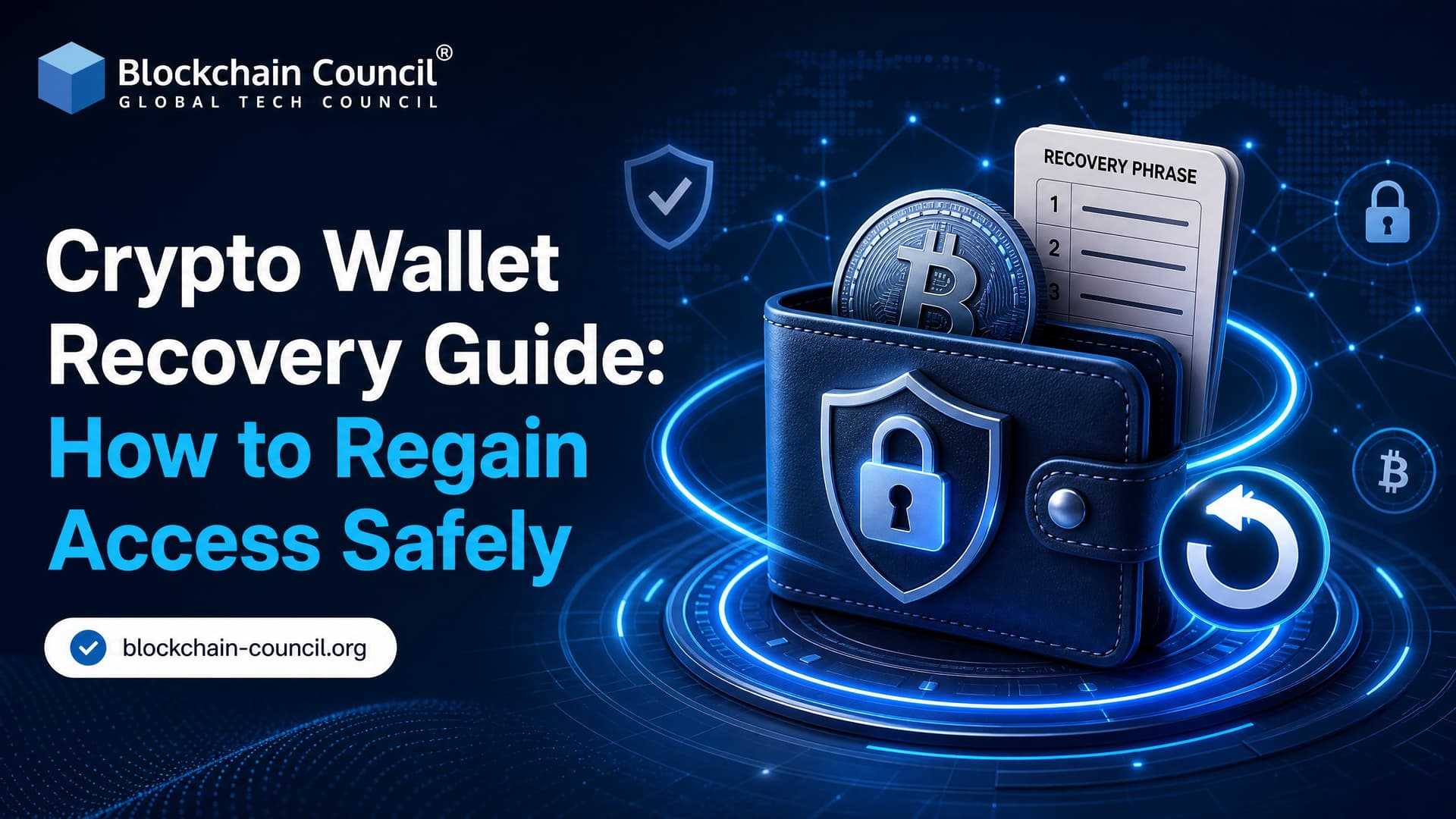
Crypto wallet recovery is possible in most cases when you still have the seed phrase, private key, wallet file, hardware device backup, or enough key shares in a multi-key setup. If you have none of those, be blunt with yourself: there is usually no reset button. The funds sit on the blockchain, not inside the wallet app, and the private keys are what prove control.
This guide explains how to recover access safely across software wallets, hardware wallets, custodial accounts, Lightning wallets, MetaMask, and enterprise setups. It also covers when recovery services can help, and when they are just expensive wishful thinking.

What Crypto Wallet Recovery Really Means
A wallet app is only an interface. Your Bitcoin, Ether, stablecoins, NFTs, and other assets exist as ledger entries on public or private blockchains. When you restore a wallet, you are recreating the same private keys that can sign transactions for those addresses.
For most noncustodial wallets, you need one of the following:
- Seed phrase, also called a recovery phrase or Secret Recovery Phrase
- Private key for a specific address
- Encrypted wallet file plus the password
- Hardware wallet recovery phrase
- Enough multisig or MPC key shares for advanced wallets
The guidance from wallet providers is direct: for noncustodial wallets, recovery without a seed phrase or private key ranges from extremely difficult to impossible. That is not a design flaw. It is the security model.
First Safety Rule: Do Not Type Your Seed Phrase Into a Random App
Most wallet theft during recovery starts with urgency. A user searches for "MetaMask restore wallet", clicks an ad, downloads a fake extension, enters the seed phrase, and the assets are drained within minutes.
Before you recover anything:
- Install wallet software only from the official website or a verified app store listing.
- Check the publisher name, domain spelling, and documentation links.
- Avoid sponsored search results for wallet downloads.
- Use a clean, updated device. If the old device was stolen or infected, do not trust it.
- Never send your seed phrase to support staff, recovery agents, Telegram users, or Discord moderators.
One practical detail: a BIP-39 seed word must be exact. The wordlist contains "abandon", not "abandoned". That tiny mistake is enough to fail restoration. Order matters too.
How to Recover a Noncustodial Software Wallet
This applies to common browser, mobile, and desktop wallets.
- Install the official wallet app or extension on a trusted device.
- Select "Restore", "Import", or "I already have a wallet".
- Enter the 12, 18, or 24 seed words exactly as written.
- Create a new local password or PIN for that device.
- Check that the expected addresses, balances, and transaction history appear.
The new password protects the app on that device. It does not replace your seed phrase. If your phone is stolen and you restore the wallet elsewhere, create a fresh wallet and move funds there after recovery. Assume the old environment may be compromised.
MetaMask Recovery Tip
MetaMask uses the term Secret Recovery Phrase. Install MetaMask from the official source, choose "Import wallet", enter the phrase, then set a new password.
A common issue: after restoration, users think some accounts are missing. MetaMask recreates the first account first. If you previously had Account 2 or Account 3, use "Create account" again in the same wallet. MetaMask derives the next addresses in order, so those accounts reappear without entering a different seed. For Ethereum wallets, derivation paths such as m/44'/60'/0'/0/0 can also matter when you move between wallet apps.
How to Recover a Hardware Wallet
If a Ledger, Trezor, or another hardware wallet is lost or damaged, the device itself is not the main backup. The recovery phrase is.
- Buy a replacement device from the manufacturer or an authorized seller.
- During setup, choose the restore option rather than creating a new wallet.
- Enter the recovery phrase on the hardware wallet itself when possible.
- Install the relevant coin apps or accounts in the vendor software.
- Verify receiving addresses before moving funds.
If the lost device may have been accessed by someone else, recover the wallet, create a brand-new wallet with a new seed phrase, and transfer the assets. Yes, you will pay network fees. That cost beats leaving funds tied to a potentially exposed backup.
Lost Wallet Password or PIN, But Seed Phrase Available
This is one of the easier cases. If the wallet is noncustodial and you still have the seed phrase, a lost local app password is not fatal.
- Delete or reset the wallet app.
- Reinstall it from the official source.
- Choose the restore or import option.
- Enter the seed phrase.
- Create a new password or PIN.
Your assets should still be there because they never lived inside the deleted app. Deleting the app does not delete the funds on chain.
Custodial Wallet Recovery: Exchanges and Hosted Accounts
Custodial wallets work differently. If your assets are on an exchange, broker, or hosted wallet, that provider controls the private keys. Recovery usually looks like regular account recovery:
- Email reset
- Phone verification
- Two-factor authentication reset
- Government ID and selfie checks
- Manual review by the compliance team
The trade-off is clear. Custodial recovery is easier for beginners, but you depend on the provider's solvency, controls, and policies. Noncustodial wallets give you control, and with it full responsibility.
Lightning Wallets and Cloud Backups
Bitcoin Lightning wallets can be trickier than standard on-chain wallets because they may need channel state, contacts, and metadata. Some modern Lightning wallets use encrypted cloud backups. A restore flow may ask you to sign into the same cloud account, choose cloud restore, and let the app rebuild the Lightning node state.
This helps daily spending wallets, but it adds another security layer. Protect the cloud account with strong authentication. If your email account is weak, your backup design is weak too.
Multisig, MPC, and Enterprise Wallet Recovery
Multi-key wallets spread control across several keys or key shares. In multisig, a wallet might require 2 of 3 signatures. In multiparty computation, parties hold shares that jointly create a signature without assembling the full private key in one place.
Recovery depends on the architecture:
- A user may restore a lost device share from an encrypted backup.
- A company may use a backup key plus a user key to move assets.
- An MPC provider may require biometric checks or policy approval before reactivating a share.
BitGo's Wallet Recovery Wizard is a real enterprise example. Its documentation describes recovery flows that let users sweep funds from certain self-custody wallets without BitGo's active signing, using the user key and backup key. These flows are asset-specific and bypass normal policy controls, so test them before an emergency, not during one.
Can Professional Crypto Wallet Recovery Services Help?
Sometimes. Not always.
Legitimate recovery specialists may help with:
- Damaged hardware wallets
- Corrupted wallet files
- Forgotten passwords where an encrypted wallet file still exists
- Partial seed phrase problems
- Old Bitcoin wallet formats, descriptors, or derivation path issues
They cannot recreate a completely lost seed phrase or private key from nothing. Any service claiming guaranteed recovery without recovery material is a red flag.
If you use a service, ask how they handle sensitive data. Prefer providers that work offline, use written agreements, explain legal protections, and never ask you to paste a seed phrase into a website.
Using BTCRecover and Offline Tools Safely
BTCRecover can help in some password and seed-phrase error cases. The safest pattern is simple: download it yourself from the official repository, verify what you can, disconnect from the internet, then run it offline.
Letting an AI assistant install Python modules and recovery tools automatically can be the riskiest step. Use AI to understand commands if you must, not to handle secrets. Your seed phrase should not touch a connected chat window, cloud notebook, or remote server.
How to Store Recovery Information After You Regain Access
Once you recover your wallet, fix the backup problem immediately.
- Write the seed phrase on paper or stamp it into metal for fire and water resistance.
- Store backups in more than one secure physical location.
- Do not keep seed screenshots in your phone gallery.
- Do not store the phrase in email, cloud notes, or messaging apps.
- Use a hardware wallet for long-term holdings.
- For large balances, consider multisig rather than one seed phrase in one drawer.
For teams, document recovery procedures and test them with small amounts. An untested recovery plan is just a theory.
Learning Path for Professionals
If you manage crypto assets, build wallet products, or advise clients, wallet recovery belongs in your core skill set. Blockchain Council programs such as the Certified Cryptocurrency Expert™ (CCE), Certified Blockchain Expert™ (CBE), and Certified Blockchain Developer™ connect wallet security, blockchain transactions, custody models, and smart contract risk into one structured path.
Build a test wallet today. Fund it with a tiny amount, write down the seed phrase, delete the app, and restore it on a second device. Then repeat with a hardware wallet or a multisig testnet setup. That exercise teaches more than a dozen articles, and it may save your real portfolio later.
Related Articles
View All
Cryptocurrency
Crypto Wallet Recovery Guide: Seed Phrases, Private Keys, and Common Mistakes
Learn how crypto wallet recovery works, why seed phrases and private keys matter, and which mistakes can permanently lock or expose your funds.

Cryptocurrency
How to Recover Lost Bitcoin: Wallet Access, Transactions, and Recovery Steps
Learn how to recover lost bitcoin by restoring wallet keys, finding backups, handling wallet files, tracing theft, and securing funds after recovery.
Cryptocurrency
What Is Crypto Asset Recovery? A Complete Beginner's Guide
Learn what crypto asset recovery means, how blockchain forensics and legal tools work, and how to avoid fake recovery services after theft or wallet loss.
Trending Articles

Top 5 DeFi Platforms
Explore the leading decentralized finance platforms and what makes each one unique in the evolving DeFi landscape.
How Blockchain Secures AI Data
Understand how blockchain technology is being applied to protect the integrity and security of AI training data.

Can DeFi 2.0 Bridge the Gap Between Traditional and Decentralized Finance?
The next generation of DeFi protocols aims to connect traditional banking with decentralized finance ecosystems.