

Creating Standard Operating Procedures (SOPs) with Claude AI
 Suyash Raizada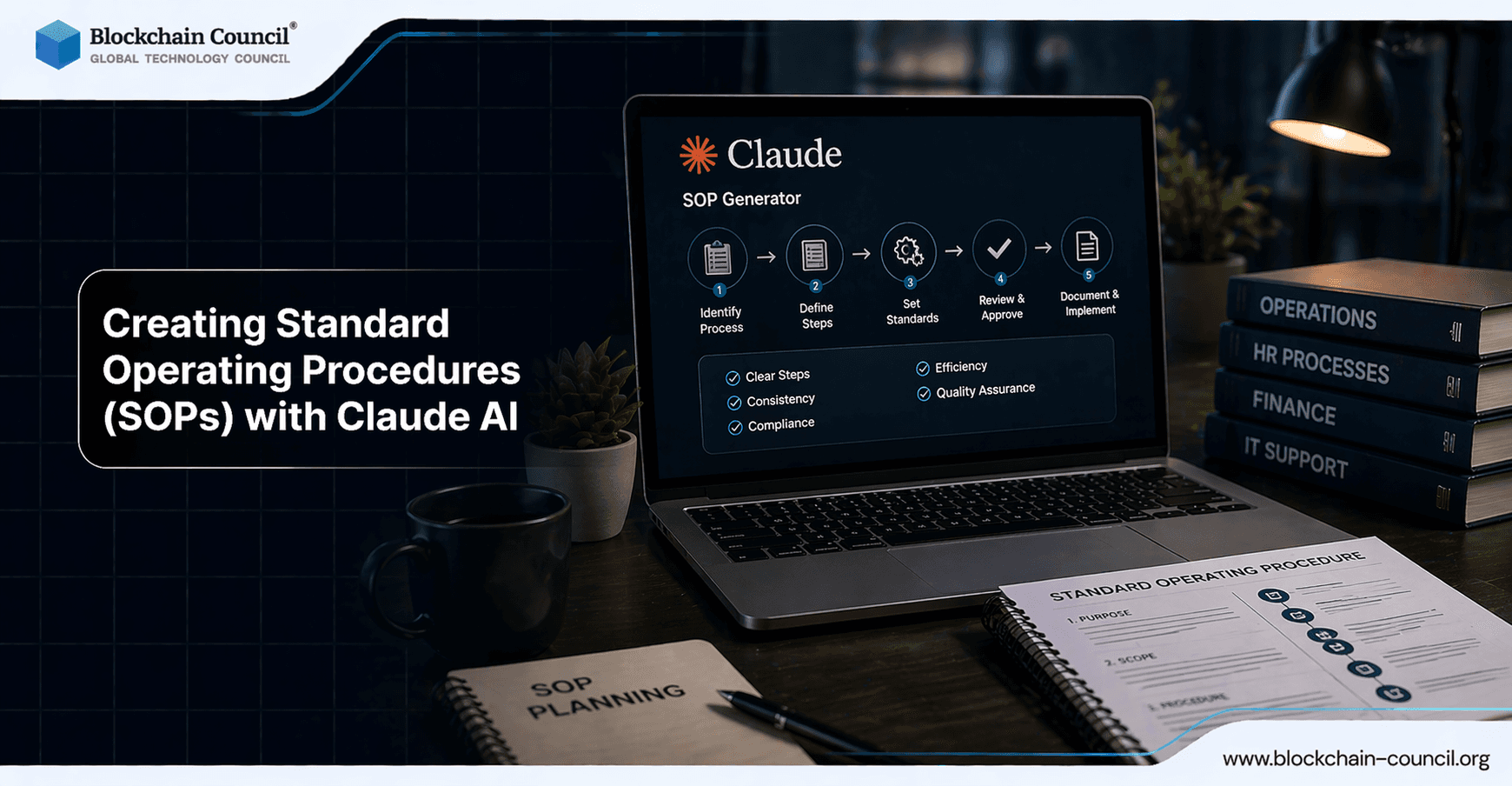
Creating Standard Operating Procedures (SOPs) with Claude AI is becoming a practical approach for teams that need to document processes faster, standardize execution, and reduce operational drift. Rather than writing SOPs from scratch, you can describe a workflow in plain language, or paste a transcript of yourself completing the task, and have Claude produce a structured, team-ready playbook with clear steps, roles, and responsibilities.
Create standardized operating procedures using Claude AI for consistency, clarity, and scalability while ensuring secure documentation practices through an AI Security Certification, automating workflows via a Python certification, and scaling operations using a Digital marketing course.

Why Create SOPs with Claude AI?
SOPs fail most often for three reasons: they take too long to write, they are too vague to follow, or they go stale quickly. Claude addresses all three by converting raw process knowledge into a consistent document format within minutes, particularly when paired with transcription from screen recordings or narrated walkthroughs.
Professionals commonly use Claude to generate SOP sections such as:
Purpose and desired outcomes
Scope and when the SOP applies
Prerequisites and required access
Numbered steps with decision points
Responsibilities by role
Quality checks, KPIs, and escalation paths
Anthropic's Constitutional AI approach is designed to guide more reliable, judgment-based outputs from Claude rather than relying on simple keyword filtering, which makes it better suited for producing nuanced procedural documentation. Creating Standard Operating Procedures (SOPs) with Claude AI ensures consistency and efficiency in business operations. Claude can generate structured documentation quickly. However, implementing SOPs effectively requires planning. The Claude Code Certification helps you design these workflows.
A Practical Workflow: From Process Capture to SOP Playbook
A reliable method is to start with reality rather than templates. Record yourself completing the task, transcribe the recording, then use structured prompts to direct Claude toward something specific and immediately usable.
Step 1: Capture the Process as Narration
Choose one repeatable task, such as onboarding a new hire or processing a refund. Record a screen share or voice note while completing it, explaining what you are doing and why at each stage. This grounds the SOP in real operations rather than idealized steps.
Step 2: Transcribe and Clean the Raw Input
Paste the transcript into Claude and remove obvious noise such as filler words or unrelated discussion. The input does not need to be polished. Claude can reorganize messy material into clear, logical sequences.
Step 3: Prompt Claude with a Defined SOP Structure
Specificity separates a generic checklist from a playbook a new team member can follow on their first day. Prompts should enforce format, roles, and validation criteria.
Example prompt:
"Create a Standard Operating Procedure for onboarding new employees. Use the following headings: Purpose, Scope, Definitions, Responsibilities (by role), Tools and Access Needed, Step-by-step Procedure (numbered), Quality Checks, KPIs, Common Issues and Fixes, Escalation, Security and Compliance Notes, Revision History. Ask clarifying questions if anything is missing."
Step 4: Refine with Sequential Prompts
A sequence of focused prompts produces higher-quality SOPs than a single large request and makes the output easier to maintain over time.
Workflow analysis: "Identify missing steps, failure points, and dependencies."
Role clarity: "Map each step to an owner and reviewer role."
KPIs: "Add measurable KPIs and acceptable thresholds."
Searchability: "Add tags and keywords along with a short summary for knowledge base indexing."
Maintenance plan: "Propose review triggers such as monthly cadence, tool changes, or audit findings."
Step 5: Validate for Usability
Before publishing, test the SOP with someone unfamiliar with the task. Then ask Claude to address gaps: "Rewrite steps 4 through 9 so a new hire can complete them without asking questions. Add decision rules and examples."
Where Claude Features Fit: Prompting, Projects, Skills, and Claude Code
Claude supports multiple approaches to standardizing SOP creation across a team:
Direct prompting for fast SOP drafts, ideal for onboarding, customer support, and operations workflows.
Projects to maintain context across an initiative, such as building a content repurposing workflow. Teams reuse the same SOP logic across multiple assets to keep outputs consistent.
Claude Skills as reusable instruction modules, often stored as SKILL.md-style files, that act as a persistent SOP library for the AI. This enforces consistent voice, formatting, and required sections across separate conversations.
Claude Code for engineering workflows, where an SOP Creator skill can enforce structured, machine-consumable procedures. These can incorporate RFC 2119-style language (MUST, SHOULD, MAY) along with validation and error-handling rules for tasks such as code reviews and deployment pipelines.
Organizations building human-AI collaboration patterns can use Model Context Protocol (MCP) plugin ecosystems to further standardize how SOPs connect to tools and data sources.
Real-World SOP Use Cases
Employee onboarding SOP: Generate purpose, scope, steps, and responsibilities, then tailor sections by department such as HR, IT, or hiring management.
Customer support SOP: Standardize triage, severity classification, response templates, and escalation routes.
Content operations SOP: Convert a single platform post into an email, a short-form script, and a LinkedIn update using a repeatable checklist stored inside a Project.
AI agent operations SOP: Create consistent procedures for code review, incident response, or release notes that both humans and AI agents can follow.
Best Practices for High-Quality SOPs Generated by Claude
Start with transcripts of real work to avoid generic output.
Enforce structure using explicit headings and acceptance criteria in your prompts.
Include controls such as security notes, approval checkpoints, and audit steps.
Make it measurable with KPIs, SLAs, and quality checks.
Plan for maintenance by assigning owners, a review cadence, and defined change triggers.
If your SOPs apply to regulated environments, add a compliance section and ask Claude to flag ambiguous or high-risk steps for human review before publishing.
Build structured SOPs for teams and organizations using AI-driven documentation systems by gaining expertise through an AI Security Certification, developing internal tools via a Node JS Course, and promoting operational excellence using an AI powered marketing course.
Conclusion: Turn Repeatable Work into a Scalable Playbook
Creating Standard Operating Procedures (SOPs) with Claude AI converts tacit process knowledge into operational clarity. With a transcript-first approach, structured prompts, and iterative refinement, teams can produce SOPs in minutes and then standardize them further using Projects, Skills, and Claude Code for agent-ready workflows. The result is a living playbook that supports onboarding, quality assurance, compliance, and organizational scale without the traditional documentation burden.
FAQs
1. What are SOPs and why are they important?
Standard Operating Procedures are step-by-step instructions for completing tasks. They ensure consistency and reduce errors. SOPs improve efficiency and training.
2. How can Claude AI help create SOPs?
Claude AI can generate structured SOPs based on task descriptions. It organizes steps clearly and logically. This reduces time spent on documentation.
3. What types of SOPs can Claude AI create?
Claude AI can create SOPs for operations, customer support, HR, marketing, and technical workflows. It adapts to different industries. Output depends on input quality.
4. How does Claude AI improve SOP quality?
Claude AI ensures clarity, consistency, and logical flow in SOPs. It removes ambiguity and standardizes language. This improves usability.
5. Can Claude AI convert existing processes into SOPs?
Yes, Claude AI can transform informal processes into structured SOP documents. It organizes steps and details. This improves documentation.
6. How detailed should SOPs created with Claude AI be?
SOPs should include clear steps, responsibilities, and expected outcomes. Claude AI can adjust detail level based on needs. Balance is important for usability.
7. Can Claude AI help update outdated SOPs?
Claude AI can revise and improve existing SOPs. It updates language and structure. Regular updates ensure relevance.
8. How does Claude AI support SOP standardization?
Claude AI can apply consistent formats and templates across documents. It ensures uniform structure. This improves readability and adoption.
9. What are the benefits of using Claude AI for SOP creation?
Benefits include faster documentation, improved clarity, and reduced manual effort. It supports scalability. This improves operational efficiency.
10. What are the limitations of Claude AI in SOP creation?
Claude AI may lack full context of business processes. It depends on input quality. Human review is necessary for accuracy.
11. Can Claude AI include visuals or diagrams in SOPs?
Claude AI can suggest where visuals are needed and describe them. It may generate instructions for diagrams. Actual visuals require external tools.
12. How does Claude AI help with SOP formatting?
Claude AI can structure SOPs with headings, steps, and sections. It ensures logical organization. This improves readability.
13. Can Claude AI assist with SOP compliance requirements?
Claude AI can help include compliance guidelines and documentation standards. It supports regulatory alignment. Final validation is required.
14. How does Claude AI support team adoption of SOPs?
Claude AI can simplify language and improve clarity. It makes SOPs easier to follow. Clear documentation increases adoption.
15. Can Claude AI create SOP templates?
Yes, Claude AI can generate reusable templates for different processes. It standardizes documentation. This saves time.
16. How can users get better SOP results with Claude AI?
Providing clear process details and goals improves output. Iterating on drafts refines SOPs. Regular updates maintain quality.
17. Can Claude AI help with onboarding using SOPs?
Claude AI can create onboarding guides based on SOPs. It provides step-by-step instructions. This improves training efficiency.
18. How does Claude AI support workflow automation with SOPs?
Claude AI can align SOPs with automated workflows and tools. It helps define processes clearly. This improves automation efficiency.
19. Can Claude AI handle complex multi-step SOPs?
Yes, Claude AI can break down complex processes into manageable steps. It organizes workflows logically. This improves clarity.
20. What is the future of SOP creation with Claude AI?
AI will automate documentation and keep SOPs updated dynamically. It will integrate with workflows and tools. Process management will become more efficient.
Related Articles
View All
Claude Ai
How to Use Claude Fable 5.1 for Free
Find out whether Claude Fable 5.1 is available for free, which Claude plans provide access, and what users need to know before trying Anthropic’s latest AI model.

Claude Ai
Anthropic's New Claude Fable 5.1 and Mythos 5.1 Update: What's New?
Anthropic’s Claude Fable 5.1 and Mythos 5.1 update brings stronger coding, long-running agentic workflows, research, vision, and knowledge-work capabilities. Fable 5.1 is generally available and introduces cheaper cache reads, potentially reducing typical workload costs by about 25% and highly agentic workloads by up to 45%. Mythos 5.1 uses the same underlying model but offers expanded cybersecurity and biology capabilities to vetted organizations through trusted-access programs.

Claude Ai
Fable 5 vs Claude vs ChatGPT: Which AI Model Should You Choose?
Compare Fable 5, Claude, and ChatGPT across coding, research, DevOps, cost, context, and governance to choose the right AI model.
Trending Articles
AWS Career Roadmap
A step-by-step guide to building a successful career in Amazon Web Services cloud computing.
Claude AI Tools for Productivity
Discover Claude AI tools for productivity to streamline tasks, manage workflows, and improve efficiency.
Blockchain in Supply Chain Provenance Tracking
Supply chains are under pressure to prove not just efficiency, but also authenticity, sustainability, and fairness. Customers want to know if their coffee really is fair trade, if the diamonds are con