

Claude for Legal: A Practical Guide to Drafting, Reviewing, and Summarizing Contracts with AI
 Suyash Raizada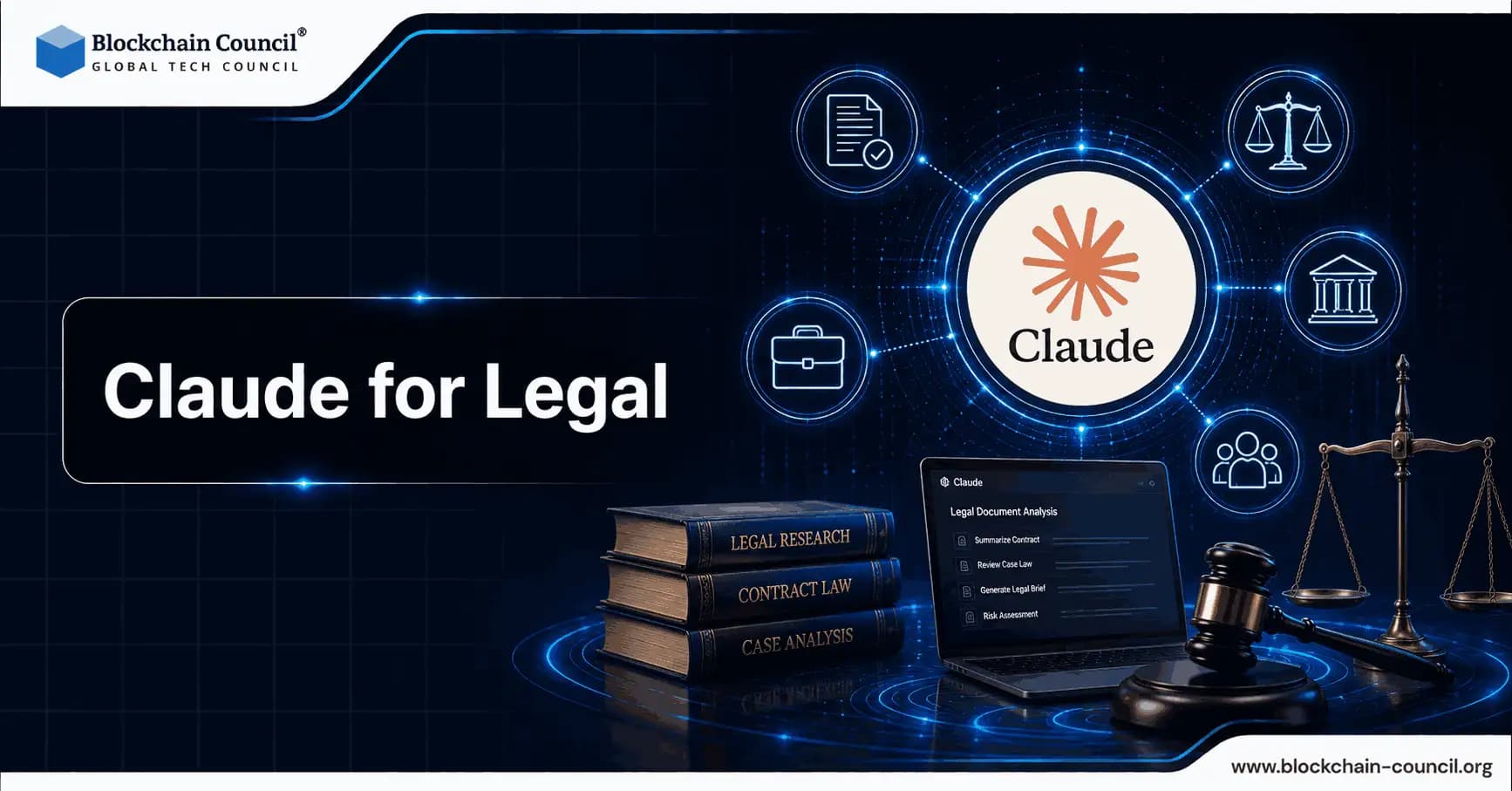
Claude for Legal is a workflow-centered application of generative AI to contract work. Rather than functioning as a standalone chatbot, it operates as a legal coordination layer that connects to research, document management, eDiscovery, and execution tools, then supports contract drafting, review, and summarization within one environment. For legal teams, the practical benefit is less about replacing attorney judgment and more about accelerating first drafts, first-pass issue spotting, and portfolio-level abstraction while keeping lawyers in control of every material decision.
What is Claude for Legal and Why It Matters for Contracts
Claude for Legal is Anthropic's legal-focused environment built on Claude models and an agentic workspace often referred to as Claude Cowork. It functions as an orchestration layer that sits on top of a firm or legal department's existing tools and runs multi-step work across legal research, drafting, contract management, eDiscovery, and deal support. Discover how legal teams use Claude AI for contract drafting, clause extraction, agreement summarization, and compliance analysis to improve legal workflows and reduce manual review time by gaining expertise through a Claude Code Certification, automating document processing and legal research using a Python certification, and expanding professional legal services with a Digital marketing course.

Two components make it particularly relevant for contract workflows:
20+ MCP connectors that link Claude to common legal systems and repositories, including research platforms such as Westlaw and Thomson Reuters tools, eDiscovery platforms like Relativity and Everlaw, document management systems such as iManage and Box, and execution tools like DocuSign.
Specialist legal plugins aligned to practice areas and recurring tasks, including contract lifecycle and playbook-driven review, M&A support, litigation, employment, IP, and AI governance.
For contracting, this means you can move from summarizing a contract to comparing it against your playbook, drafting redlines, and routing for signature within one guided session, while pulling relevant precedents and references through connected systems.
Latest Developments Legal Teams Should Know
Claude in Microsoft Word for In-Document Review
Anthropic launched Claude for Word in public beta in April 2026, with legal contract review highlighted as a core use case. Within Word, Claude can summarize key commercial terms, flag deviations from typical positions, propose edits such as mutualizing indemnities, and help process comments and tracked changes without leaving the drafting surface.
Performance Signals and Market Direction
Vendor-reported benchmark results suggest strong capability on complex legal tasks. Harvey reported that a Claude Opus variant scored 90.9 percent on its proprietary BigLaw Bench, a demanding benchmark for large-firm style work. Public cross-vendor comparisons for contract drafting and review remain uneven and often vendor-controlled, so teams should evaluate performance on their own document sets and playbooks before drawing broader conclusions.
Adoption signals are also notable. Reporting indicates Freshfields has deployed Claude across thousands of users and is co-developing AI-native workflows. Claude is increasingly characterized as a foundational model used by many legal AI tools, partly due to its safety features, long-context handling, and a growing plugin ecosystem.
Core Contract Workflows: Drafting, Reviewing, and Summarizing
1) Drafting Contracts with Claude for Legal
Drafting works best when you treat Claude as a drafting accelerator, not an autonomous author. Output quality depends heavily on the context you provide and the rigor of your review process.
Practical drafting workflow
Set the deal context
Contract type (NDA, MSA, SaaS, supply, services, IP license, DPA).
Governing law and jurisdiction.
Commercial model (fees, renewals, usage metrics, service levels).
Counterparty profile and risk posture (startup vs. enterprise, regulated vs. unregulated).
Your playbook or standard clauses, loaded via connectors or as reference documents.
Generate an initial draft from a template
Ask Claude to produce a first draft that stays close to your template structure.
Use a practice plugin when relevant (for example, IP, employment, or M&A) to reduce omissions in specialized areas.
Iterate clause by clause
Request alternatives at different risk levels (buyer-friendly, seller-friendly, balanced).
Ask for plain-language explanations you can reuse in client briefings.
If you have licensed access to Practical Law style guidance through your stack, use connectors to align draft positions with internal standards and market commentary.
Run consistency checks
Definitions consistency (capitalized terms, cross-references).
Schedules, exhibits, and annexes alignment.
Generate related documents such as SOWs or DPAs based on the final commercial terms.
Tip: Many teams standardize prompts into drafting macros so multiple lawyers produce consistent outputs. Structured training in AI governance and safe prompting practices - such as through a Certified AI Professional or AI Governance program - can help build repeatable, defensible AI drafting workflows across the team.
2) Reviewing Third-Party Paper with Playbook-Driven Redlines
Contract review is where Claude for Legal can deliver immediate time savings, particularly for high-volume vendor and customer agreements.
Practical review workflow
Ingest and summarize
Generate two summaries: an executive brief (10 to 15 bullets) and a detailed legal summary organized by topic (payment, term, termination, liability, indemnities, confidentiality, data protection, IP).
Ask for non-obvious risks to surface embedded obligations, unusual survival terms, or asymmetric remedies.
Apply your playbook
Provide your standard positions and fallback language.
Ask Claude to flag deviations and propose specific redlines consistent with your playbook.
Require a risk rating (high, medium, or low) and a negotiation rationale for each issue.
Compare against precedent
Use connectors to retrieve prior deals with the same counterparty or similar deal type from iManage or other repositories.
Ask Claude to identify where you previously conceded points and where you held firm.
Package negotiation outputs
Issue list for the counterparty.
Internal deal brief for sales or procurement.
Fallback positions and response language for anticipated pushback.
When using Claude inside Word, the workflow becomes tighter: you can review within the document, flag off-market clauses, and propose edits without switching contexts.
3) Summarizing and Abstracting Contract Portfolios
For in-house teams, summarization is not only about reading faster. It is about turning unstructured contracts into structured decision data.
Portfolio abstraction workflow
Connect repositories
Pull contracts from CLM, DMS, Box, or matter repositories via connectors.
Segment by product line, region, customer tier, or renewal window.
Extract key terms into a normalized schema
Term length, renewal, and notice windows.
Fees, price change clauses, and audit rights.
Liability caps and carve-outs.
Indemnities (scope, triggers, procedures).
Data processing and security obligations.
IP ownership and license grants.
Identify risk clusters and required actions
Contracts with unusually high exposure or buyer-side remedies.
Upcoming renewals and renegotiation opportunities.
Compliance gaps, for example missing DPA language for regulated data flows.
Generate leadership-ready reporting
Executive summaries mapped to business impact.
Suggested amendment packages for standardization.
Long-context reasoning and connected repositories are most valuable here, particularly in M&A diligence or compliance remediation projects where contract volumes are high.
Governance and Risk: What to Address Before Scaling
Privilege and Discoverability Concerns
A significant cautionary data point comes from United States v. Heppner in 2026, where Judge Jed S. Rakoff in the Southern District of New York held that a defendant's exchanges with Claude about defense strategy were not protected by attorney-client privilege or the work-product doctrine. While this case involves criminal litigation and is jurisdiction-specific, it raises practical questions for contract teams about whether AI-generated analyses, negotiation notes, or internal summaries could become discoverable.
Practical safeguards to consider
Define whether AI use is routed through counsel-controlled systems and accounts.
Document AI's role as a tool operating under attorney supervision, consistent with your firm or department policies.
Clarify how prompts and outputs are logged, retained, and accessed.
Security and Confidentiality
Contract data is sensitive: pricing, security commitments, product roadmaps, and litigation exposure often reside within the same documents. Teams should evaluate where data is processed and stored, how connectors respect access permissions, and whether enterprise configurations prevent commingling with public endpoints. Many legal departments align Claude usage with DMS permissioning and require internal approvals before enabling new connectors.
Accuracy, Hallucinations, and Human Oversight
Even with legal plugins and improved safety controls, generative AI can misread a cross-reference, invent a definition, or overstate what constitutes market standard. The operational principle should be straightforward: AI outputs are drafts and suggestions, not final work product. Require attorney review for every clause-level change and every summary that will inform negotiation or executive decision-making.
What the Future Looks Like for AI-Native Contracting
AI environments are increasingly projected to become the primary interface for contract workflows. Rather than navigating separate CLM, DMS, research, and eSignature systems, users will pose goal-driven questions - such as identifying high-risk renewals next quarter and requesting a draft amendment package - and Claude will orchestrate the underlying tools via connectors.
Firms and legal departments are also moving toward custom, playbook-infused agents that handle first-pass review and escalate exceptions to attorneys. The growing plugin ecosystem and practice-specific workflows suggest a future where teams adapt legal agents around their templates, fallback positions, and risk tolerances. Learn how AI-powered legal automation helps professionals streamline contract review, policy validation, risk assessment, and enterprise documentation workflows by mastering advanced Claude AI systems through a Claude Code Certification, developing secure legal workflow integrations using a Node JS Course, and scaling AI-driven consulting solutions using an AI powered marketing course.
Conclusion: Using Claude for Legal Responsibly for Contract Work
Claude for Legal is best understood as an AI coordination layer for contract drafting, review, and summarization - not simply a conversational assistant. With connectors to core legal systems, Word-based review, and playbook-driven workflows, it can compress time-to-first-draft and time-to-first-issue-spotting, while enabling portfolio insights that are difficult to achieve manually.
The value is real, but so are the constraints: privilege risk illustrated by cases like United States v. Heppner, confidentiality requirements, and the continued need for human legal judgment. Legal teams that use Claude for Legal effectively will be those that combine strong playbooks, disciplined prompting, secure integrations, and clear governance, ensuring AI accelerates contract work without compromising legal quality or professional control.
FAQs
What is Claude for Legal and how does it help legal professionals?
Claude for Legal refers to using AI models like Claude to assist lawyers, legal consultants, compliance teams, and businesses with drafting, reviewing, summarizing, and analyzing legal documents. It helps automate repetitive legal tasks, reduce manual review time, identify risks in contracts, and improve overall productivity. Legal professionals can use Claude to generate clauses, summarize agreements, compare versions of contracts, and simplify complex legal language for clients.How can Claude assist in drafting legal contracts?
Claude can help generate first drafts of contracts by creating legally structured clauses based on user prompts. It can assist with NDAs, employment agreements, service contracts, partnership agreements, licensing deals, and more. Users can specify jurisdictions, clause requirements, payment terms, confidentiality conditions, or liability limitations to receive tailored draft suggestions quickly.Can Claude review contracts for risks and inconsistencies?
Yes, Claude can analyze contracts to identify potential risks, ambiguous wording, missing clauses, inconsistent obligations, and unusual terms. It can highlight issues related to indemnity, liability caps, termination rights, confidentiality, intellectual property ownership, and compliance obligations. This helps legal teams speed up the contract review process.How does Claude summarize lengthy legal documents?
Claude uses natural language processing to extract key points from long contracts and legal documents. It can generate concise summaries covering parties involved, obligations, deadlines, payment terms, renewal clauses, penalties, and termination conditions. This allows legal professionals and clients to understand agreements faster without reading every page in detail.Can Claude simplify complex legal language for non-lawyers?
Yes, Claude can translate complex legal terminology into plain language explanations. Businesses often use this feature to help clients, employees, or stakeholders better understand agreements, policies, and legal obligations without requiring deep legal expertise.What types of legal documents can Claude analyze?
Claude can work with a wide range of legal documents including contracts, NDAs, employment agreements, lease agreements, privacy policies, terms and conditions, compliance reports, legal notices, vendor agreements, shareholder agreements, and intellectual property documents.Is Claude suitable for law firms and in-house legal teams?
Yes, both law firms and corporate legal departments can benefit from Claude. Law firms use it for faster document review, drafting support, and legal research assistance, while in-house teams use it for compliance management, contract lifecycle support, and operational efficiency.Can Claude compare multiple versions of a contract?
Claude can compare different versions of agreements to identify modifications, deleted clauses, updated obligations, and negotiation changes. This helps legal teams track revisions during contract negotiations and maintain version accuracy.How does Claude improve contract management workflows?
Claude reduces the time spent on repetitive legal tasks by automating drafting, summarization, and review processes. This allows legal professionals to focus more on strategy, negotiations, and client advisory work while improving turnaround times and operational efficiency.Can Claude help identify missing clauses in agreements?
Yes, Claude can review contracts and suggest commonly expected clauses that may be missing, such as confidentiality terms, dispute resolution mechanisms, force majeure provisions, governing law clauses, or termination conditions.How accurate is Claude for legal document analysis?
Claude can provide highly useful assistance, but legal professionals should always verify outputs before finalizing documents. While AI significantly improves efficiency, human legal review remains essential to ensure compliance, accuracy, and jurisdiction-specific validity.Can Claude assist with compliance-related legal work?
Yes, Claude can help summarize regulations, analyze compliance obligations, draft compliance checklists, and review contracts for regulatory risks. Businesses use AI tools to streamline compliance documentation and policy management.What are the benefits of using AI in legal drafting?
AI-assisted legal drafting offers faster turnaround times, reduced manual effort, improved consistency, easier clause customization, and enhanced productivity. It also helps reduce repetitive administrative work for legal professionals.Can Claude generate customized legal clauses?
Yes, users can prompt Claude to generate specific clauses such as arbitration clauses, confidentiality provisions, non-compete agreements, indemnification clauses, payment terms, or intellectual property protections tailored to business needs.How can startups benefit from Claude for Legal?
Startups often lack large legal teams, so Claude can help founders quickly draft agreements, review vendor contracts, summarize investment terms, and manage basic legal documentation efficiently and cost-effectively.Does Claude support legal research and case analysis?
Claude can assist with legal research summaries, case law overviews, statute explanations, and issue spotting. However, legal professionals should cross-check references and rely on verified legal databases for official legal research.Can Claude help HR teams with employment-related contracts?
Yes, HR departments can use Claude to assist with employment agreements, offer letters, contractor agreements, workplace policies, confidentiality agreements, and employee handbook summaries.What precautions should users take while using AI for legal tasks?
Users should avoid sharing highly sensitive or confidential information without proper security controls. Legal outputs should always be reviewed by qualified professionals to ensure compliance with applicable laws and regulations.How does AI-powered contract summarization save time?
Instead of manually reviewing dozens of pages, legal professionals can receive concise summaries within minutes. This accelerates due diligence, negotiations, approvals, and decision-making processes across organizations.Why is AI becoming important in the legal industry?
AI is transforming the legal sector by improving efficiency, reducing operational costs, accelerating document workflows, and helping professionals manage growing volumes of legal data. As AI tools evolve, they are becoming valuable assistants for modern legal operations and contract management.
Related Articles
View All
Claude Ai
How to Prompt Fable 5: A Practical Guide for Better Results
Learn how to prompt Fable 5 with clear roles, context, constraints, tools, memory, effort settings, and reusable templates for professional AI workflows.

Claude Ai
How Claude Prompting Works: A Beginner's Guide to Better AI Outputs
Learn how Claude prompting works, why context and tokens matter, and how beginners can use structure, examples, and self-checks for better AI outputs.

Claude Ai
Getting Started with Claude Fable 5: A Beginner's Guide to AI-Powered Productivity
Learn how Claude Fable 5 helps beginners improve productivity with multi-step briefs, autonomous workflows, coding support, document analysis, and safe AI use.
Trending Articles
The Role of Blockchain in Ethical AI Development
How blockchain technology is being used to promote transparency and accountability in artificial intelligence systems.
What is AWS? A Beginner's Guide to Cloud Computing
Everything you need to know about Amazon Web Services, cloud computing fundamentals, and career opportunities.
How to Install Claude Code
Learn how to install Claude Code on macOS, Linux, and Windows using the native installer, plus verification, authentication, and troubleshooting tips.