

Business Analytics with Claude AI
 Suyash Raizada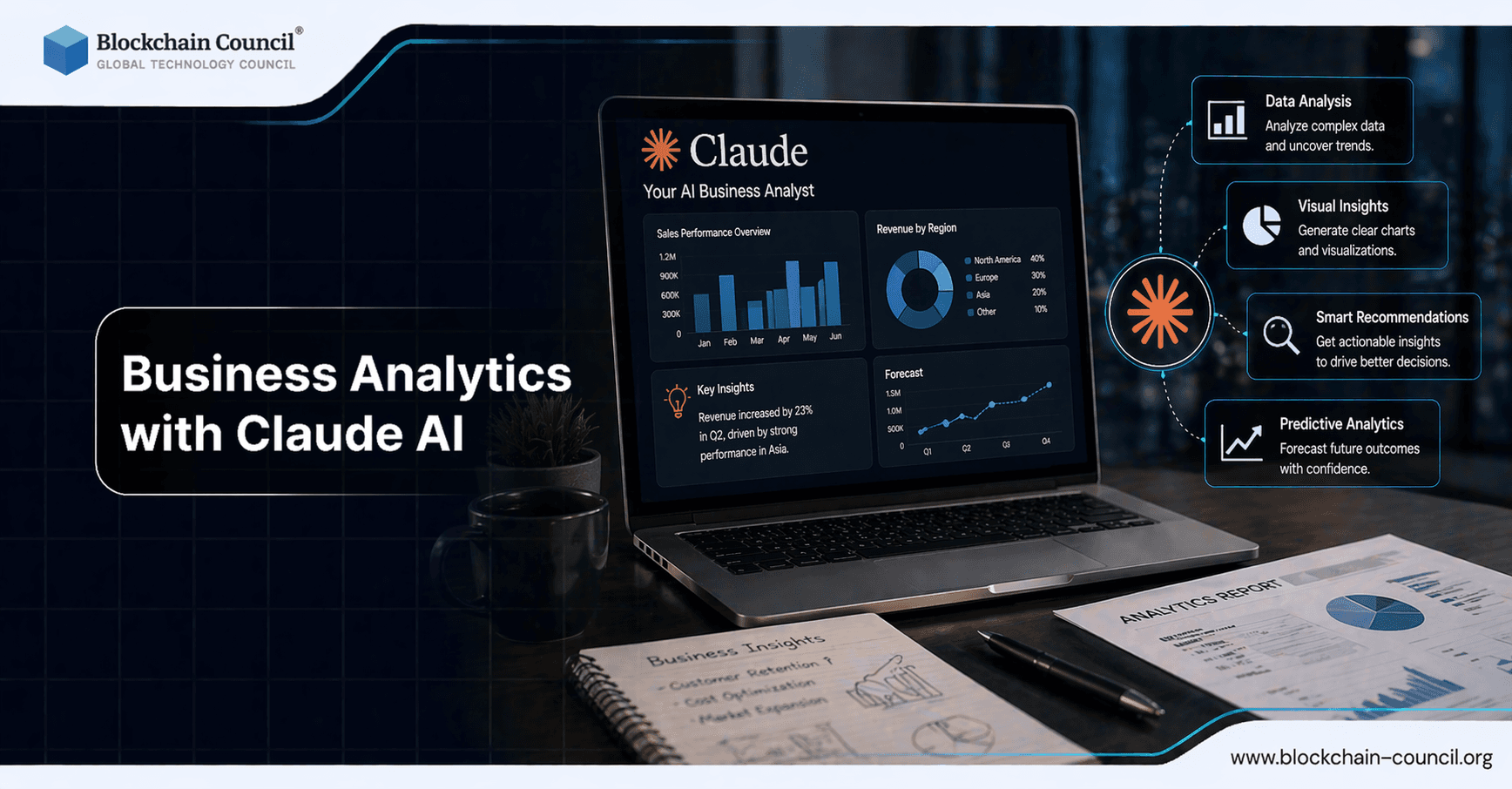
Business analytics with Claude AI is shifting from manual reporting to automated insight generation and narrative storytelling. With large context windows, retrieval-augmented generation (RAG), and agentic workflows, Claude can ingest complex business data, surface patterns, and explain what happened, why it matters, and what to do next. Enterprises adopting Claude in analytics-heavy workflows report measurable impact, including 40-60% efficiency gains, 8-12 hours saved per week for knowledge workers, and faster operational response times in customer-facing teams. Applying Business Analytics with Claude AI enables faster data interpretation and decision-making. Claude can generate insights and reports efficiently. However, accurate analysis requires proper frameworks. The Claude Code Certification helps you build these analytical skills.
Leverage Claude AI for business analytics including data interpretation, reporting, and forecasting while ensuring secure data usage through an AI Security Certification, building analytics pipelines using a Python certification, and driving insights-based growth via a Digital marketing course.

Why Claude AI Is Well-Suited for Modern Business Analytics
Business analytics teams are expected to deliver accurate insights quickly, often across fragmented systems such as CRMs, data warehouses, and collaboration tools. Claude Enterprise is designed to meet those constraints by embedding into existing workflows via connectors and APIs, while keeping governance centralized through enterprise controls.
Large context for multi-source analysis: Claude supports a 200,000-token standard context for multi-document work. Claude Opus 4.6 beta in Claude Enterprise extends this to a 1,000,000-token context window for deep knowledge work, including large datasets and extensive documentation.
Hybrid scalability: A hybrid approach combines in-context learning, caching, and RAG to handle large projects efficiently while maintaining output quality.
Enterprise connectors: Integrations with tools such as Slack, Microsoft Teams, Snowflake, Databricks, Box, CRM platforms, and financial data feeds enable near real-time retrieval and analysis where the data already lives.
Agentic capabilities: Multi-agent orchestration in higher tiers allows a lead agent to delegate tasks to specialist sub-agents, and scheduling features support repeatable analytics workflows.
From Dashboards to Decisions: What Claude Adds to Business Analytics
Traditional business intelligence tools often stop at visualization. Claude extends analytics by pairing computation and interpretation with narrative generation. This is particularly valuable when stakeholders need clear explanations rather than charts alone.
1) Faster Exploratory Analysis and Anomaly Detection
Claude can scan long analytical threads, metric dictionaries, and historical notes within a single session. In analytics automation examples using Claude with MCP-style tool access, teams report that deep chart investigations that once took hours can be reduced to minutes by navigating taxonomies, hypothesizing anomalies, and proposing validation steps.
Practical output: a prioritized list of anomalies, likely causes, and next queries to run, plus a stakeholder-ready summary.
2) Data-Driven Narratives That Align Teams
Executives and cross-functional leads need narratives that connect metrics to business context. Claude can produce:
Weekly business reviews that explain performance drivers and risks
Experiment readouts that summarize results, confidence levels, and tradeoffs
Customer insights briefs that merge qualitative feedback with quantitative signals
Because Claude can retain more context within a session, it preserves assumptions, definitions, and stakeholder preferences, reducing the back-and-forth that slows analytics delivery.
3) Workflow Automation Across Business Functions
Analytics value increases when insights are operationalized. Organizations using Claude in customer operations report 60-80% reductions in email response time and 95%+ categorization accuracy in triage-style tasks. For sales enablement, Claude can extract action items from meetings, draft follow-ups, and update CRM fields, shortening proposal cycles from days to hours in many environments.
Architecture Patterns: Applying Claude to Enterprise Analytics
To implement business analytics with Claude AI responsibly, most enterprises converge on a few proven patterns.
RAG-First Analytics for Governed Insights
Using RAG to retrieve only approved knowledge sources - metric definitions, data contracts, forecasting assumptions, and curated reports - reduces inconsistency and helps analysts ensure that outputs reflect the organization's canonical definitions.
Connector-Led Analysis for Live Data
When Claude connects to Snowflake, Databricks, CRM tools, and document repositories, it can answer questions with fresher context. In regulated environments such as financial services, connector-based retrieval supports auditable workflows when paired with access controls and logging.
Agentic Analytics for Repeatable Workflows
Agentic systems help automate recurring tasks such as:
Pulling daily KPIs
Explaining notable changes and segment drivers
Drafting stakeholder narratives and action items
Scheduling distribution to teams and updating tickets
With multi-agent orchestration, a lead agent can delegate specialized work - such as cohort breakdowns, pricing impact checks, or support ticket theme clustering - then merge results into one cohesive report.
Measuring ROI: What to Track in Claude-Powered Analytics
Enterprises adopting Claude report productivity gains including 40-60% workflow efficiency improvements and 8-12 hours saved weekly per knowledge worker in analytics-adjacent tasks. To validate ROI in your environment, track:
Cycle time: time from question to decision-ready insight
Rework rate: how often metric definitions or assumptions cause re-analysis
Adoption: number of active users and frequency of analytics-assisted workflows
Quality: stakeholder satisfaction, accuracy checks, and variance versus analyst baselines
Operational outcomes: response-time reductions, increased conversion, lower churn, and improved SLA adherence
Transform raw business data into actionable insights using AI-driven analysis and visualization by gaining expertise through an AI Security Certification, developing systems via a Node JS Course, and scaling data-driven strategies using an AI powered marketing course.
Conclusion: Turning Data into Insight, and Insight into Action
Business analytics with Claude AI delivers the most value when it connects three layers: data retrieval, analytical reasoning, and narrative communication. With large context windows, RAG-backed accuracy, and agentic workflow automation, Claude can help enterprises move from reactive reporting to proactive decision systems. The practical path forward is straightforward: start with measured pilots, standardize metric definitions, integrate governed data access, and scale the workflows that consistently save time while improving decision quality.
FAQs
1. What is business analytics with Claude AI?
Business analytics with Claude AI involves using the assistant to analyze data, generate insights, and support decision-making. It helps interpret trends and patterns. This improves business performance.
2. How can Claude AI improve business analytics?
Claude AI can process data summaries, identify patterns, and generate insights بسرعة. It reduces manual analysis time. This helps teams make faster decisions.
3. What types of data can Claude AI analyze?
Claude AI can work with structured and semi-structured data such as sales reports, customer data, and operational metrics. It depends on user input. Data quality affects results.
4. Can Claude AI generate business reports?
Yes, Claude AI can create structured reports from data inputs. It organizes key insights clearly. This reduces reporting effort.
5. How does Claude AI support decision-making?
Claude AI provides summaries, comparisons, and insights based on data. It helps evaluate options. This supports informed decisions.
6. Can Claude AI help with data visualization?
Claude AI can suggest visualization methods and generate code for charts. It helps present data clearly. Final visuals should be reviewed.
7. How does Claude AI assist with trend analysis?
Claude AI can identify trends in historical data and explain patterns. It highlights key changes. This improves forecasting and planning.
8. What are the benefits of using Claude AI for analytics?
Benefits include faster insights, reduced manual work, and improved reporting. It enhances productivity. This supports business growth.
9. What are the limitations of Claude AI in business analytics?
Claude AI may lack full context and cannot process very large datasets directly. It depends on input quality. Human validation is required.
10. Can Claude AI assist with predictive analytics?
Claude AI can suggest models and explain forecasting methods. It supports predictive analysis. Implementation requires additional tools.
11. How does Claude AI help with data cleaning?
Claude AI can suggest methods for handling missing or inconsistent data. It improves data preparation. Clean data leads to better insights.
12. Can Claude AI support real-time analytics?
Claude AI can assist with strategy and interpretation but may not process real-time data directly. Integration with systems is required. It complements analytics tools.
13. How does Claude AI improve reporting efficiency?
Claude AI automates report generation and summarization. It ensures consistent formatting. This saves time.
14. Can Claude AI help small businesses with analytics?
Yes, small businesses can use Claude AI to analyze data without advanced tools. It provides accessible insights. This improves decision-making.
15. How does Claude AI assist with KPI tracking?
Claude AI can summarize key performance indicators and highlight changes. It helps monitor performance. This supports business goals.
16. What skills are needed to use Claude AI for analytics?
Users need basic data literacy and understanding of business metrics. Clear input improves results. Experience enhances effectiveness.
17. Can Claude AI integrate with analytics tools?
Claude AI can complement tools like dashboards and BI platforms. Integration depends on setup. It enhances workflows.
18. How does Claude AI support data-driven culture in organizations?
Claude AI makes insights more accessible and easier to understand. It encourages data use in decisions. This improves organizational performance.
19. Can Claude AI help identify business risks?
Claude AI can analyze trends and highlight potential risks. It provides structured insights. This supports risk management.
20. What is the future of business analytics with Claude AI?
AI will become more integrated into analytics platforms and workflows. It will provide deeper insights and automation. Data-driven decision-making will increase.
Related Articles
View All
Claude Ai
Claude Sonnet 5 and the Future of Generative AI for Business
Claude Sonnet 5 makes agentic generative AI more practical for business, with lower costs, stronger controls, and enterprise-ready deployment paths.

Claude Ai
Claude Fable vs ChatGPT: Which AI Model Is Better for Content Creation and Business Workflows?
Claude Fable vs ChatGPT compared for content creation, business workflows, strategy, code review, and practical hybrid AI usage.

Claude Ai
How to Use Claude Fable 5.1 for Free
Find out whether Claude Fable 5.1 is available for free, which Claude plans provide access, and what users need to know before trying Anthropic’s latest AI model.
Trending Articles
The Role of Blockchain in Ethical AI Development
How blockchain technology is being used to promote transparency and accountability in artificial intelligence systems.

Top 5 DeFi Platforms
Explore the leading decentralized finance platforms and what makes each one unique in the evolving DeFi landscape.

Can DeFi 2.0 Bridge the Gap Between Traditional and Decentralized Finance?
The next generation of DeFi protocols aims to connect traditional banking with decentralized finance ecosystems.