

Kimi AI for Business: How Enterprises Can Use Long-Context AI Assistants

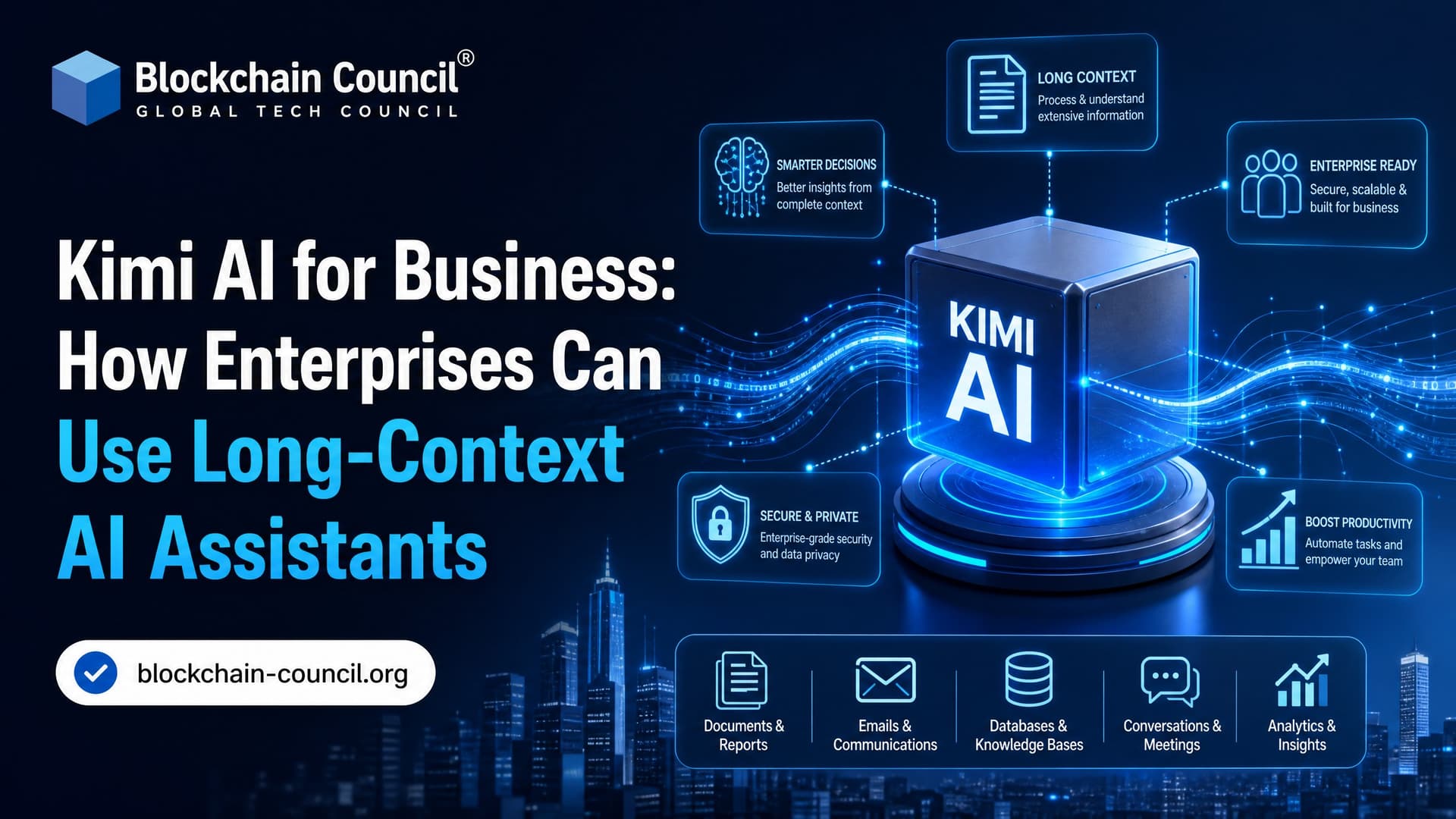
Kimi AI for business is best understood as a long-context, agentic assistant for work that does not fit neatly into a short prompt: large codebases, dense policy libraries, multi-document research, data workflows, and multi-step automation. The appeal is practical. Kimi K2.x models keep more project context in play, coordinate agents across long tasks, and often run at a lower inference cost than many closed frontier models.
That does not make Kimi a magic button. It makes it a serious option for enterprise AI teams trying to move beyond chatbots and into actual workflow execution.

What Is Kimi AI?
Kimi AI is the flagship model family from Moonshot AI, a China-based lab known for long-context large language models, open-weight releases, and agentic workflows. The recent Kimi K2.5 and Kimi K2.6 models are built for enterprise-scale work rather than casual Q&A.
A few characteristics matter for business teams:
- Open-weight availability: Kimi K2.5 and K2.6 ship with open weights under a modified MIT-style license, giving enterprises more deployment flexibility than fully closed APIs.
- Long-context design: Kimi Work is built around large volumes of text, code, and documents in one session.
- Agentic execution: Kimi Agent Swarm has been reported to coordinate around 300 sub-agents and more than 4,000 steps for long-running workflows.
- Native multimodality: Kimi K2.6 includes vision support through MoonViT, so it can read UI screenshots, design sketches, diagrams, and documents with visual structure.
For an enterprise architect, the difference is simple. Kimi is not just answering a question. It can stay inside a large problem, call tools, split work across agents, and iterate.
Why Long-Context AI Matters in the Enterprise
Short-context assistants are fine for drafting an email or explaining a single function. Enterprise work is messier. A compliance policy references another policy. A service depends on three internal libraries. A dashboard query only makes sense if the model remembers the business definition of an active customer.
Long-context AI assistants cut down the need to manually chunk everything into tiny pieces. That helps in four common areas:
- Engineering: Review architecture docs, source files, tests, dependency files, and tickets together.
- Knowledge management: Compare manuals, policies, contracts, SOPs, and internal wiki pages.
- Data analysis: Keep table schemas, SQL queries, metric definitions, and analyst notes in one working session.
- Operations: Track multi-stage tasks such as vendor onboarding, support triage, audit preparation, and report generation.
A warning from real deployments: long context is not permission to dump a whole company into the prompt. You still need retrieval, access control, and source ranking. In code pilots, the failure I see most often is not a weak model. It is stale workspace state. An agent writes a patch against an old lockfile, CI runs, and you get npm ERR! ERESOLVE unable to resolve dependency tree. The fix is boring but essential: sync the repo, pin dependencies, and force the agent to run tests before claiming success.
Kimi K2.5 and Kimi K2.6: What Changed?
Kimi K2.5
Kimi K2.5 is an open-source model trained on roughly 15 trillion tokens. It introduced stronger Agent Swarm workflows, native vision and video understanding, and the ability to turn sketches or UI screenshots into working application code. The combination of parallel coordination, multimodality, and lower-cost production performance is what marked it as a step forward in agentic AI.
Kimi K2.6
Kimi K2.6 is the stronger enterprise candidate. Moonshot lists kimi-k2.6 as its latest and most capable model, with improved long-horizon code writing and stronger long-context performance for complex projects. It is reported to be a 1 trillion parameter Mixture-of-Experts model with about 32 billion active parameters per token.
That MoE architecture matters because it activates only part of the model for each token, which helps with cost and inference efficiency. Reported provider speeds vary widely, from about 15 to more than 150 tokens per second, so benchmark the exact provider and deployment path you plan to use.
Business Use Cases for Kimi AI
1. Large-codebase engineering
This is Kimi AI for business at its strongest. Kimi K2.6 is frequently praised for long-horizon coding, autonomous refactoring, deployment support, and optimization work across large repositories. It shows strong performance in Python, Rust, and Go, as well as on out-of-distribution coding tasks.
Use Kimi for:
- Repository onboarding for new developers
- Legacy module explanation
- Test generation and coverage gap analysis
- Dependency migration planning
- Refactoring with human code review
- CI/CD documentation and deployment script drafts
Do not let it merge directly to production. Require pull requests, automated tests, static analysis, and human review. That is not caution for its own sake. Agentic coding systems can pass easy tests while breaking edge cases.
2. Document-heavy workflows
Kimi Work is an all-in-one AI workspace for chat, document analysis, and agent workflows. That makes it useful for enterprises with policy libraries, research archives, contracts, technical manuals, or training material.
Teams can ask Kimi to compare multiple versions of a policy, extract obligations from vendor documents, summarize a 200-page technical manual, or generate a structured briefing from a bundle of PDFs. Keep legal and compliance staff in the loop. Long-context models can miss a clause, confuse jurisdictional language, or overstate certainty.
3. Data workflows and analytics
Kimi K2.6 is also positioned for data workflows. It can help analysts write SQL, explain notebook code, generate dashboard narratives, and keep business definitions in context over a longer session.
A good pattern is to give Kimi the schema, sample rows, metric definitions, and expected output format. Then ask it to produce both the query and a short explanation. Make validation mandatory. If the assistant writes a query that joins customer_id to account_id because the names look similar, your dashboard will be wrong with impressive confidence.
4. Customer support and content operations
Kimi K2.6 is attractive for workloads where cost per token dominates, including customer service, content generation, and code completion. This is where pricing can change the business case. A support system that processes millions of tokens per day may be uneconomical on a premium closed model but viable on a lower-cost open-weight model.
Common uses include support draft generation, FAQ maintenance, multilingual help content, ticket classification, and internal knowledge-base updates.
5. Product, design, and UX
Because Kimi supports vision inputs, product teams can use it with screenshots, mockups, flow diagrams, and UI sketches. K2.5 and K2.6 handle workflows where the model reads a design artifact and generates frontend code or implementation steps.
This works for prototypes. For production design systems, be stricter. Feed it your component library, accessibility rules, naming conventions, and test requirements. Otherwise it will invent components that look plausible but do not exist in your codebase.
Cost, Adoption, and Competitive Position
Kimi is getting attention because it pairs strong agentic capability with a lower cost profile. Reporting puts Kimi K2.6 as the second most used large language model on OpenRouter globally, behind only Claude, across hundreds of model options. That signal matters because OpenRouter usage reflects developer routing decisions, not just benchmark claims.
Moonshot AI also has real business traction. Public analysis notes a 1 billion USD funding round in early 2024 at a 2.5 billion USD valuation, followed by a 2 billion USD round in 2026 at a 20 billion USD valuation. Moonshot has reportedly passed 200 million USD in annualized recurring revenue from subscriptions and API usage.
The procurement lesson is direct. If your workload is high-volume and the task does not require the absolute best model for every query, test Kimi. Enterprises that only compare two or three closed-model vendors may overpay for inference.
Governance: Where Kimi Is the Wrong Fit
Kimi is strong, but it is not the right tool for every job. Reported complex-task accuracy after iteration sits in the 70 to 95 percent range. That is useful for engineering and operations, but not enough for unsupervised legal, medical, financial, or safety-critical decisions.
Use a formal governance checklist:
- Run task-level benchmarks: Compare Kimi against your current model on your own prompts, data, and acceptance criteria.
- Separate sensitive data: Use self-hosted or controlled deployments when data residency, privacy, or IP protection requires it.
- Log prompts and tool calls: Agentic systems need audit trails, especially when they touch code, tickets, documents, or customer records.
- Require human approval: Keep humans in the loop for final decisions, production code, legal text, and executive reporting.
- Check licensing: Open-weight does not mean no obligations. Review the modified MIT-style terms with legal counsel.
Geography matters too. Kimi is developed by a China-based provider, so enterprises in regulated sectors should assess data transfer rules, contractual safeguards, vendor risk, and hosting options before sending sensitive workloads to any external endpoint.
Skills Enterprises Need Before Adopting Kimi
Buying model access is the easy part. The hard part is designing reliable workflows. Teams need prompt engineering, AI governance, evaluation methods, data privacy controls, and agent architecture skills.
For structured upskilling, look at Blockchain Council programs such as Certified Artificial Intelligence (AI) Expert™, Certified Prompt Engineer™, and Certified Generative AI Expert™. For teams connecting AI agents to blockchain, identity, or audit systems, Certified Blockchain Expert™ is also relevant.
How to Start With Kimi AI for Business
Start small, but choose a real workflow. Do not run a toy demo and call it enterprise readiness.
- Pick one high-friction use case, such as codebase onboarding, support ticket drafting, or policy comparison.
- Build a benchmark set with 50 to 100 real examples and expected outputs.
- Test Kimi K2.6 against your current model for quality, latency, cost, and failure modes.
- Add retrieval, access controls, logging, and human approval.
- Move to a limited pilot with measurable KPIs, such as review time saved, ticket handling cost, or test coverage added.
If your organization handles large codebases, long documents, or high-volume AI workloads, Kimi deserves a serious evaluation. Pair that evaluation with clear governance and trained teams. Your next step: choose one workflow, create a benchmark, and test whether Kimi K2.6 gives you acceptable quality at a better operating cost.
Related Articles
View All
AI & ML
Kimi K2.7 Code Explained: Features, Capabilities, and Real-World AI Coding Use Cases
Kimi K2.7 Code is Moonshot AI's open-weight agentic coding model with 256K context, multimodal input, tool use, and real software engineering use cases.

AI & ML
Top GPT 5.6 Use Cases in Blockchain, Web3, Cybersecurity, and Business
Explore GPT 5.6 use cases across blockchain, Web3, cybersecurity, and business, with practical workflows, risks, and certification paths.

AI & ML
How to Use GPT-6 Astra for Free
Find out whether GPT-6 Astra is available for free, which ChatGPT plans currently include access, and what options users have for trying OpenAI’s latest AI model.
Trending Articles

Top 5 DeFi Platforms
Explore the leading decentralized finance platforms and what makes each one unique in the evolving DeFi landscape.
How Blockchain Secures AI Data
Understand how blockchain technology is being applied to protect the integrity and security of AI training data.
What is AWS? A Beginner's Guide to Cloud Computing
Everything you need to know about Amazon Web Services, cloud computing fundamentals, and career opportunities.