
Optimizing Dockerfiles: Layer Caching, Multi-Stage Builds, and Smaller Image Sizes

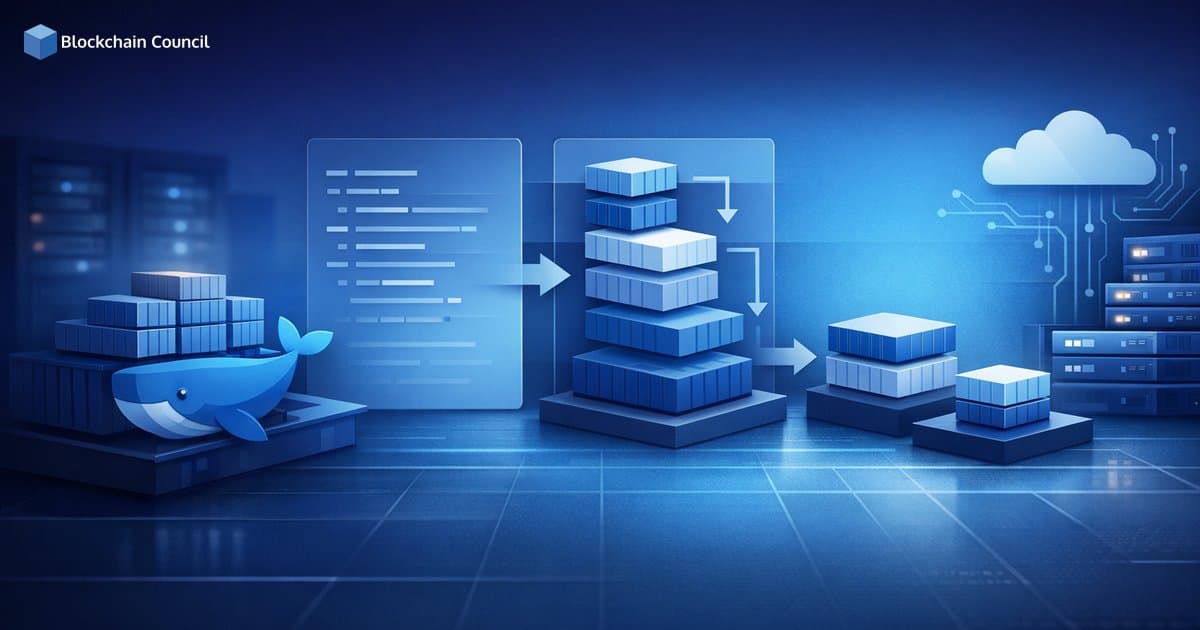
Optimizing Dockerfiles is one of the highest-leverage improvements you can make in containerized environments. Better Dockerfile practices directly improve build speed, reduce CI/CD compute usage, cut storage and bandwidth costs, and shrink the attack surface by removing unnecessary packages and tools. With container images accumulating more dependencies over time, minimalism and repeatable builds are no longer optional. Sysdig's 2025 Cloud-Native Security Report highlighted a 300% increase in packages per container image, reinforcing why teams should prioritize smaller, cleaner images and tighter build discipline.
This guide covers three pillars of Dockerfile optimization: layer caching, multi-stage builds, and smaller image sizes, along with modern tooling and best practices you can standardize across teams.

Why Optimizing Dockerfiles Matters
In real-world DevOps and platform engineering, Dockerfiles are part of your software supply chain. Optimizing them helps you:
Build faster: Cache hits and smaller contexts reduce rebuild time, especially in CI pipelines.
Use fewer resources: Smaller layers and fewer packages lower CPU, memory, and disk usage in pipelines and registries.
Improve security: Fewer packages and build tools mean fewer vulnerabilities and a smaller exposed surface area.
Reduce costs: Less storage, less egress, and shorter pipeline runtimes often translate to direct savings.
Docker's official guidance stresses optimizing layer order for cache hits and using multi-stage builds to separate build-time and runtime concerns. Cloud-native industry recommendations also increasingly emphasize pinned versions, minimal base images, and automated linting.
Layer Caching Optimization: Get More Cache Hits
Docker builds images as a sequence of layers. Each Dockerfile instruction typically creates a new layer. When Docker rebuilds, it reuses cached layers if the instruction and its inputs are unchanged. The practical goal is straightforward: maximize cache reuse for the most expensive steps - dependency installs and compilation - by ordering instructions strategically.
1) Order Layers by Change Frequency
Place the most stable steps first and the most frequently changing steps last. A common pattern is copying dependency manifests before copying the application source. This keeps dependency install layers cached unless the dependencies themselves change.
Node.js example (cache-friendly ordering)
FROM node:20-slim
WORKDIR /app

# Copy only dependency manifests first
COPY package.json package-lock.json ./
RUN npm ci

# Copy the rest of the source code
COPY . .

RUN npm run build
CMD ["node", "dist/server.js"]
This pattern prevents a small code change from invalidating the dependency install cache, which is one of the most common causes of unnecessarily slow builds.
2) Combine Related RUN Commands to Reduce Layers
Each RUN instruction creates a layer. Excess layers increase image size and can slow builds. Combine compatible commands with &&, and clean temporary files in the same layer so they do not persist into the final image.
Example (Debian/Ubuntu-based images)
RUN apt-get update \
  && apt-get install -y --no-install-recommends curl ca-certificates \
  && rm -rf /var/lib/apt/lists/*
Cleaning in the same layer is essential. If you clean in a later layer, the earlier layer still contains the cached package lists, and that data remains part of the image.
3) Use .dockerignore to Shrink Build Context
Large build contexts slow down builds because Docker must send the entire context to the daemon or remote builder. A well-maintained .dockerignore file reduces transfer time and prevents accidental inclusion of local files in images.
Typical .dockerignore entries
node_modules
.git
Dockerfile
.dockerignore
*.log
.env
dist
Right-sizing the build context is one of the simplest ways to speed up builds, particularly when teams work with monorepos.
Multi-Stage Builds: Keep Runtime Images Slim and Secure
Multi-stage builds split your Dockerfile into multiple stages. You compile or build artifacts in a stage that has all the heavy tooling, then copy only the final outputs into a clean runtime stage. This removes compilers, package managers, and build dependencies from production images entirely.
Key benefits include:
Smaller images: Only the runtime essentials ship to production.
Better security posture: Build tools and unused libraries are excluded from the final image.
More maintainable Dockerfiles: Common stages can be reused across services, reducing duplication.
Go Example: Build with golang, Run with scratch or alpine
# Stage 1: build
FROM golang:1.22 AS builder
WORKDIR /src
COPY . .
RUN CGO_ENABLED=0 GOOS=linux go build -o app ./cmd/app

# Stage 2: minimal runtime
FROM scratch
COPY --from=builder /src/app /app
ENTRYPOINT ["/app"]
This pattern can dramatically reduce image size because the final stage contains only the compiled binary. Many teams choose scratch for the smallest possible image, or alpine when they need a minimal shell and CA certificates.
Node.js Example: Build Artifacts in One Stage, Run in Another
# Stage 1: build
FROM node:20-slim AS build
WORKDIR /app
COPY package.json package-lock.json ./
RUN npm ci
COPY . .
RUN npm run build

# Stage 2: runtime
FROM node:20-slim
WORKDIR /app
ENV NODE_ENV=production
COPY package.json package-lock.json ./
RUN npm ci --omit=dev
COPY --from=build /app/dist ./dist
CMD ["node", "dist/server.js"]
Multi-stage builds are especially effective for microservices where build tooling differs significantly from runtime requirements.
Achieving Smaller Image Sizes: Practical Techniques
After addressing caching and multi-stage builds, the next focus is systematically shrinking what you ship. Smaller images typically mean fewer vulnerabilities, faster deployments, and lower storage costs.
1) Choose Minimal Base Images and Pin Versions
Start from a smaller base such as alpine or official *-slim variants - for example, python:3.12-slim instead of ubuntu:latest. Pin versions to improve reproducibility and avoid unexpected changes when upstream tags are updated.
Preferred:
python:3.12-slim,node:20-slim,alpine:3.20Avoid in production:
ubuntu:latestfor simple apps, unpinned tags
2) Avoid Unnecessary Packages and Clean Caches
Install only what you need. Use flags like --no-install-recommends on Debian-based images. Clean package caches and temporary build files within the same layer to ensure they do not persist.
For Python:
RUN pip install --no-cache-dir -r requirements.txt
For Debian/Ubuntu:
RUN apt-get update \
  && apt-get install -y --no-install-recommends build-essential \
  && rm -rf /var/lib/apt/lists/*
3) Create a Non-Root Runtime User
Running containers as a non-root user is a widely accepted security requirement. While it does not directly reduce image size, it is an important part of Dockerfile hardening and limits the potential impact if a container is compromised.
RUN useradd -r -u 10001 appuser
USER 10001
4) Use ARG and ENV for Deterministic Builds
Use ARG for build-time configuration and ENV for runtime configuration. Keep them explicit and never embed secrets in images. Standardizing these patterns supports multiple environments and CI workflows without introducing ambiguity.
Tooling That Helps Enforce Dockerfile Optimization
Optimization is easier when you can measure, lint, and automate. Commonly used tools include:
Hadolint: Lints Dockerfiles against best practices, useful for enforcing organizational standards in CI.
Dive: Inspects image layers to identify where size bloat occurs.
DockerSlim: Automates image minimization in some pipelines by removing unnecessary artifacts.
BuildKit and Buildx: Improve build performance and support parallelism and advanced caching strategies.
These tools also support enterprise use cases where many microservices must follow consistent, auditable patterns.
Practical Optimization Checklist
Reorder instructions to maximize cache hits - copy manifests first, then application source.
Use .dockerignore to reduce build context and prevent unwanted files from entering the image.
Combine RUN commands and clean caches within the same layer.
Adopt multi-stage builds to remove build tooling from runtime images.
Choose minimal base images and pin versions for reproducible builds.
Run as non-root and keep runtime images minimal for security.
Automate checks with Hadolint and validate layer size with Dive.
Conclusion
Optimizing Dockerfiles through layer caching, multi-stage builds, and smaller image sizes is one of the most effective ways to improve delivery speed, reduce infrastructure waste, and strengthen container security. As images accumulate more packages over time, the discipline of minimal, repeatable builds becomes more important, not less. Start with caching-friendly instruction ordering, adopt multi-stage builds to separate build and runtime concerns, and standardize on minimal base images with automated linting across your CI/CD pipeline.
If your team is formalizing container and cloud-native skills, Blockchain Council offers training paths in DevOps, Cloud Computing, Cybersecurity, and Kubernetes to help engineers align on secure, efficient container delivery practices.
Related Articles
View All
Docker
Docker vs Kubernetes
Docker vs Kubernetes explained: use Docker for local dev and small apps, and adopt Kubernetes for autoscaling, self-healing, and multi-host production clusters.

Docker
Running AI/ML Workloads with Docker: GPU Passthrough, CUDA Images, and Reproducible Environments
Learn how to run AI-ML workloads with Docker using GPU passthrough, NVIDIA CUDA images, and best practices for reproducible, scalable training and inference.

Docker
Containerizing Microservices with Docker: Patterns, Observability, and CI-CD Pipelines
Learn how containerizing microservices with Docker enables consistent deployments, proven patterns, strong observability, and secure CI-CD pipelines with Kubernetes and GitOps.
Trending Articles

The Role of Blockchain in Ethical AI Development
How blockchain technology is being used to promote transparency and accountability in artificial intelligence systems.

AWS Career Roadmap
A step-by-step guide to building a successful career in Amazon Web Services cloud computing.

Top 5 DeFi Platforms
Explore the leading decentralized finance platforms and what makes each one unique in the evolving DeFi landscape.