

Claude AI for Meeting Summaries and Notes
 Suyash Raizada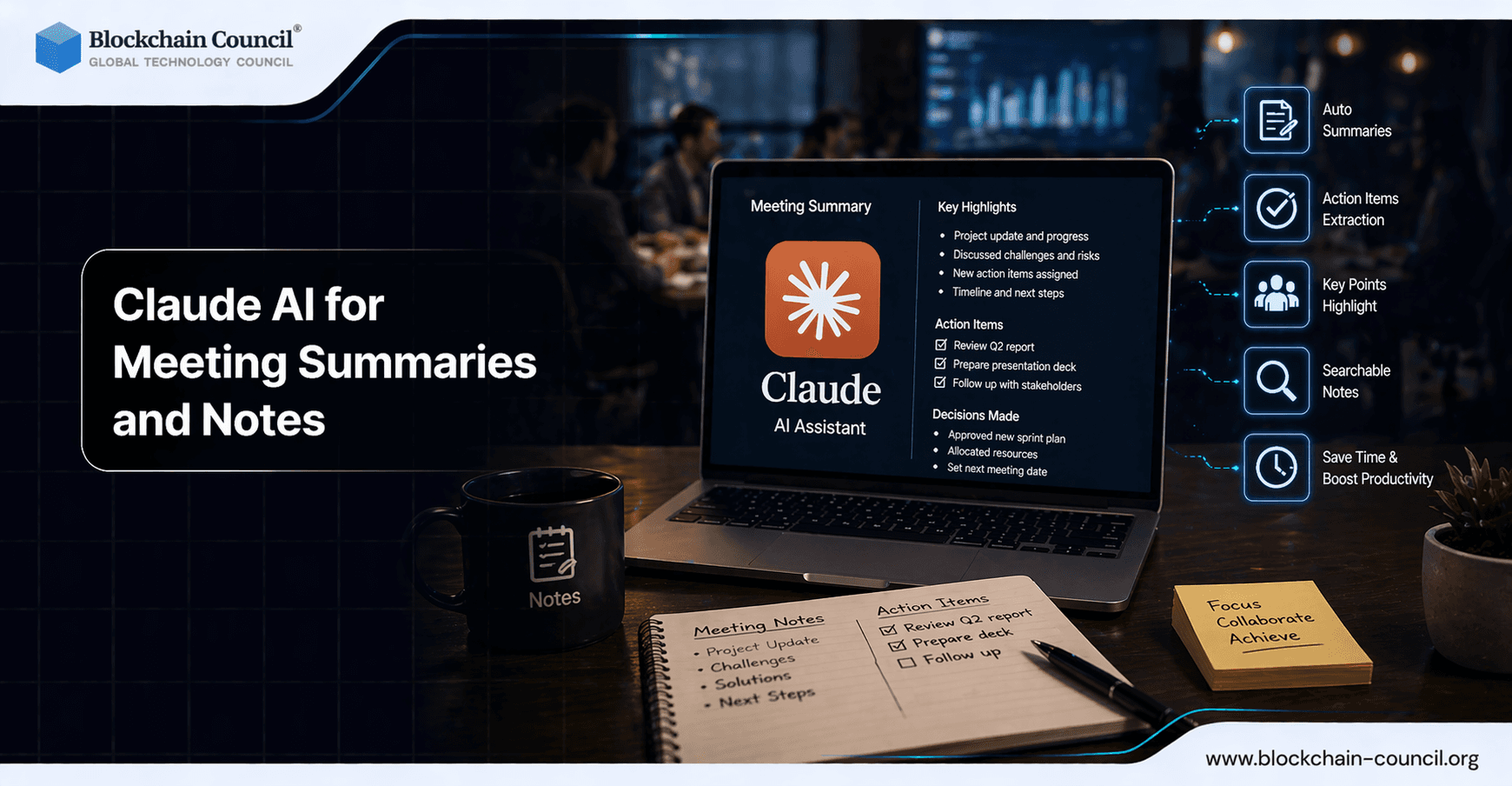
Claude AI for meeting summaries and notes is increasingly used as a post-meeting processing layer: it converts long transcripts into clear minutes, extracts action items with owners and deadlines, captures decisions, and drafts follow-up emails. The key differentiator is long-context performance. With Claude Opus 4 supporting up to a 200,000 token context window, teams can process full 60 to 90-minute discussions without losing earlier constraints, stakeholder positions, or decision history. Using Claude AI for Meeting Summaries and Notes helps capture key insights, action items, and decisions efficiently. Claude can convert discussions into structured outputs. However, accuracy depends on proper input and prompts. The Claude Code Certification helps you refine this process.
Why Claude AI Works Well for Post-Meeting Documentation
Meeting documentation breaks down when context is fragmented. Claude is designed for document-heavy reasoning, which maps well to meetings that involve multiple threads, interruptions, and shifting requirements. Its performance on graduate-level reasoning benchmarks reflects an ability to handle decisions that are implied, qualified, or revisited later in a conversation.

Two capabilities matter specifically for meeting workflows:
Adaptive reasoning, where Claude scales its analytical depth based on task complexity, such as assigning action items versus summarizing high-level themes.
Long-context retention, which allows the model to maintain coherence across extended transcripts without dropping earlier commitments or constraints.
Automate meeting summaries and extract actionable insights using AI by mastering intelligent systems through an AI certification, building automation tools via a Python certification, and improving communication strategies with a Digital marketing course.
Key Limitation: No Native Live Meeting Capture
Claude does not natively join Zoom or Microsoft Teams calls to capture audio in real time. In most setups, you provide the transcript or notes after the meeting ends. This is not a blocker for most teams. Pairing Claude with a transcription tool creates a near-automated pipeline: transcribe first, then summarize, extract decisions, and generate follow-up drafts.
For enterprises, this separation is often preferable because it keeps recording and transcription distinct from analysis and drafting, which can align better with compliance requirements and existing internal tooling.
What to Generate: Summaries, Action Items, Decisions, and Follow-Ups
To standardize outputs, structure your prompt to request artifacts that are ready to paste into email, a wiki, or a ticketing system.
1) Meeting Summary That Stakeholders Will Read
Ask for a brief executive summary alongside detailed notes organized by agenda topic. Claude performs reliably when instructed to preserve specific numbers, names, and constraints from the transcript.
Executive summary: 5 to 8 bullets
Discussion notes: grouped by topic, including risks and open questions
Key metrics: timelines, budgets, targets, dependencies
2) Action Items with Owners, Dates, and Definitions of Done
For action items, require an owner and due date, and instruct Claude to flag any missing details. This addresses the common failure mode of vague tasks like "follow up" with no accountable party attached.
Action: what needs to be done
Owner: accountable person
Due date: explicit date or relative deadline
Definition of done: what completion looks like
3) Decision Log That Is Audit-Friendly
Decision logs are most useful when they include context and scope. Claude can extract nuanced decisions when prompted to capture the rationale and any constraints that shaped the outcome.
Decision: what was agreed
Rationale: why it was chosen
Impact: what changes as a result
Owner: who maintains the decision
4) Follow-Up Emails That Drive Execution
Claude can draft follow-up emails tailored to different audiences: internal team, external client, or executives. Request two versions to serve different reader needs:
Short: 6 to 10 sentences for quick reads
Detailed: includes an action item table and decision log
Workflow Examples: How Teams Use Claude AI After Meetings
Common workflows pair transcription tools with Claude for fast, structured outputs:
Post-meeting pipeline: export a Zoom transcript, send it to Claude (often via tools like Tactiq), and request minutes, action items with owners and deadlines, decisions, and a follow-up email draft.
Weekly team syncs: process standup transcripts and group updates by theme (delivery, blockers, hiring, customer issues), then surface deadlines and risks.
Discovery calls: extract customer pain points, requirements, objections, and next steps, then draft a stakeholder update and a client recap email.
Structured Meeting Outputs and Automation
For teams that treat meeting notes as operational data, structured output generation matters because it standardizes formatting and supports repeatable, auditable records. Claude can produce professional HTML summaries from transcripts, generate email drafts with validated action items, and organize decisions into consistent logs.
Another practical approach is scheduling follow-up tasks directly from summaries. Integrating Claude into task management workflows helps close the gap between what was agreed in a meeting and what actually gets executed.
Cost and Scalability for Enterprises
Claude's API pricing makes high-volume transcript processing feasible, particularly when a single long-context pass replaces multiple partial summaries that require manual reconciliation. The broader benefit is consistency: one model can apply the same minutes template across teams, reducing rework and misalignment between departments.
Implementation Tips and Prompt Template
To improve accuracy, provide the transcript alongside minimal metadata: meeting title, date, attendees, and the intended audience for the follow-up email.
Prompt template (paste-ready):
Input: Here is the meeting transcript and attendee list. Preserve exact names, dates, and numeric commitments.
Output 1: Executive summary (max 8 bullets).
Output 2: Detailed notes grouped by agenda themes.
Output 3: Action items table with owner, due date, and definition of done. Flag missing owners or dates.
Output 4: Decision log with rationale and scope.
Output 5: Two follow-up emails: one for the internal team and one for external stakeholders.
Transform unstructured meeting data into structured insights with AI by combining expertise from an Agentic AI Course, enhancing NLP capabilities via a machine learning course, and scaling productivity solutions with an AI powered marketing course.
Skills to Build for Reliable AI Meeting Documentation
Achieving repeatable results depends less on writing longer prompts and more on creating stable output schemas, review checklists, and workflow controls. For teams standardizing minutes, compliance records, and follow-up communications, building foundational knowledge in prompt engineering and generative AI for business provides a structured path to reliable, scalable documentation workflows.
Conclusion
Claude AI for meeting summaries and notes functions as a post-meeting processing layer: it converts raw transcripts into structured minutes, actionable task lists, decision logs, and follow-up emails that teams can act on immediately. While it does not provide native live meeting capture, pairing it with transcription and workflow tools creates a high-leverage system - particularly for long, complex meetings where context retention determines whether the final summary is accurate and trustworthy.
FAQs
1. What is Claude AI for Meeting Summaries and Notes?
Claude AI for Meeting Summaries and Notes converts discussions into concise summaries. It captures key points and action items.
2. How does Claude AI for Meeting Summaries and Notes work?
Claude AI for Meeting Summaries and Notes analyzes meeting transcripts. It generates structured summaries.
3. Why is Claude AI for Meeting Summaries and Notes useful?
Claude AI for Meeting Summaries and Notes saves time and improves documentation. It reduces manual note-taking.
4. Can Claude AI for Meeting Summaries and Notes improve accuracy?
Yes, Claude AI for Meeting Summaries and Notes ensures accurate summaries. It captures important details.
5. Who can use Claude AI for Meeting Summaries and Notes?
Claude AI for Meeting Summaries and Notes is useful for teams and professionals. It supports business meetings.
6. Can Claude AI for Meeting Summaries and Notes identify action items?
Yes, Claude AI for Meeting Summaries and Notes highlights action points. It improves follow-ups.
7. Is Claude AI for Meeting Summaries and Notes beginner-friendly?
Claude AI for Meeting Summaries and Notes is easy to use. It requires minimal setup.
8. Can Claude AI for Meeting Summaries and Notes save time?
Yes, Claude AI for Meeting Summaries and Notes reduces manual effort. It improves productivity.
9. What are benefits of Claude AI for Meeting Summaries and Notes?
Claude AI for Meeting Summaries and Notes improves clarity and organization. It enhances communication.
10. Can Claude AI for Meeting Summaries and Notes be automated?
Yes, Claude AI for Meeting Summaries and Notes can be automated. It processes recordings instantly.
11. Does Claude AI for Meeting Summaries and Notes support multiple formats?
Claude AI for Meeting Summaries and Notes supports text and audio inputs. It adapts to workflows.
12. Can Claude AI for Meeting Summaries and Notes improve team collaboration?
Yes, Claude AI for Meeting Summaries and Notes keeps everyone aligned. It ensures clarity.
13. How accurate is Claude AI for Meeting Summaries and Notes?
Claude AI for Meeting Summaries and Notes provides reliable summaries. Accuracy depends on input quality.
14. Can Claude AI for Meeting Summaries and Notes be customized?
Yes, Claude AI for Meeting Summaries and Notes allows customization. Users can adjust formats.
15. What industries use Claude AI for Meeting Summaries and Notes?
Claude AI for Meeting Summaries and Notes is used in corporate, education, and startups. It supports communication.
16. Can Claude AI for Meeting Summaries and Notes reduce errors?
Yes, Claude AI for Meeting Summaries and Notes reduces missed points. It ensures completeness.
17. Does Claude AI for Meeting Summaries and Notes require integration?
Claude AI for Meeting Summaries and Notes can integrate with tools. This improves usability.
18. Can Claude AI for Meeting Summaries and Notes track decisions?
Yes, Claude AI for Meeting Summaries and Notes records decisions. It supports accountability.
19. What are challenges in Claude AI for Meeting Summaries and Notes?
Claude AI for Meeting Summaries and Notes may depend on audio clarity. Poor input affects results.
20. What is the future of Claude AI for Meeting Summaries and Notes?
Claude AI for Meeting Summaries and Notes will become more advanced. It will enhance workplace efficiency.
Related Articles
View All
Claude Ai
Fable 5 vs Claude vs ChatGPT: Which AI Model Should You Choose?
Compare Fable 5, Claude, and ChatGPT across coding, research, DevOps, cost, context, and governance to choose the right AI model.

Claude Ai
Claude Fable 5 vs Sonnet 5: Which Model Should You Use?
A practical comparison of Claude Fable 5 and Sonnet 5, covering model tier, access, safety, pricing, coding use cases, and enterprise fit.

Claude Ai
Claude Fable 5 Restored: Anthropic Brings Back Its Most Powerful AI Model With Tighter Safety Guardrails
Anthropic has reportedly restored Claude Fable 5 with enhanced safety guardrails, balancing advanced reasoning capabilities with stronger oversight for enterprise and developer use. This article examines the reported changes, potential impact, and what they could mean for AI deployment.
Trending Articles
AWS Career Roadmap
A step-by-step guide to building a successful career in Amazon Web Services cloud computing.

Top 5 DeFi Platforms
Explore the leading decentralized finance platforms and what makes each one unique in the evolving DeFi landscape.
Claude AI Tools for Productivity
Discover Claude AI tools for productivity to streamline tasks, manage workflows, and improve efficiency.