Michael Willson
Running AI Agents on RTX PCs: OpenClaw + NemoClaw + Gaming GPUs
RUN AI agents locally using RTX GPUs with OpenClaw and NemoClaw for high performance and privacy.


Browse the latest ai articles, tutorials, and research from Blockchain Council.(1848 articles)
RUN AI agents locally using RTX GPUs with OpenClaw and NemoClaw for high performance and privacy.

OpenClaw and NemoClaw represent two approaches to AI agents—one focused on flexibility, the other on security. Here’s how they differ and where each excels.

NVIDIA GTC 2026 introduced groundbreaking innovations like DLSS 5 and NemoClaw, signaling a major leap in AI platforms, automation, and GPU-powered intelligence.

DLSS 5, FSR, and XeSS are leading upscaling technologies shaping modern gaming. This comparison explores performance, AI features, and which one truly stands out.
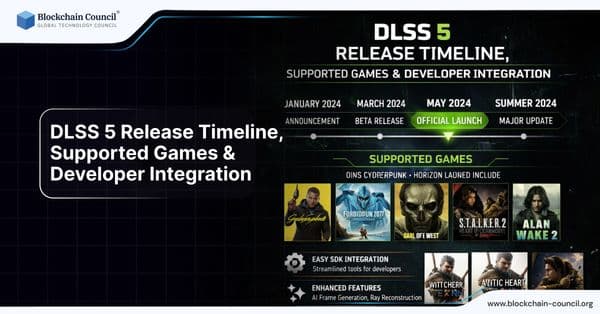
DLSS 5 is expected to launch with next-gen GPUs and will be integrated into major game engines and supported titles.
OpenClaw is an AI-driven robotic grasping system that enables machines to detect, analyze, and pick objects with high precision. Combining computer vision and machine learning, it represents a major step forward in automation and intelligent robotics.
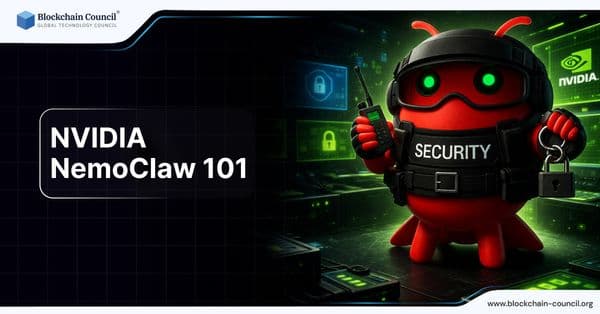
Nvidia NemoClaw 101 introduces a secure AI agent platform that adds sandboxing, policy control, and privacy protection to modern AI automation systems.
NVIDIA DLSS 5 is a next-gen neural rendering technology that uses AI to improve performance and image quality in modern games.

DLSS 5 balances performance and image quality, offering cinematic visuals but raising debates about realism vs AI enhancement.

DLSS 5 is NVIDIA’s next-generation AI rendering technology that enhances gaming performance by intelligently generating frames, improving lighting accuracy, and detecting materials in real time. By combining neural networks with RTX hardware, it delivers smoother gameplay and cinematic visuals without compromising performance.

Discover how AI agents are transforming software development by automating coding tasks and managing complex workflows.

Explore how AI tools can simplify debugging by identifying errors, suggesting fixes, and improving code quality efficiently.