

Project-Based Online Learning for Kids: 15 Hands-On STEM Projects Using Free Web Tools

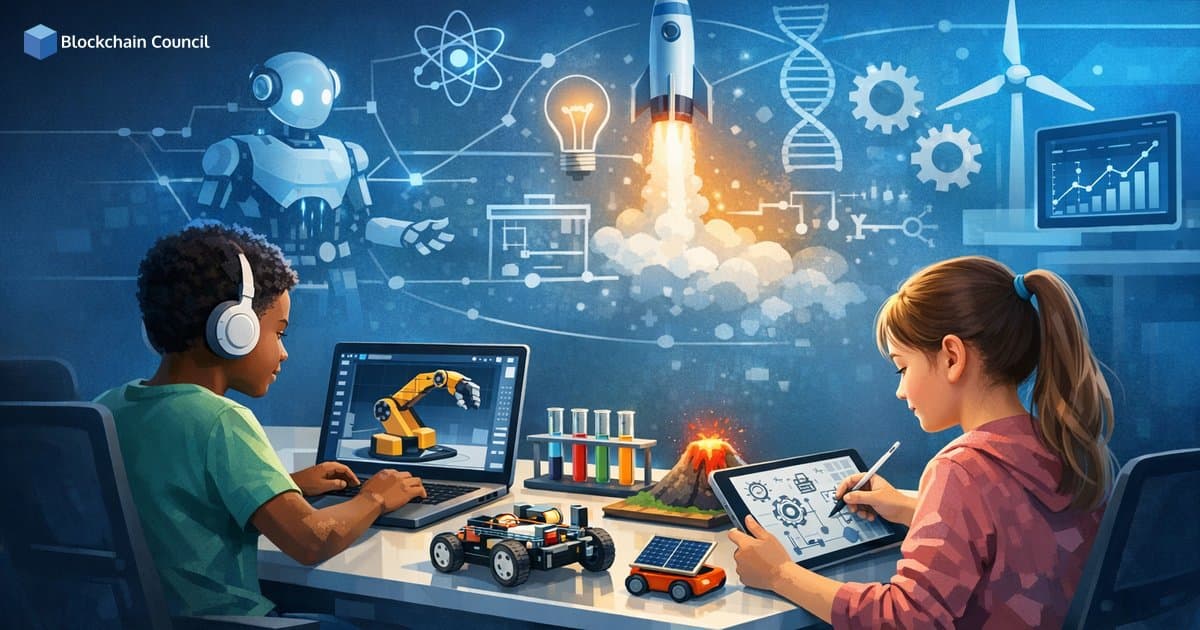
Project-based online learning for kids turns screen time into build time. Instead of passively watching lessons, learners create a real artifact such as a game, model, dashboard, or experiment report, then test, debug, and improve it. In online and hybrid STEM settings, this approach is especially effective because it blends short instruction with meaningful practice.
Global education guidance from UNESCO and the OECD consistently emphasizes that digital learning works best when it is active, well scaffolded, and designed for engagement rather than passive consumption. Research supports this direction: a large meta-analysis published in Proceedings of the National Academy of Sciences found that active learning improves academic performance and reduces failure rates, reinforcing the value of hands-on learning principles across age groups.

Why Project-Based Online STEM Learning Matters
Project-based learning (PBL) is a strong fit for STEM because it mirrors how scientists and engineers actually work: set a goal, test ideas, measure results, and iterate. For kids ages 7 to 14, well-designed projects build both foundational skills and genuine confidence.
Learning by doing: Building and revising increases engagement and knowledge retention.
Accessible tools: Many high-quality STEM platforms are free and browser-based, removing setup barriers for families and schools.
Interdisciplinary thinking: Kids naturally blend science, math, design, and computing within a single project.
Equity and access: Online options help address gaps in advanced STEM access documented in NCES participation data.
These skills also align with workforce trends. The World Economic Forum Future of Jobs Report 2025 identifies analytical thinking, creative thinking, resilience, and technology literacy as essential capabilities for the coming decade. The U.S. Bureau of Labor Statistics continues to project faster-than-average growth across many STEM occupations.
What Is Changing in Online STEM Projects Right Now
1) Browser-Based STEM Tools Are Expanding Access
Platforms like Scratch, Tinkercad, PhET, and Code.org run entirely in a browser, so families and schools can start quickly without installing software.
2) Virtual Labs and Simulations Are Mainstream
Virtual labs help students repeat experiments, control variables, and learn at their own pace. PhET, developed at the University of Colorado Boulder, offers more than 150 interactive simulations covering physics, chemistry, biology, Earth science, and math.
3) AI Literacy Is Moving into K-12 Projects
AI concepts for younger learners are increasingly taught through simple classification tasks, data labeling, and model behavior exploration. UNESCO guidance on generative AI in education stresses age-appropriate safeguards, privacy protection, and critical thinking as core requirements.
4) Data Literacy Is Becoming Foundational
Tools like Google Sheets and Forms let kids collect data, visualize results, and interpret patterns. OECD reporting connects digital and data competence with long-term participation and employability.
How to Run Project-Based Online Learning for Kids Successfully
Projects work best when they are small, structured, and reflective. A straightforward formula applies to most activities:
One learning goal: Pick a single target skill, such as loops in coding or controlled variables in science.
One deliverable: A game link, model screenshot, one-page report, or two-minute presentation.
One feedback loop: Test, find an issue, change one thing, then retest.
Reflection questions keep the learning substantive, not just entertaining:
What did you try first, and why?
What failed or surprised you?
What changed after debugging or revising?
What would you improve next time?
Parents and educators building a structured learning path can also explore foundational AI and blockchain literacy resources to better support long-term digital skills development in young learners.
15 Hands-On STEM Projects Using Free Web Tools
Each project below is designed for online learning and can be adapted for ages 7 to 14 by simplifying steps or adding extensions. Most can be completed in one to three sessions.
1) Build an Interactive Story or Game in Scratch
Concepts: sequencing, loops, events, creativity
Tool: Scratch
Deliverable: A short animated story, quiz, or maze game with scoring.
Extend it: Add variables, sound effects, collision detection, and levels.
2) Simulate a Physics Experiment in PhET
Concepts: force, motion, electricity, energy, measurement
Tool: PhET Interactive Simulations
Deliverable: A mini lab report with a hypothesis, observations, and conclusion.
Tip: Change only one variable at a time to practice fair testing.
3) Design a 3D Prototype in Tinkercad
Concepts: geometry, design thinking, engineering, spatial reasoning
Tool: Tinkercad
Deliverable: A shareable 3D model such as a phone stand, pencil holder, or toy concept.
Extend it: Add constraints like maximum size or minimum material use.
4) Create and Test a Digital Circuit in Tinkercad Circuits
Concepts: electronics, logic, troubleshooting
Tool: Tinkercad Circuits
Deliverable: A virtual LED circuit or traffic light sequence.
Extend it: Add a button input or Arduino-style logic simulation.
5) Build a Climate Data Dashboard
Concepts: data literacy, graphs, environmental science
Tools: Google Sheets, public climate datasets (such as NASA resources), Canva or Sheets charts
Deliverable: A one-page visual report explaining patterns and possible causes.
Extend it: Compare two locations or two time periods.
6) Code a Math Quiz in Code.org
Concepts: logic, variables, problem solving
Tool: Code.org
Deliverable: A quiz that checks answers and provides feedback.
Extend it: Randomize questions and track scores across levels.
7) Create a Biodiversity Field Guide
Concepts: biology, observation, research, communication
Tools: Google Slides or Canva
Deliverable: A mini guide to local plants, insects, or birds with classification details.
Extend it: Add a map, habitat notes, and a look-alikes comparison slide.
8) Run a Virtual Chemistry Investigation
Concepts: states of matter, reaction variables, scientific method
Tools: PhET, PBS LearningMedia interactives
Deliverable: A lab journal page documenting variables and outcomes.
Tip: Include a sources-of-error section even when working with a simulation.
9) Make a Stop-Motion Science Explanation
Concepts: sequencing, storytelling, scientific explanation
Tools: phone camera, Clipchamp or Canva for editing
Deliverable: A 60 to 120 second video explaining the water cycle, rock cycle, or plant growth.
Extend it: Add labels, narration, and a glossary slide at the end.
10) Build a Simple Website About a STEM Topic
Concepts: web literacy, information architecture, content design
Tools: Google Sites (beginner-friendly), GitHub Pages (older learners)
Deliverable: A website with a homepage, images, links, and one embedded chart or video.
Extend it: Add a resources page and a myth vs. fact section.
11) Train a Simple Image Classifier with Teachable Machine
Concepts: AI basics, classification, bias, data quality
Tool: Teachable Machine
Deliverable: A classifier that distinguishes two to three objects, such as a pencil, book, or toy.
Safety note: Use adult supervision, avoid collecting personal data, and discuss privacy with learners.
Learning focus: Test how lighting, backgrounds, and sample size affect accuracy.
12) Model a Solar System or Ecosystem
Concepts: systems thinking, cycles, interaction, scale
Tools: NASA education resources, PhET, Scratch
Deliverable: A simple model showing orbital motion, seasons, or a food chain.
Extend it: Use Scratch to animate predator-prey relationships with adjustable variables.
13) Analyze a Survey and Present the Results
Concepts: statistics, graphs, interpretation, bias awareness
Tools: Google Forms and Google Sheets
Deliverable: A short findings report with bar and pie charts plus a written conclusion.
Extend it: Discuss sampling bias and how question wording can change results.
14) Design an Eco-Friendly House
Concepts: engineering, energy efficiency, sustainability
Tools: Tinkercad, Google Drawings, Canva
Deliverable: A labeled diagram plus a two-minute explanation of features such as passive cooling or solar panels.
Extend it: Create a materials list and estimate costs or energy impact.
15) Build a Robotics Logic Challenge Without a Robot
Concepts: algorithms, spatial reasoning, debugging
Tools: Code.org, Scratch, printable grid maps
Deliverable: A maze plus step-by-step commands using arrows or coordinates.
Extend it: Add loops, conditions, and obstacles that require debugging to solve.
How to Assess Projects Without Turning Them into Tests
Portfolio-style assessment is gaining traction because it demonstrates applied skills more clearly than multiple-choice quizzes. A simple rubric with three to five criteria works well:
Meets the goal: Does the project demonstrate the target concept?
Clarity: Can the child explain what it does and how it works?
Iteration: Did they test, fix, and improve at least once?
Creativity and communication: Is the output understandable and engaging?
Conclusion
Project-based online learning for kids is one of the most practical ways to teach STEM using today's free web tools. Scratch and Code.org make coding approachable, PhET and virtual labs bring science experiments online, Tinkercad supports engineering design, and tools like Google Sheets and Teachable Machine introduce data literacy and AI concepts in a hands-on way.
The deciding factor is not choosing the most sophisticated platform. It is choosing a small, finishable project with a clear goal, a real deliverable, and dedicated time for reflection and iteration. When kids regularly build things and explain what they made, they develop the problem-solving habits, resilience, and technology literacy that major education and workforce reports consistently identify as critical for the future.
For educators and professionals who want to strengthen their own foundations in emerging technology, certification pathways in AI and blockchain fundamentals can provide the knowledge needed to mentor young learners with greater confidence and structure.
Related Articles
View All
Ai For Kids
Online Learning for Kids With ADHD: Strategies, Tools, and Course Formats That Work
Online learning for kids with ADHD works best with routines, short interactive lessons, executive-function tools, and school accommodations. Learn what formats help most.

Ai For Kids
How Parents Can Measure Real Progress in Online Learning for Kids: Skills, Portfolios, and Certifications
Learn how parents can measure real progress in online learning for kids using skill mastery, digital portfolios, and age-appropriate certifications, not just grades or screen time.

Ai For Kids
Future Skills for Kids: A Roadmap to Learn Coding, AI, and Cybersecurity Online by Age Group
A practical age-based roadmap to teach kids coding, AI literacy, and cybersecurity online, from early digital awareness to teen-level projects and safe habits.
Trending Articles
The Role of Blockchain in Ethical AI Development
How blockchain technology is being used to promote transparency and accountability in artificial intelligence systems.
How Blockchain Secures AI Data
Understand how blockchain technology is being applied to protect the integrity and security of AI training data.
What is AWS? A Beginner's Guide to Cloud Computing
Everything you need to know about Amazon Web Services, cloud computing fundamentals, and career opportunities.