How to Buy OpenAI API Credits?

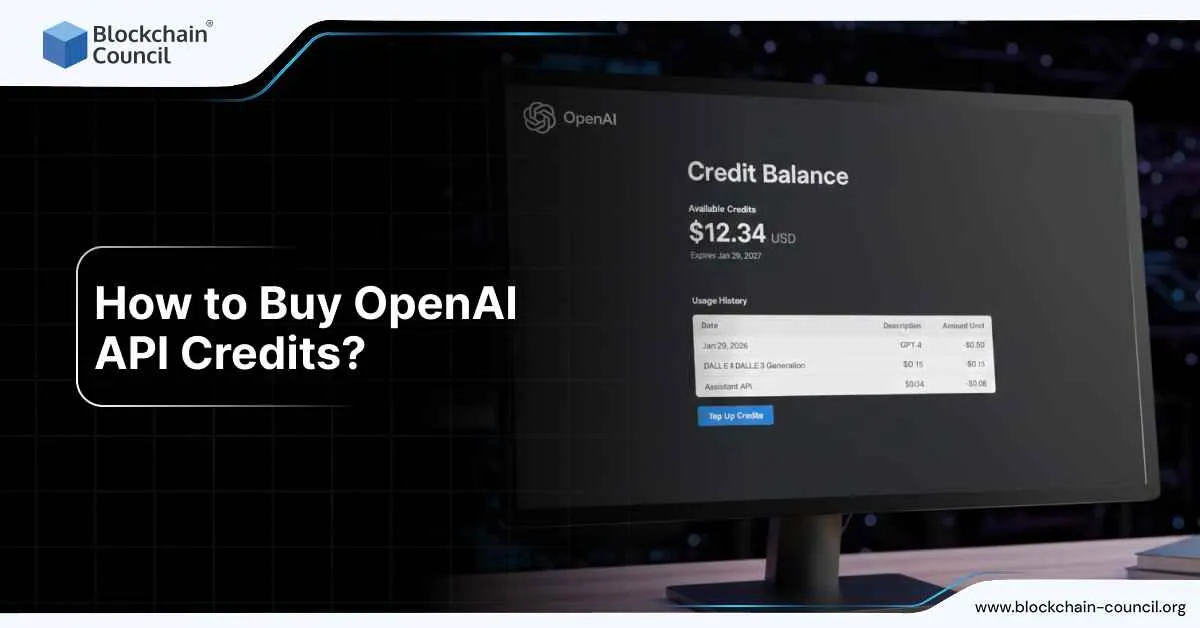
Buying OpenAI API credits is straightforward once you understand how their prepaid billing works. The confusion usually comes from mixing up ChatGPT subscriptions with API usage, because they are billed completely separately.
If you are building apps, automations, or products after learning the basics through an AI Certification, this is the billing flow you actually need to know.

What are OpenAI API credits?
OpenAI API credits are prepaid balance for API usage. You add money upfront, and every API call deducts from that balance.
These credits are not the same as ChatGPT Plus or Team plans. Even if ChatGPT works fine, your API calls will fail if your API credit balance is empty.
A few rules matter here:
Credits are non refundable
Credits expire after one year
New API accounts use prepaid billing by default
Where do you buy OpenAI API credits?
Credits are purchased inside the OpenAI Platform dashboard, not inside ChatGPT.
The path people follow is:
Open your OpenAI Platform account
Go to Billing Overview
Add a payment method
Add credits to your balance
The minimum initial purchase is five dollars. Many users see ten dollars preselected, but you can usually lower it to the minimum.
How the actual purchase flow works
Once you are on the Billing Overview page, you click to add payment details if you have not done that already. After that, you choose how much credit to add and confirm the purchase.
Depending on your trust tier, OpenAI may limit the maximum amount you can preload at once.
After payment, the balance usually updates within a few minutes. There can be short delays where some pages still show zero.
Should you turn on auto recharge?
Auto recharge is optional, but many developers use it.
With auto recharge, OpenAI adds credits automatically when your balance drops below a threshold you choose. You also set a monthly cap so it does not keep charging forever.
Key things to know:
Minimum auto recharge amount is five dollars
You can set a monthly recharge limit
Manual top ups do not count toward that limit
If you are experimenting or learning, most people start without auto recharge and turn it on later.
Why API calls fail even after adding credits
Several issues come up repeatedly.
Some users see the billing page fail to load or stay blank. Disabling ad blockers fixes this more often than expected.
Others get charged, but the credit balance does not update right away. Logging out and back in or waiting a few minutes usually resolves it.
A very common error is a 429 message telling you to check your plan and billing. This almost always means the prepaid balance is empty or expired.
Another issue people notice is usage showing as zero dollars right after making calls. The usage dashboard can lag, which creates confusion even though credits are being consumed.
What happens if your balance hits zero?
When your balance reaches zero, API requests start failing until you add more credits.
In some cases, OpenAI allows a short delay before cutting off usage. If that happens, you might see a small negative balance. That negative amount is deducted automatically the next time you add credits.
One detail people miss: credits expire
Credits expire one year after purchase. There are no automatic refunds or extensions.
Because of this, experienced users recommend starting with the minimum amount, confirming everything works, and only then adding more.
This kind of cost control thinking is common in teams with a Tech Certification mindset, where usage based billing is normal.
Practical advice before adding larger amounts
Start with five dollars
Confirm your API calls work
Watch the usage dashboard for a day
Enable auto recharge only if needed
Set a monthly cap if you enable it
If the billing UI looks broken, try another browser profile and disable ad blockers before assuming something is wrong with your account.
Conclusion
If you are using the OpenAI API for production apps, marketing tools, or customer facing features, prepaid billing forces discipline. You always know your maximum exposure.
That is why many founders and operators coming from a Marketing and Business Certification background prefer prepaid credits over surprise monthly invoices.
Once you understand where to buy credits and how expiry works, the rest of OpenAI’s API billing becomes predictable and manageable.