
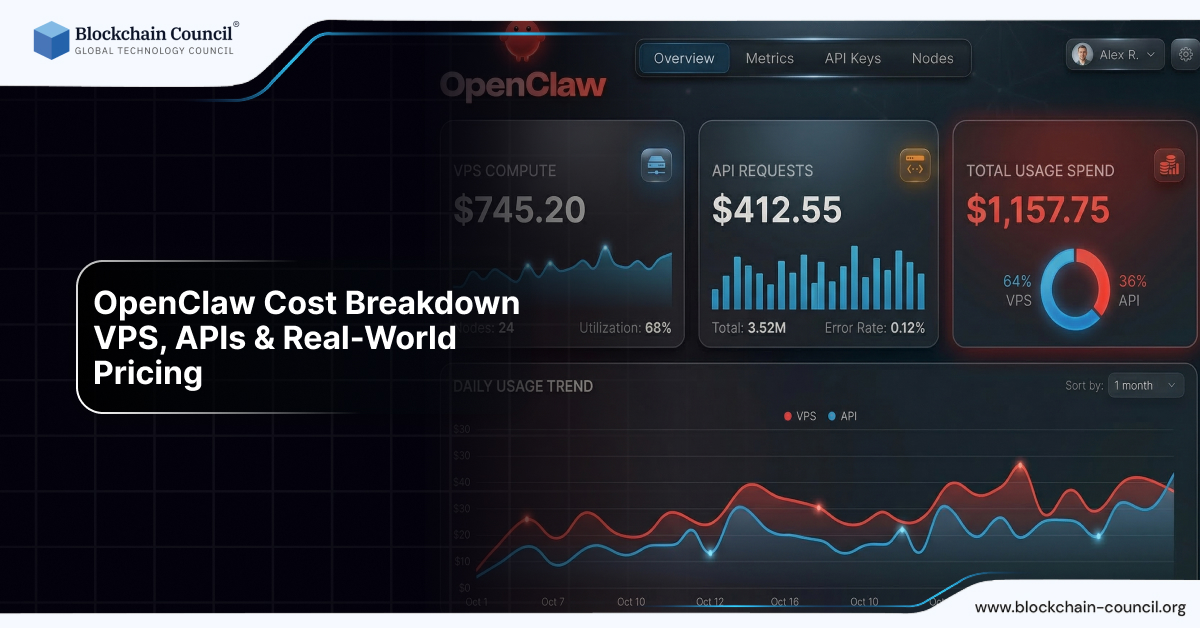
OpenClaw Cost Breakdown: VPS, APIs & Real-World Pricing

Introduction
One of the biggest misconceptions about OpenClaw is that it is completely free. While it is true that OpenClaw is an open-source AI agent platform, the actual cost of running it depends on multiple factors such as infrastructure, API usage, and system configuration.
If you are planning to use OpenClaw for automation, development, or business workflows, understanding the OpenClaw cost breakdown is essential.

In this guide, we will break down:
VPS and hosting costs
AI model API costs
Real-world pricing scenarios
Hidden costs you should know
This knowledge is especially important if you are learning through an Agentic AI Course, Python Course, or an AI powered marketing course.
Is OpenClaw Really Free?
Yes, but only partially.
Key Reality:
OpenClaw software = Free
Running OpenClaw = Paid
The cost comes from:
Infrastructure (VPS or hardware)
AI model usage (API tokens)
Storage and maintenance
According to industry estimates, OpenClaw setups typically cost between $6 to $200+ per month depending on usage
Core Components of OpenClaw Cost
1. VPS / Hosting Cost
To run OpenClaw 24/7, you need a server.
Common Options:
Low-Cost VPS
$4–$10/month
Suitable for personal use
Basic automation
Mid-Level VPS
$10–$30/month
Better performance
Stable workflows
High-End Servers
$50+/month
Enterprise or heavy usage
Real Example:
Many users run OpenClaw on $5–$10 VPS setups successfully
2. AI Model API Cost (Biggest Expense)
This is the most important part of OpenClaw pricing.
OpenClaw itself does not generate intelligence—it connects to AI models like:
OpenAI
Anthropic
Google
How pricing works:
You pay per token usage (input + output text).
Example Cost per Usage:
Cheap models: ~$0.00045 per request
Premium models: ~$0.007+ per request
Monthly API Cost:
Usage Level | Monthly Cost |
Light usage | $1 – $10 |
Medium usage | $20 – $50 |
Heavy automation | $50 – $150+ |
Enterprise scale | $100 – $300+ |
Important Insight:
AI token usage is the largest and most unpredictable cost in OpenClaw.
3. Local Model Cost (Alternative Option)
Instead of paying API fees, you can run AI models locally.
Benefits:
No API cost
Full privacy
Drawbacks:
Requires powerful hardware
High upfront cost
Example:
Gaming PC or GPU setup
16GB–32GB RAM recommended
Real-World OpenClaw Pricing Scenarios
Let’s break this into practical scenarios.
1. Beginner Setup (Budget)
VPS: $5/month
API usage: $1–$5
Total: $6–$10/month
Best for:
Learning
Testing
Light automation
2. Intermediate Setup
VPS: $10–$20
API usage: $10–$30
Total: $20–$50/month
Best for:
Freelancers
Developers
Small workflows
3. Professional Setup
VPS: $20–$50
API usage: $30–$100
Total: $50–$150/month
Best for:
Business automation
Marketing workflows
Multi-agent systems
4. Advanced / Enterprise Setup
VPS / cloud: $50+
API usage: $100–$300+
Total: $150–$500+/month
Best for:
Teams
High-scale automation
Real Case Studies (Important Insight)
Case 1: Optimized Setup
Cost: ~$20/month
Used smart model routing
Reduced API cost significantly
Case 2: Budget Setup
Two VPS servers
Total cost: ~$15/month
Case 3: Poorly Optimized Setup
API cost: $1000/month
Caused by heavy model usage
Case 4: Extreme Scenario
Cost reached $3600/month due to uncontrolled automation
Hidden Costs You Should Know
1. Storage Costs
Logs and memory grow over time
$2–$5/month
2. Backup Costs
Daily backups may cost extra
~$5/month
3. Monitoring Tools
Optional but useful
Adds small cost
4. Time Investment
Setup and maintenance
Debugging workflows
What Affects OpenClaw Cost the Most?
1. AI Model Choice
Cheap models → low cost
Premium models → high cost
2. Number of Tasks
More automation = more tokens
3. Complexity of Tasks
Multi-step workflows increase cost
4. Memory Usage
Larger context = higher token usage
5. Automation Frequency
Frequent tasks increase cost
Cost Optimization Strategies
1. Use Cheap Models for Simple Tasks
Use premium models only when needed
2. Limit Context Size
Reduce memory usage
Avoid unnecessary data
3. Set Budget Limits
Prevent runaway costs
4. Monitor API Usage
Track token consumption
5. Use Hybrid Setup
Combine local + cloud models
OpenClaw vs Traditional SaaS Costs
Feature | SaaS Tools | OpenClaw |
Pricing | Subscription | Usage-based |
Control | Limited | Full |
Cost | Fixed | Flexible |
Scalability | Limited | High |
Learning Path to Manage Costs Effectively
To control OpenClaw cost, you need proper knowledge.
Recommended Learning:
Python Course → for automation control
Agentic AI Course → for workflow optimization
AI powered marketing course → for business use
Future of OpenClaw Pricing
In the future:
Costs will decrease with better models
Local AI will become more powerful
Hybrid AI systems will dominate
Final Thoughts
OpenClaw cost is flexible—it can be extremely cheap or very expensive depending on how you use it.
Key Takeaway:
Budget setups → $6/month
Advanced setups → $200+
Poor optimization → can go very high
If managed properly, OpenClaw is one of the most cost-effective AI systems available.
Quick Recap
OpenClaw is free, but running it costs money
VPS + API = main expenses
Token usage drives cost
Optimization is key
FAQs: OpenClaw Pricing
1. Is OpenClaw free?
Yes, but you pay for hosting and AI usage.
2. What is the minimum cost to run OpenClaw?
Around $6–$10/month for basic setups.
3. What is the biggest cost factor?
AI API usage (tokens).
4. Can I run OpenClaw for free?
Yes, using free tiers and local models, but with limitations.
5. Why are API costs high?
Because AI models charge per token usage.
6. Can OpenClaw cost $0?
Yes, with free cloud tiers and local models.
7. How to reduce OpenClaw cost?
Use cheaper models and optimize workflows.
8. Is OpenClaw cheaper than SaaS tools?
Yes, in most cases.
9. Can cost increase suddenly?
Yes, if automation is not monitored.
10. Which course helps manage cost better?
Related Articles
View All
AI & ML
OpenClaw Security Risks Explained
Running OpenClaw gives AI access to your system, so it’s important to apply security practices like sandboxing and access control.

AI & ML
Extending OpenClaw with Skills
OpenClaw supports plugins and skills that allow users to extend functionality and integrate with multiple tools and services.

AI & ML
Top Use Cases of OpenClaw
OpenClaw can be used as a personal assistant, for DevOps automation, content workflows, and managing daily tasks efficiently.
Trending Articles

The Role of Blockchain in Ethical AI Development
How blockchain technology is being used to promote transparency and accountability in artificial intelligence systems.

AWS Career Roadmap
A step-by-step guide to building a successful career in Amazon Web Services cloud computing.

Top 5 DeFi Platforms
Explore the leading decentralized finance platforms and what makes each one unique in the evolving DeFi landscape.