
Extending OpenClaw with Skills

Introduction
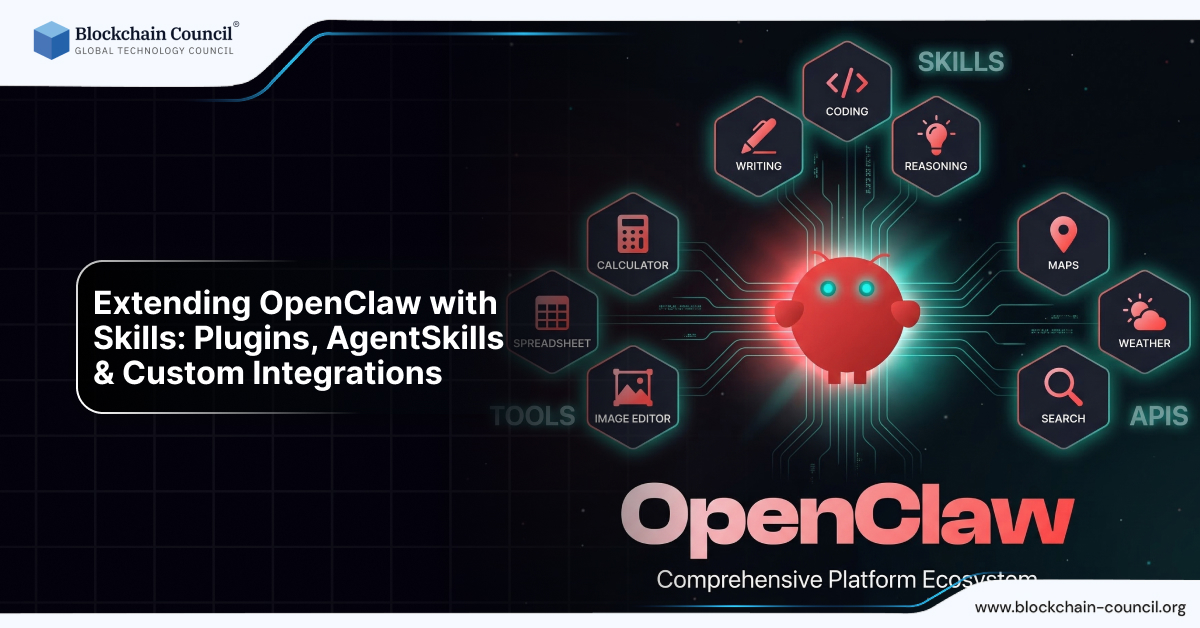
As AI systems evolve, the real power lies not just in intelligence but in adaptability. This is where OpenClaw skills and plugins become essential. While OpenClaw as an open-source AI agent platform already offers strong automation capabilities, its true potential is unlocked when you extend it using AgentSkills, plugins, and custom integrations.
In this guide, you will learn how to extend OpenClaw to build highly customized, scalable, and intelligent workflows.

If you are pursuing an Agentic AI Course, Python Course, or an AI powered marketing course, mastering these extensions will significantly enhance your ability to build real-world AI systems.
What Are OpenClaw Skills and Plugins?
OpenClaw skills (also known as AgentSkills) are modular extensions that allow your AI agent to perform specific tasks.
Simple Definition
OpenClaw Skills = Functional modules that extend AI capabilities
These skills can:
Add new features
Integrate external tools
Automate workflows
Enable task-specific intelligence
Why Skills and Plugins Matter in OpenClaw
Without extensions, OpenClaw is powerful—but limited to general tasks.
With OpenClaw plugins and skills, you can:
Customize AI behavior
Automate complex workflows
Integrate with third-party tools
Scale functionality
This transforms OpenClaw from a basic AI agent into a full automation ecosystem.
Types of OpenClaw Extensions
OpenClaw supports multiple types of extensions:
1. AgentSkills (Core Skills System)
AgentSkills are the primary way to extend OpenClaw.
They are typically defined using structured files like SKILL.md, which describe:
What the skill does
When it should be used
How it interacts with the system
2. Plugins
Plugins are external modules that add new capabilities.
Examples:
Email automation plugin
Web scraping plugin
CRM integration plugin
3. Custom Integrations
These involve connecting OpenClaw with:
APIs
Databases
External platforms
Custom integrations are usually built using Python, making a Python Course highly valuable.
Understanding AgentSkills (Core of OpenClaw Extensions)
What is AgentSkills?
AgentSkills are structured capabilities that guide the AI agent in performing tasks.
They define:
Inputs
Outputs
Execution logic
Role of SKILL.md File
Each skill is defined using a SKILL.md file, which acts as a blueprint.
It includes:
Skill name
Description
Instructions
Usage conditions
Example Structure
A skill might include:
Task definition
Execution steps
Expected output
This allows OpenClaw to:
Understand when to use the skill
Execute it correctly
Return accurate results
How OpenClaw Uses Skills
When a user gives a command:
AI analyzes the request
Matches it with relevant skills
Executes the appropriate skill
Returns the result
This is a key part of Agentic AI, where systems make decisions and take actions.
Popular OpenClaw Skills (Real Examples)
1. Email Automation Skill
Send emails
Read inbox
Generate replies
2. Web Scraping Skill
Extract data from websites
Collect information
Save structured data
3. File Processing Skill
Read documents
Summarize content
Convert formats
4. API Integration Skill
Connect to external services
Fetch data
Send requests
5. Marketing Automation Skill
Generate content
Schedule posts
Analyze campaigns
This is especially powerful when combined with an AI powered marketing course.
Building Custom Skills in OpenClaw
Creating custom skills allows you to tailor OpenClaw to your needs.
Step 1: Define the Task
Decide what you want the skill to do.
Example:
“Generate SEO blog content”
Step 2: Create SKILL.md
Define:
Purpose
Input format
Output structure
Step 3: Add Execution Logic
Use scripting (usually Python) to:
Process data
Execute tasks
Step 4: Integrate with OpenClaw
Connect the skill to the system so the AI can use it.
Step 5: Test and Optimize
Run sample tasks
Debug errors
Improve performance
Role of Python in Custom Integrations
Most OpenClaw custom integrations are built using Python.
Why Python?
Easy to learn
Supports APIs
Strong ecosystem
Use cases:
API calls
Data processing
Automation scripts
This is why a Python Course is essential for advanced usage.
Integrating External APIs
OpenClaw can connect with external services using APIs.
Examples:
Payment gateways
CRM systems
Analytics tools
Social media platforms
Example Workflow
Command:
“Fetch latest leads from CRM and send report”
OpenClaw:
Calls API
Retrieves data
Generates report
Sends output
Workflow Automation Using Skills
Skills enable multi-step automation workflows.
Example:
“Write blog, optimize SEO, publish and share”
Execution:
Content generation skill
SEO optimization skill
Publishing integration
Social media automation
Community-Built Skills Ecosystem
One of the biggest advantages of OpenClaw is its growing ecosystem.
Benefits:
Ready-made skills
Faster implementation
Community support
You can:
Use existing skills
Modify them
Create your own
Advanced Use Cases of Skills
1. AI Business Automation
Automate operations
Manage workflows
2. AI Content Systems
Blog generation
Social media automation
3. DevOps Automation
Server management
Deployment workflows
4. Research Automation
Data collection
Report generation
Security Considerations with Plugins
Extending OpenClaw increases power—but also risk.
Risks:
Unauthorized access
Malicious scripts
Data leaks
Best Practices:
Use trusted plugins
Limit permissions
Monitor execution
Use sandbox environments
OpenClaw Skills vs Traditional Plugins
Feature | Traditional Plugins | OpenClaw Skills |
Intelligence | Fixed logic | AI-driven |
Flexibility | Limited | High |
Automation | Manual setup | Autonomous |
Integration | Basic | Advanced |
Learning Path to Master OpenClaw Extensions
To fully utilize OpenClaw skills and plugins, follow this path:
Learn programming via a Python Course
Understand AI workflows via an Agentic AI Course
Apply in real scenarios via an AI powered marketing course
Future of AI Skill-Based Systems
The future of AI lies in modular systems where:
Skills can be shared
AI systems can evolve
Automation becomes scalable
OpenClaw is leading this transformation.
Final Thoughts
Extending OpenClaw using skills, plugins, and custom integrations unlocks its true potential.
It transforms the platform into:
A customizable AI system
A powerful automation engine
A scalable solution for businesses
Mastering this is essential if you want to build advanced AI systems.
Quick Recap
OpenClaw supports skills and plugins
AgentSkills define AI capabilities
SKILL.md acts as blueprint
Python enables custom integrations
Skills allow advanced automation
FAQs: OpenClaw Skills and Plugins
1. What are OpenClaw skills?
OpenClaw skills are modular components that extend the AI agent’s capabilities.
2. What is AgentSkills in OpenClaw?
AgentSkills are structured definitions that help AI perform specific tasks.
3. What is SKILL.md?
It is a configuration file that defines how a skill works.
4. Can I create custom plugins in OpenClaw?
Yes, you can build custom plugins using scripting and APIs.
5. Is coding required for OpenClaw extensions?
Basic coding knowledge, especially from a Python Course, is helpful.
6. Can OpenClaw integrate with APIs?
Yes, it supports API-based integrations.
7. Are there pre-built skills available?
Yes, the community provides many ready-to-use skills.
8. Is it safe to use plugins?
Yes, but only if you follow security best practices.
9. Can OpenClaw automate workflows using skills?
Yes, it can execute multi-step workflows automatically.
10. Why are skills important in OpenClaw?
They allow customization and scalability of AI systems.
Related Articles
View All
AI & ML
OpenClaw Cost Breakdown: VPS, APIs & Real-World Pricing
OpenClaw is free software but requires infrastructure and API costs depending on your setup and usage level.

AI & ML
OpenClaw Security Risks Explained
Running OpenClaw gives AI access to your system, so it’s important to apply security practices like sandboxing and access control.

AI & ML
Top Use Cases of OpenClaw
OpenClaw can be used as a personal assistant, for DevOps automation, content workflows, and managing daily tasks efficiently.
Trending Articles

The Role of Blockchain in Ethical AI Development
How blockchain technology is being used to promote transparency and accountability in artificial intelligence systems.

AWS Career Roadmap
A step-by-step guide to building a successful career in Amazon Web Services cloud computing.

Top 5 DeFi Platforms
Explore the leading decentralized finance platforms and what makes each one unique in the evolving DeFi landscape.