
Top Use Cases of OpenClaw

Introduction
Artificial intelligence is no longer limited to answering questions. With the rise of Agentic AI, systems are now capable of executing tasks, automating workflows, and managing real-world operations.
One of the most powerful tools enabling this transformation is OpenClaw, a leading open-source AI agent platform designed to perform actions, not just conversations.

In this article, we will explore the most important and practical OpenClaw use cases, ranging from personal productivity to enterprise automation.
If you are learning through an Agentic AI Course, Python Course, or an AI powered marketing course, these use cases will help you understand how to apply AI in real scenarios.
Why OpenClaw Use Cases Matter
Understanding OpenClaw use cases is important because it helps you:
Identify real-world applications
Automate repetitive tasks
Improve productivity
Build scalable AI systems
Unlike traditional tools, OpenClaw allows you to create intelligent workflows that adapt and execute independently.
1. Personal AI Assistant for Daily Productivity
One of the most common OpenClaw use cases is building a personal AI assistant.
What it can do:
Manage daily tasks
Set reminders
Organize schedules
Summarize emails
Provide daily briefings
Example:
Command:
“Give me today’s schedule and summarize important emails”
OpenClaw:
Fetches calendar
Analyzes emails
Provides a structured summary
This transforms your workflow and saves hours every week.
2. Developer Automation and Coding Assistance
For developers, OpenClaw can act as an intelligent coding assistant.
Capabilities:
Run scripts
Debug errors
Generate code
Automate testing
Manage repositories
Example:
“Fix this Python error and optimize the code”
OpenClaw:
Reads the file
Identifies issues
Suggests improvements
Applies changes
If you are enrolled in a Python Course, OpenClaw can significantly accelerate your learning and productivity.
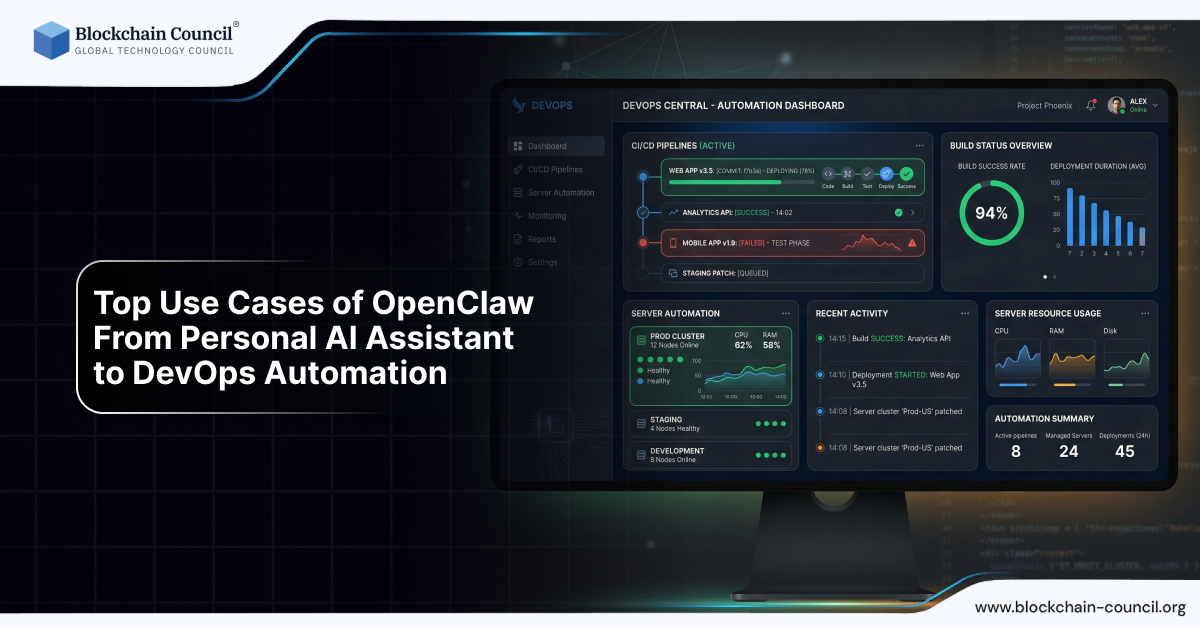
3. DevOps and Server Management
One of the most powerful OpenClaw use cases is in DevOps automation.
Tasks it can handle:
Monitor server health
Restart services
Deploy applications
Manage logs
Automate backups
Example:
“Check server load and restart if CPU exceeds 80%”
OpenClaw:
Monitors metrics
Executes commands
Sends alerts
This reduces manual intervention and improves system reliability.
4. AI-Powered Marketing Automation
OpenClaw is highly effective in digital marketing workflows.
What it can automate:
Content creation
Social media posting
Campaign analysis
Keyword research
Email marketing
Example:
“Write a blog post, publish it, and share on social media”
OpenClaw:
Generates content
Formats article
Publishes to CMS
Shares across platforms
When combined with an AI powered marketing course, this becomes a complete marketing automation system.
5. Content Creation and Publishing
Content creators can use OpenClaw to streamline their entire workflow.
Use cases:
Blog writing
Video scripting
SEO optimization
Content scheduling
Example:
“Create a YouTube script and schedule it”
OpenClaw:
Generates script
Formats content
Schedules upload
This allows creators to scale content production efficiently.
6. Multi-Channel Communication Automation
OpenClaw supports integration with multiple messaging platforms.
Platforms:
WhatsApp
Telegram
Slack
Discord
Use case:
Automated replies
Notifications
Alerts
Workflow triggers
Example:
“Send daily report to my team on Slack”
OpenClaw:
Generates report
Sends message
Attaches data
This improves team communication and coordination.
7. Business Process Automation
Businesses can use OpenClaw to automate operations.
Applications:
Customer support
Order processing
Data management
Reporting
Example:
“Generate weekly business report”
OpenClaw:
Collects data
Analyzes metrics
Creates report
This reduces manual workload and improves efficiency.
8. Data Analysis and Reporting
OpenClaw can process and analyze data.
Capabilities:
Data extraction
Report generation
Insights analysis
Example:
“Analyze sales data and provide insights”
OpenClaw:
Reads dataset
Identifies trends
Generates summary
This is especially useful for businesses and analysts.
9. Workflow Automation Across Tools
OpenClaw excels at multi-step automation.
Example workflow:
“Download data, process it, and email results”
Execution:
Fetch data
Process information
Generate output
Send email
This eliminates the need for multiple tools and manual steps.
10. File Management and Organization
OpenClaw can manage your file system efficiently.
Tasks:
Organize folders
Rename files
Delete duplicates
Backup data
Example:
“Clean and organize my downloads folder”
OpenClaw:
Categorizes files
Moves them into folders
Deletes unnecessary items
11. Browser Automation and Web Tasks
OpenClaw can control browsers to perform tasks.
Use cases:
Web scraping
Form filling
Data extraction
Online research
Example:
“Collect product prices from website”
OpenClaw:
Navigates site
Extracts data
Saves results
12. Learning and Research Assistant
OpenClaw can act as an intelligent research assistant.
Capabilities:
Summarize articles
Extract insights
Generate notes
Example:
“Summarize this research paper”
OpenClaw:
Reads content
Extracts key points
Provides summary
13. AI Agent for Startups and Entrepreneurs
Startups can leverage OpenClaw for growth.
Benefits:
Automate operations
Reduce costs
Improve efficiency
Example:
Manage marketing
Handle support
Analyze data
14. Integration with APIs and External Tools
OpenClaw supports API-based workflows.
Use cases:
Payment processing
CRM integration
Analytics tools
Example:
“Fetch customer data from CRM and send report”
15. Autonomous Task Execution
The most advanced OpenClaw use case is full autonomy.
Example:
“Manage my daily workflow automatically”
OpenClaw:
Plans tasks
Executes actions
Adjusts based on feedback
This is the future of Agentic AI systems.
Why These Use Cases Matter for Your Career
Understanding OpenClaw use cases helps you:
Build real-world AI systems
Automate workflows
Increase productivity
Create scalable solutions
To fully leverage these capabilities, you should combine learning from:
This combination gives you both technical and practical skills.
Future of OpenClaw Use Cases
The future will include:
Fully autonomous businesses
AI-managed workflows
Intelligent decision-making systems
OpenClaw is just the beginning of this transformation.
Final Thoughts
OpenClaw use cases demonstrate the true power of AI when combined with execution.
It is not just about intelligence—it is about action.
By understanding and applying these use cases, you can:
Automate your work
Build AI-driven systems
Stay ahead in the AI ecosystem
Quick Recap
OpenClaw enables real-world automation
Supports multiple use cases
Works across industries
Combines AI with execution
FAQs: OpenClaw Use Cases
1. What are the main use cases of OpenClaw?
OpenClaw is used for automation, DevOps, marketing, content creation, and business workflows.
2. Can OpenClaw be used for personal productivity?
Yes, it can act as a personal assistant to manage tasks and schedules.
3. Is OpenClaw useful for developers?
Yes, it helps with coding, debugging, and automation.
4. Can OpenClaw automate marketing tasks?
Yes, especially when combined with an AI powered marketing course.
5. Does OpenClaw support business automation?
Yes, it can automate processes like reporting and customer management.
6. Can OpenClaw run without coding knowledge?
Basic knowledge helps, especially from a Python Course.
7. What industries can use OpenClaw?
It can be used in tech, marketing, business, and research.
8. What makes OpenClaw unique?
Its ability to execute tasks autonomously using Agentic AI.
9. Can OpenClaw replace human work?
It can automate repetitive tasks but not replace human decision-making.
10. Is OpenClaw suitable for startups?
Yes, it helps reduce costs and automate operations.
Related Articles
View All
AI & ML
OpenClaw Cost Breakdown: VPS, APIs & Real-World Pricing
OpenClaw is free software but requires infrastructure and API costs depending on your setup and usage level.

AI & ML
OpenClaw Security Risks Explained
Running OpenClaw gives AI access to your system, so it’s important to apply security practices like sandboxing and access control.

AI & ML
Extending OpenClaw with Skills
OpenClaw supports plugins and skills that allow users to extend functionality and integrate with multiple tools and services.
Trending Articles

The Role of Blockchain in Ethical AI Development
How blockchain technology is being used to promote transparency and accountability in artificial intelligence systems.

AWS Career Roadmap
A step-by-step guide to building a successful career in Amazon Web Services cloud computing.

Top 5 DeFi Platforms
Explore the leading decentralized finance platforms and what makes each one unique in the evolving DeFi landscape.