
NemoClaw Deployment Guide: Cloud, RTX PCs, Edge & Data Centers

Introduction
As AI agents become more powerful and autonomous, deploying them efficiently and securely is just as important as building them. Platforms like NemoClaw, NVIDIA’s secure AI agent stack, are designed to run across multiple environments—from personal systems to enterprise-grade infrastructure.
Understanding NemoClaw deployment is essential if you want to:

Build scalable AI systems
Run secure AI agents
Optimize performance and cost
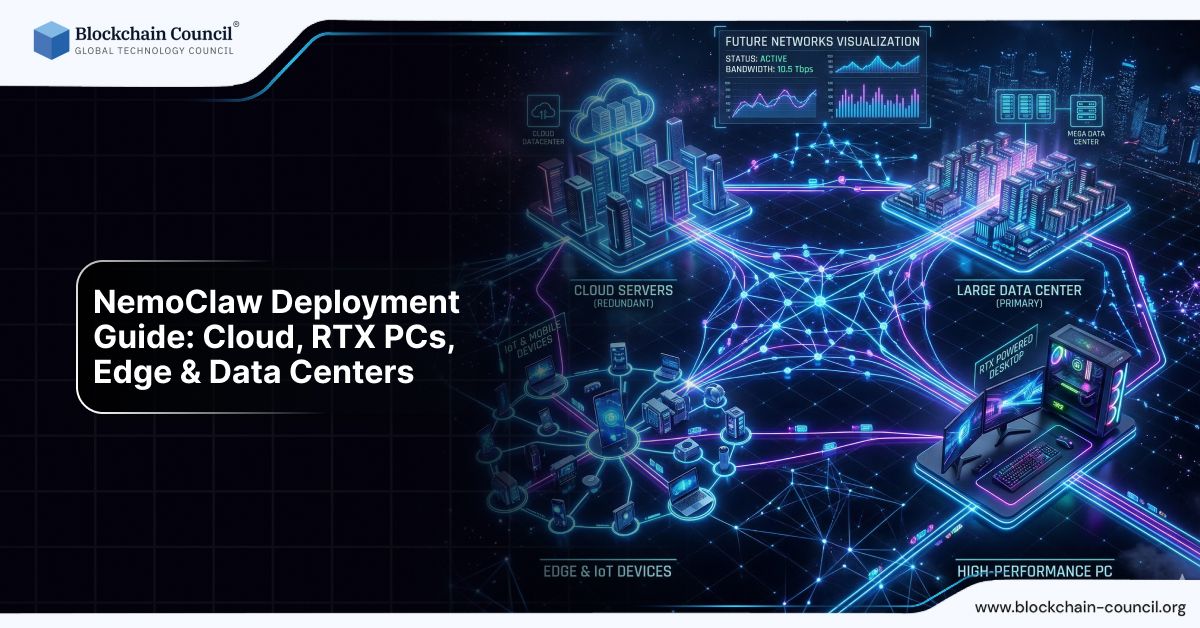
In this guide, we will explore how to deploy NemoClaw across:
Cloud environments
RTX-powered PCs
Edge devices
Data centers
This knowledge is especially valuable if you are learning through an Agentic AI Course, Python Course, or an AI powered marketing course.
What Is NemoClaw Deployment?
NemoClaw deployment refers to setting up and running the AI agent system in different environments based on your needs.
Key Insight
NemoClaw is designed to be flexible—it can run anywhere from a laptop to a large data center.
Deployment Options Overview
Deployment Type | Best For | Cost | Performance |
Cloud | Scalability | Medium–High | High |
RTX PCs | Personal use | Low–Medium | Good |
Edge Devices | Real-time tasks | Medium | Moderate |
Data Centers | Enterprise | High | Very High |
1. Cloud Deployment
What Is Cloud Deployment?
Running NemoClaw on cloud platforms such as:
Why Use Cloud?
High scalability
On-demand resources
Global accessibility
Use Cases
Business automation
AI SaaS platforms
Multi-user systems
Deployment Steps
Set up cloud server (VM or container)
Install NemoClaw stack
Configure AI models
Set up security policies
Deploy integrations
Advantages
Scalable infrastructure
Reliable uptime
Easy collaboration
Challenges
Higher cost
Data privacy concerns
2. RTX PC Deployment
What Is RTX Deployment?
Running NemoClaw locally on systems with NVIDIA RTX GPUs.
Why RTX PCs?
Local AI processing
Lower latency
Better privacy
Requirements
NVIDIA RTX GPU
16GB–32GB RAM
SSD storage
Compatible drivers
Use Cases
Personal AI assistants
Developer testing
Small-scale automation
Advantages
No cloud cost
Full control
Faster response
Challenges
Hardware limitations
Power consumption
3. Edge Deployment
What Is Edge Deployment?
Running NemoClaw on devices closer to data sources, such as:
Local servers
Embedded systems
Why Edge?
Real-time processing
Reduced latency
Offline capability
Use Cases
Smart devices
Industrial automation
Real-time monitoring
Advantages
Fast response time
Reduced network dependency
Challenges
Limited computing power
Complex setup
4. Data Center Deployment
What Is Data Center Deployment?
Running NemoClaw on enterprise infrastructure such as:
NVIDIA DGX systems
Large GPU clusters
On-premise servers
Why Data Centers?
Massive scalability
High performance
Enterprise security
Use Cases
Large organizations
AI research
Enterprise automation
Advantages
High reliability
Advanced security
Large-scale processing
Challenges
High cost
Complex management
Hybrid Deployment Model
One of the most powerful approaches is hybrid deployment.
What It Means:
Sensitive data → processed locally
Heavy computation → handled in cloud
Benefits
Cost optimization
Improved security
Better performance
One-Command Deployment Concept
Modern AI systems like NemoClaw aim for simplified deployment.
Example:
Single command setup:
Install dependencies
Configure environment
Start services
This makes deployment faster and more accessible.
Deployment Architecture Overview
Basic Flow:
User input
AI model processing
Policy enforcement
Execution in sandbox
Output delivery
Choosing the Right Deployment
For Beginners
Use RTX PC or low-cost cloud
For Developers
Hybrid setup
For Businesses
Cloud or data center
For Real-Time Systems
Edge deployment
Cost Considerations
Cloud Costs
Pay-as-you-go
High scalability
Local Costs
One-time hardware investment
Data Center Costs
High upfront + maintenance
Security Considerations in Deployment
Regardless of environment:
Use sandbox execution
Apply policy controls
Secure APIs
Monitor logs
NemoClaw is designed to provide these features across all deployments.
Performance Optimization Tips
1. Use GPU Acceleration
Improves AI processing speed
2. Optimize Workflows
Reduce unnecessary tasks
3. Use Hybrid Models
Balance cost and performance
4. Monitor Resource Usage
Track CPU, GPU, and memory
Real-World Deployment Examples
Example 1: Startup Setup
Cloud + local hybrid
Cost-effective
Example 2: Developer Setup
RTX PC
Local testing
Example 3: Enterprise Setup
Data center + cloud
High scalability
Learning Path for Deployment
To master NemoClaw deployment, you should learn:
Python Course → for scripting and automation
Agentic AI Course → for understanding AI systems
AI powered marketing course → for practical applications
Future of AI Deployment
The future will include:
Simplified deployment
Hybrid architectures
Always-on AI systems
NemoClaw is designed for this future.
Final Thoughts
NemoClaw deployment is flexible and scalable, making it suitable for:
Individuals
Developers
Enterprises
By choosing the right deployment strategy, you can:
Optimize cost
Improve performance
Ensure security
Quick Recap
NemoClaw supports cloud, RTX, edge, and data center deployment
Each option has different benefits
Hybrid deployment is most powerful
Security and performance must be balanced
FAQs: NemoClaw Deployment
1. Where can NemoClaw be deployed?
On cloud, RTX PCs, edge devices, and data centers.
2. What is the best deployment option?
It depends on your use case—cloud for scalability, RTX for local use.
3. Can NemoClaw run locally?
Yes, on RTX GPUs or local systems.
4. What is hybrid deployment?
Combining local and cloud processing.
5. Is cloud deployment expensive?
It can be, depending on usage.
6. Does NemoClaw support enterprise deployment?
Yes, it is designed for enterprise use.
7. What hardware is needed for RTX deployment?
RTX GPU, RAM, and storage.
8. Is edge deployment useful?
Yes, for real-time and low-latency tasks.
9. Is coding required for deployment?
Basic knowledge from a Python Course is helpful.
10. Which course helps in deployment?
Related Articles
View All
AI & ML
What is AWS? A Beginner’s Guide to Cloud Computing and Career Opportunities
Cloud computing has become the backbone of modern technology. From streaming services and online shopping platforms to AI applications and mobile apps, most digital services today run on cloud infrastructure. One of the most powerful platforms leading this transformation is Amazon Web Services…

AI & ML
NemoClaw + Open Models: Nemotron, OpenShell & Self-Evolving Agents
Discover how NemoClaw works with open AI models like Nemotron.

AI & ML
How NemoClaw Secures AI Agents: Sandbox, Policies & Privacy Controls
Explore sandboxing and policy controls in NemoClaw.
Trending Articles

The Role of Blockchain in Ethical AI Development
How blockchain technology is being used to promote transparency and accountability in artificial intelligence systems.

AWS Career Roadmap
A step-by-step guide to building a successful career in Amazon Web Services cloud computing.

Top 5 DeFi Platforms
Explore the leading decentralized finance platforms and what makes each one unique in the evolving DeFi landscape.