How to Start With Edge AI?

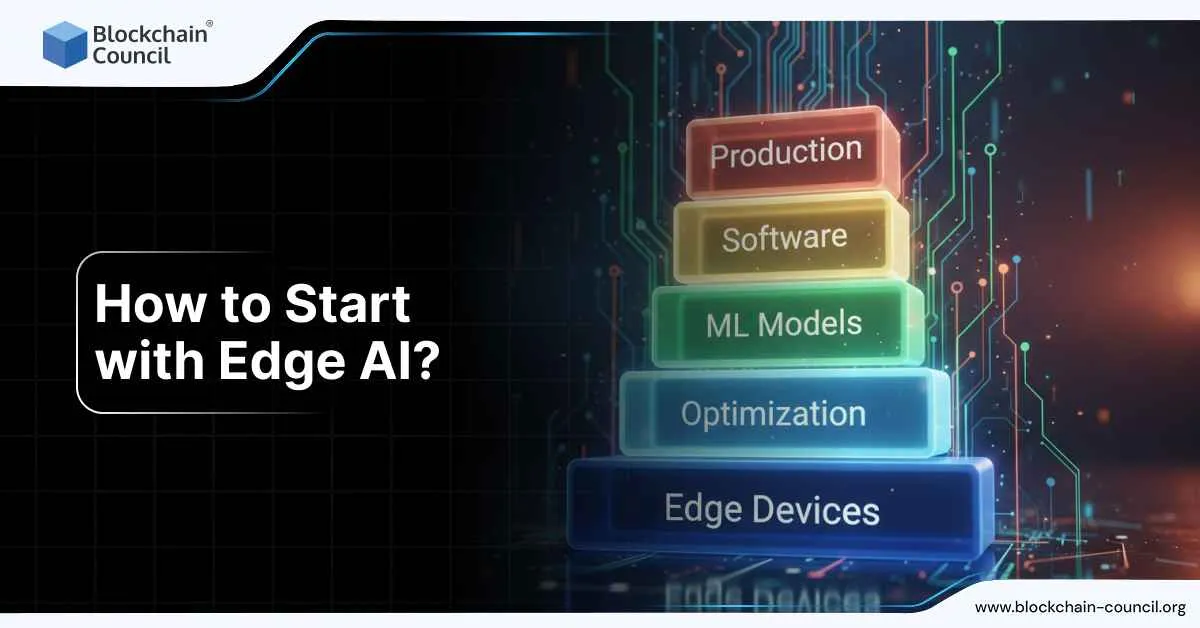
Starting with Edge AI does not require a lab, a robotics degree, or expensive hardware. It starts with understanding one simple idea: Edge AI means running AI directly on devices where data is created, instead of sending everything to the cloud.
People start learning Edge AI because they want faster AI systems, better privacy, lower costs, or systems that keep working even when the internet does not. This article explains exactly how to begin, step by step, in a way that makes sense even to someone new to AI.

A structured foundation like an AI Certification helps beginners understand how models work before moving them onto edge devices.
Start with one clear use case
Edge AI projects fail when they try to do too much at once. The best way to start is to pick one narrow task where running AI locally actually matters.
Good beginner use cases include:
- A camera that classifies objects or detects motion
- An audio system that listens for a keyword
- A sensor that detects abnormal temperature or vibration
These tasks are simple enough to measure end-to-end performance and realistic enough to feel useful.
Choose the device you will deploy to
Edge AI always runs on something physical. Picking the device early prevents confusion later.
Common beginner choices include:
- A mobile phone for on-device vision, text, or audio
- A Raspberry Pi class device for cameras and sensors
- A Jetson-class device for higher performance vision
- A microcontroller for ultra-low power tasks
Each option teaches different skills. Phones emphasize optimization and privacy. Single-board computers teach integration. GPUs teach performance tuning.
Pick the stack that fits the device
Edge AI is not about learning every tool. It is about choosing the right one for the hardware.
Mobile devices usually rely on lightweight runtimes designed for phones. Gateways and IoT devices use local inference frameworks that integrate with deployment tools. GPU-based edge systems focus on inference engines optimized for speed. CPU-based edge systems often use inference toolkits designed for portability.
The key is not the tool name but the concept: trained models are packaged, optimized, and executed locally.
Run a working example before building anything custom
This step is where many beginners go wrong. Building a dataset too early slows everything down.
The correct approach is to:
- Take a known pre-trained model
- Run it locally on the target device
- Confirm that inference works end to end
Once the model runs locally and produces results, everything else becomes easier to understand.
Measure what actually matters
Edge AI is not about model accuracy alone. It is about operating under constraints.
The most important measurements are:
- End-to-end latency from input to decision
- Memory usage on the device
- Throughput such as frames per second
- Power and thermal behavior over time
These measurements explain why Edge AI exists in the first place.
Optimize only after the baseline works
Optimization is the defining skill of Edge AI, but it comes after stability.
Typical optimization steps include:
- Reducing model precision to shrink size and speed up inference
- Using hardware acceleration available on the device
- Adjusting input pipelines to reduce overhead
Optimization is not about chasing perfect benchmarks. It is about making the system reliable under real conditions.
Build a full edge pipeline
Edge AI systems are pipelines, not isolated models.
A basic pipeline includes:
- Data capture from a camera, microphone, or sensor
- Pre-processing such as resizing or filtering
- Local inference on the device
- Post-processing to apply thresholds or rules
- An action such as logging, alerting, or triggering a response
Seeing the full pipeline working is what makes Edge AI click for beginners.
Think about deployment early
Edge AI rarely runs on just one device.
Even small projects benefit from thinking about:
- How models are versioned
- How updates are deployed
- How failures are detected
- How rollbacks are handled
This is where Edge AI overlaps with operations and system design. Understanding this separation is what turns a demo into a real product.
Treat privacy as a feature
One reason Edge AI exists is privacy.
Good edge systems:
- Process sensitive data locally
- Upload only summaries or alerts
- Define clear retention rules
This matters in consumer devices, factories, healthcare, and retail environments.
Build skills in layers
Learning Edge AI is easier when skills are stacked in the right order.
A common progression is:
- AI fundamentals and evaluation
- On-device inference and optimization
- Deployment and monitoring
- Device and fleet management
- Security and privacy controls
Many professionals formalize this path using certifications. Alongside AI foundations, pairing technical skills with a Marketing and Business Certification helps explain and justify edge deployments in real organizations.
What success looks like
A strong beginner Edge AI project has:
- One clear use case
- One device target
- A working local inference pipeline
- Measured latency and memory usage
- A simple deployment plan
That is enough to move from curiosity to real capability.
Conclusion
Edge AI is where AI meets the physical world. It is how models leave notebooks and start interacting with machines, environments, and people in real time.
Learning how to start with Edge AI builds skills that apply across robotics, manufacturing, mobile apps, smart devices, and autonomous systems. It also teaches discipline: designing systems that work reliably, not just accurately.
That is why Edge AI is becoming a core skill, not a niche one.