
DLSS 5 Performance vs Visual Quality

Introduction
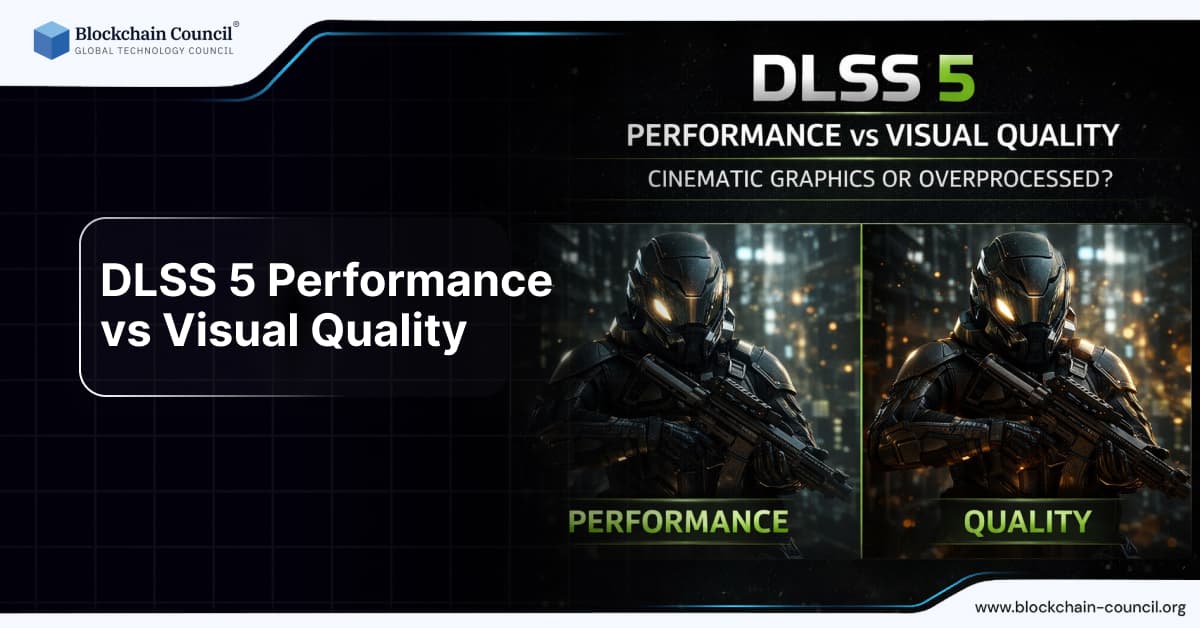
The evolution of graphics technology has always balanced two competing goals: performance and visual quality. With the introduction of NVIDIA DLSS 5, this balance is being redefined through AI-driven neural rendering.
Unlike traditional rendering, where visuals are calculated pixel by pixel, DLSS 5 uses artificial intelligence to generate and enhance images in real time. This has led to a major debate in the gaming and tech community:

Is DLSS 5 delivering cinematic visuals, or is it making games look overprocessed and artificial?
In this article, we will explore:
How DLSS 5 performance vs visual quality compares
Where it excels and where it struggles
Whether AI rendering improves realism or reduces authenticity
If you are exploring modern AI technologies through an Agentic AI Course, Python Course, or an AI powered marketing course, this topic will help you understand how AI impacts visual systems at scale.
Understanding the Core Trade-Off
Before diving into DLSS 5, it is important to understand the fundamental trade-off:
Performance
Measured in FPS (frames per second)
Higher FPS = smoother gameplay
Visual Quality
Sharpness, detail, lighting realism
Higher quality = more immersive experience
Traditional Limitation
In traditional rendering:
Increasing quality reduces performance
Increasing performance reduces quality
DLSS 5 Approach
DLSS 5 attempts to break this trade-off using AI:
Maintain high performance
Deliver high-quality visuals
How DLSS 5 Changes the Balance
DLSS 5 introduces neural rendering, where AI generates parts of the image instead of relying entirely on GPU computation.
Key Impact
Less GPU workload
AI-enhanced visuals
Increased frame rates
Result
DLSS 5 aims to deliver:
High FPS + high visual fidelity
But the real question is:
👉 Does it always succeed?
Performance Gains with DLSS 5
1. Significant FPS Boost
DLSS 5 improves performance by:
Rendering fewer pixels
Using AI to reconstruct images
Example Scenario
Without DLSS:
4K rendering → heavy GPU load
With DLSS 5:
Lower internal resolution
AI upscales to 4K
Result:
Higher FPS
Reduced lag
2. Frame Generation Enhancement
DLSS 5 builds on frame generation by:
Creating intermediate frames
Predicting motion
This can:
Double FPS
Improve smoothness
3. Better Performance in Ray Tracing
Ray tracing is resource-intensive.
DLSS 5:
Uses AI to reconstruct lighting
Reduces GPU load
Performance Summary
Up to 2x–4x FPS improvement (depending on game)
Reduced GPU stress
Smoother gameplay
Visual Quality Improvements
1. Sharper Image Reconstruction
DLSS 5 uses AI to:
Restore details
Reduce blur
Improve clarity
2. Enhanced Lighting and Shadows
AI improves:
Global illumination
Reflections
Shadow accuracy
3. Material Awareness
DLSS 5 detects materials such as:
Skin
Metal
Water
This results in more realistic rendering.
4. Reduced Noise in Ray Tracing
Traditional ray tracing can be noisy.
DLSS 5:
Cleans up artifacts
Produces smoother visuals
Cinematic Graphics: Where DLSS 5 Excels
1. Story-Driven Games
In narrative games:
Visual quality matters more than latency
DLSS 5 delivers:
Cinematic lighting
Smooth visuals
Film-like experience
2. High-Resolution Gaming (4K)
DLSS 5 makes:
4K gaming more accessible
High-quality visuals achievable on mid-range GPUs
3. Ray-Traced Environments
DLSS 5 enhances:
Realistic reflections
Dynamic lighting
4. Open-World Games
Large environments benefit from:
Stable performance
Consistent visuals
Overprocessed Graphics: Where DLSS 5 Struggles
1. Over-Smoothing Effect
AI sometimes:
Removes fine details
Makes textures look too clean
2. Loss of Natural Grain
Traditional rendering includes:
Imperfections
Natural noise
DLSS 5 may:
Over-polish visuals
Reduce realism
3. Ghosting and Motion Artifacts
In fast scenes:
Objects may leave trails
Motion may appear unnatural
4. Artificial Look
Some users feel:
AI-generated visuals look “too perfect”
Lack organic feel
DLSS 5 vs Native Rendering
Native Rendering
True pixel accuracy
No AI interference
Higher GPU cost
DLSS 5 Rendering
AI-enhanced visuals
Higher performance
Slight deviation from reality
Comparison
Feature | Native Rendering | DLSS 5 |
Accuracy | High | Slightly altered |
Performance | Lower | Higher |
Visual Style | Natural | Enhanced |
Efficiency | Low | High |
Gamer Perspective: What Do Players Prefer?
Competitive Gamers
Prefer:
Low latency
High FPS
DLSS 5:
Performance boost helpful
Frame generation may add latency
Casual Gamers
Prefer:
Visual quality
Smooth gameplay
DLSS 5:
Ideal balance
Content Creators
Prefer:
Cinematic visuals
DLSS 5:
Strong advantage
Developer Perspective
DLSS 5 allows developers to:
Reduce rendering workload
Focus on design
Optimize performance
Impact
Faster development cycles
More complex environments
Better optimization
Is DLSS 5 Truly “Cinematic”?
Yes, because:
Smooth visuals
Enhanced lighting
High resolution
But also:
Sometimes lacks natural imperfections
May feel artificial
Final Answer
DLSS 5 is cinematic—but not always realistic.
Performance vs Quality: Final Verdict
Where DLSS 5 Wins
Performance
Efficiency
Accessibility
Where It Falls Short
Absolute realism
Natural textures
Motion accuracy in some cases
Future of AI Graphics
DLSS 5 is just the beginning.
In the future:
AI will generate entire scenes
Rendering pipelines will evolve
Real-time graphics will become AI-driven
Learning Perspective
Understanding this balance helps in:
AI systems
Visual computing
Graphics engineering
To explore further:
Study AI systems via an Agentic AI Course
Learn coding through a Python Course
Apply AI in business using an AI powered marketing course
Final Thoughts
DLSS 5 performance vs visual quality is not a simple comparison—it is a shift in how graphics are created.
It challenges traditional ideas of:
Rendering
Realism
Performance
The future will not be about choosing between performance and quality—but blending both through AI.
Quick Recap
DLSS 5 improves performance significantly
Enhances visuals using AI
Can look cinematic but sometimes artificial
Represents future of graphics
FAQs: DLSS 5 Performance vs Quality
1. Does DLSS 5 improve FPS?
Yes, it significantly boosts performance.
2. Is DLSS 5 better than native rendering?
It depends—better performance but slightly less accurate visuals.
3. Why does DLSS 5 look different?
Because AI modifies and enhances images.
4. Does DLSS 5 reduce GPU load?
Yes, it reduces rendering workload.
5. What are DLSS 5 drawbacks?
Artifacts, ghosting, and over-smoothing.
6. Is DLSS 5 good for competitive gaming?
It can help FPS, but frame generation may increase latency.
7. Is DLSS 5 realistic?
It is cinematic but not always perfectly natural.
8. Can DLSS 5 replace traditional rendering?
Not fully, but it reduces reliance on it.
9. Who benefits most from DLSS 5?
Casual gamers and content creators.
10. Which course helps understand this?
Related Articles
View All
AI & ML
What Is NVIDIA DLSS 5?
NVIDIA DLSS 5 is a next-gen neural rendering technology that uses AI to improve performance and image quality in modern games.

AI & ML
How DLSS 5 Works
DLSS 5 is NVIDIA’s next-generation AI rendering technology that enhances gaming performance by intelligently generating frames, improving lighting accuracy, and detecting materials in real time. By combining neural networks with RTX hardware, it delivers smoother gameplay and cinematic visuals without compromising performance.

AI & ML
OpenClaw 101
OpenClaw is an AI-driven robotic grasping system that enables machines to detect, analyze, and pick objects with high precision. Combining computer vision and machine learning, it represents a major step forward in automation and intelligent robotics.
Trending Articles

The Role of Blockchain in Ethical AI Development
How blockchain technology is being used to promote transparency and accountability in artificial intelligence systems.

AWS Career Roadmap
A step-by-step guide to building a successful career in Amazon Web Services cloud computing.

Top 5 DeFi Platforms
Explore the leading decentralized finance platforms and what makes each one unique in the evolving DeFi landscape.